

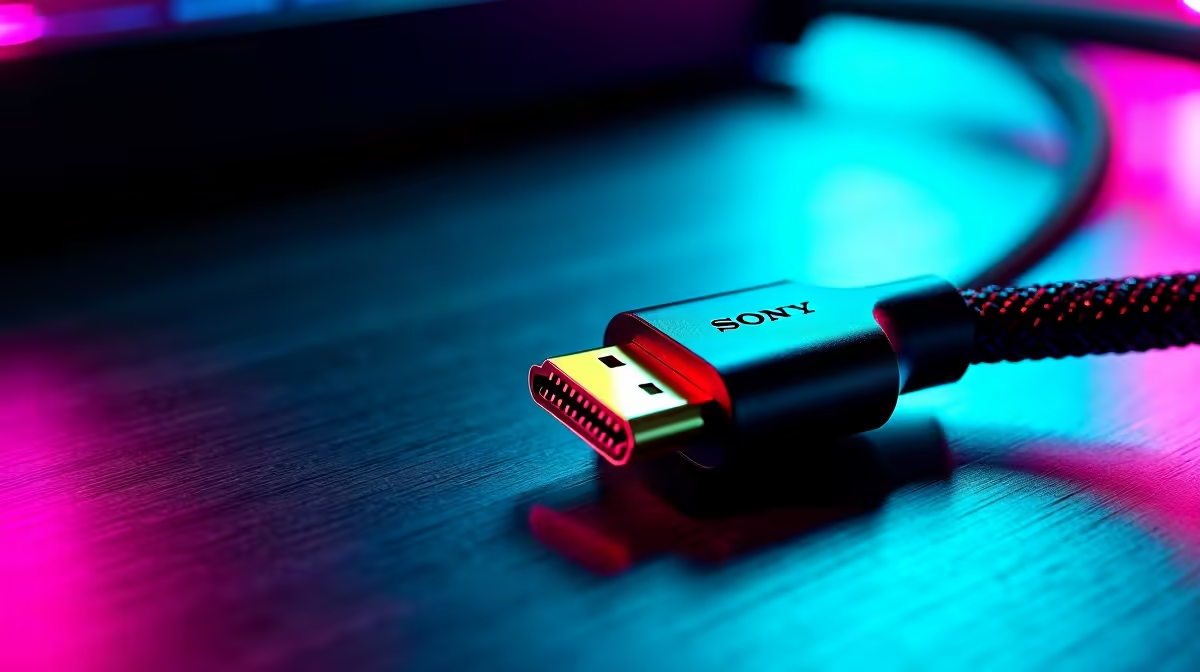
You’ve just dropped a serious amount of cash on a beast of a graphics card and a stunning 4K monitor. You boot up your favourite game, ready for mind-blowing visuals... but something’s off. The image flickers, colours look dull, or you see weird artifacts. Before you blame your GPU, look at the humble cable connecting it all. It’s often the forgotten component sabotaging your setup’s true potential.
The Unsung Hero of Picture Quality
Achieving true visual fidelity isn't just about pixels and processing power; it's about data transfer. Your cable is the digital highway between your PC and your screen. A cheap, poorly shielded cable can act like a traffic jam, causing signal loss that results in screen tearing, washed-out colours, and that annoying "no signal" flicker. Investing in one of the best cables for visual fidelity ensures every single frame your GPU renders arrives perfectly intact. 🚀
Choosing the Right Cable: HDMI vs. DisplayPort
The two main contenders in the PC space are HDMI and DisplayPort. But which one is right for you?
HDMI: The Console & TV King
HDMI 2.1 is brilliant for connecting to modern 4K TVs and consoles like the PS5 or Xbox Series X. It has the bandwidth for 4K at 120Hz and supports features like Variable Refresh Rate (VRR). For a living room setup or a multi-purpose monitor, it's a fantastic choice.
DisplayPort: The PC Gamer's Choice
For dedicated PC gaming, DisplayPort 1.4 (and newer versions) is usually the superior option. It often supports higher refresh rates at top resolutions and offers better compatibility with NVIDIA G-Sync and AMD FreeSync. If you want to push 240Hz or daisy-chain multiple monitors, DisplayPort is your best friend. For a rock-solid connection, check out reliable options from brands like HP to ensure your signal is clean.
Check The Certification! 🔧
Not all cables are created equal. For 4K@120Hz with HDR, you need an 'Ultra High Speed' certified HDMI cable. For DisplayPort, look for HBR3 certification to guarantee performance. The rating is usually printed right on the cable's packaging or head.
Beyond the Monitor: Total Connectivity
Your quest for the best cables for visual fidelity doesn't end with your display. A stable system needs quality connections everywhere. From the USB-C cable powering your portable monitor or docking station to the SATA cables for your SSDs, every link matters. Weak power delivery or slow data transfer can create bottlenecks that affect your entire experience. Upgrading to quality GIZZU cables for your internal components or peripherals can improve stability and speed. For versatile charging and data needs, a good set of Promate USB-C cables can make a world of difference. ✨
Stop Bottlenecking Your Rig Don't let a R100 cable compromise your R30,000 setup. Explore our comprehensive cable solutions and give your hardware the high-quality connection it deserves.











