

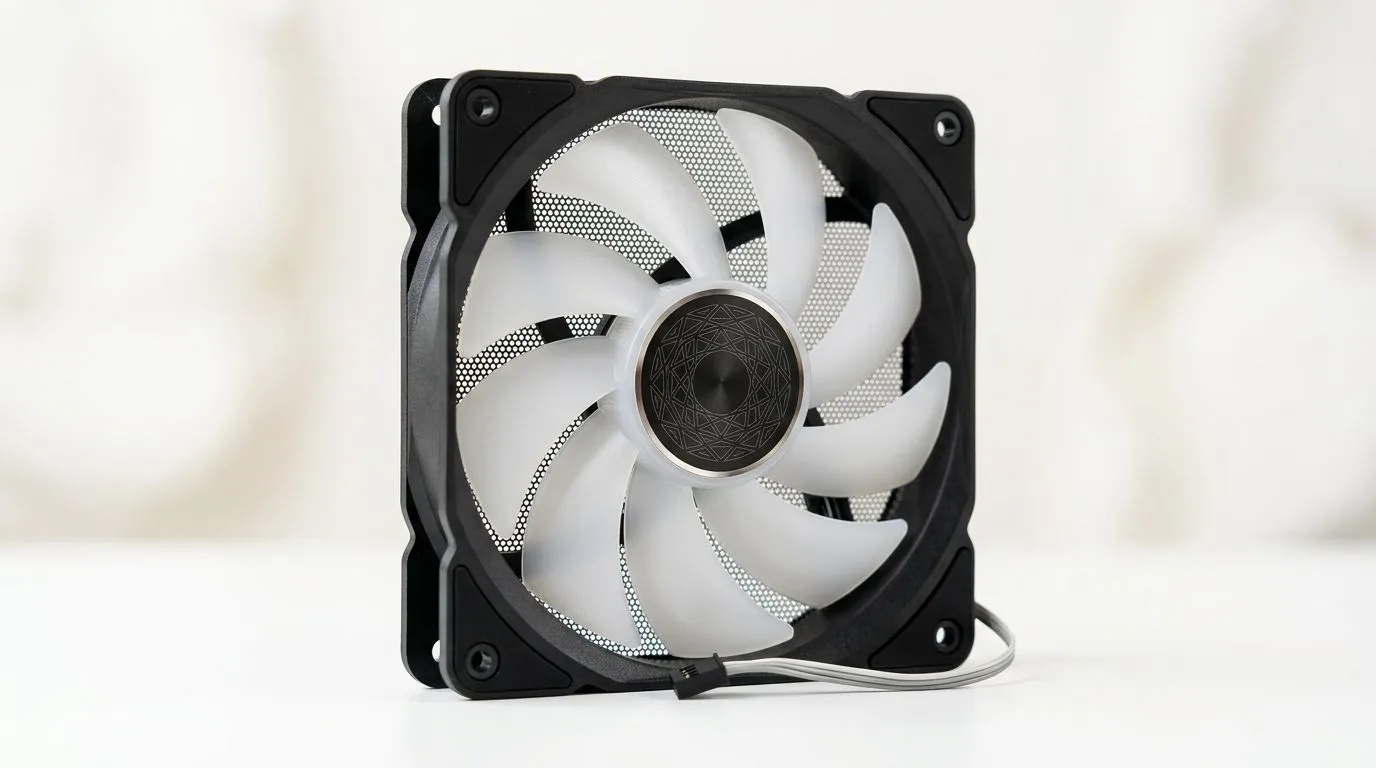
Best Case Fan Setup for Hot South African Summers: Start With Airflow, Not RGB ✨
If your PC rooms up like a braai stand in January, your temperatures will start telling the truth. Fan noise gets louder, frames drop, and throttling sneaks in… right when you want peak performance. The good news? A smart fan layout is one of the cheapest fixes you can do before spending on a new CPU cooler.
In this Deep Dives guide, you’ll learn the best case fan setup for hot South African summers, including how many fans to use, where to mount them, and how to set your fan curves for quieter gaming.
Best Case Fan Setup for Hot South African Summers: Choose a Direction (Intake vs Exhaust) 🔧
The core idea is simple: push cool air in, pull hot air out. Most gaming cases work best with slightly more intake than exhaust, but not by a huge margin. Why? If exhaust is too weak, hot air can recirculate inside the chassis. If intake is too weak, components heat soak.
A practical default layout for most mid-towers
- Front / bottom: Intake fans
- Top / rear: Exhaust fans
- Optional: Additional intake on the side (only if your case supports it and your GPU runs hot)
This pattern supports steady flow across the motherboard VRM area and helps the GPU breathe.
Airflow Pro Tip 🚀
Windows, check your CPU and GPU temperatures in real-time while you game. Then adjust fan curves based on actual hotspots. The goal is stable temps, not maximum fan speed. If you don’t already, Evetech can help you pick matching case fans here: [https: www.evetech.co.za PC-Components case-fans-97.aspx](https: www.evetech.co.za PC-Components case-fans-97.aspx)
Fan size and airflow: 120mm vs 140mm
Larger fans often move more air at lower RPM, which can mean less noise in warm rooms. A 140mm fan typically offers better efficiency than a 120mm fan when mounted properly, though your case design matters.
For 120mm options, browse: 120mm case fans on Evetech
For 140mm options, browse: 140mm case fans on Evetech
Best Case Fan Setup for Hot South African Summers: Picking Fans That Fit Your Case
When summers hit, you need fans that can actually sustain airflow under load. If you’re chasing performance, focus on reliable RPM ranges and static pressure for tighter heatsinks. If you’re chasing aesthetics, you’ll want consistent lighting effects without messy cabling.
Brands and lighting (only if it helps)
Start with your case first, then pick fans that match the mounting and the look you want:
If you want RGB, keep it tasteful and controlled so you’re not constantly adjusting software mid-raid:
If you prefer clean builds and lower software hassle:
And if you want to compare across sizes and styles before deciding:
Best Case Fan Setup for Hot South African Summers: Dial It In With Simple Fan Curves ⚡
Even perfect fan placement won’t help if your curves are too aggressive or too slow. Here’s a simple approach that works for many builds.
Quick curve starting point
- Idle / desktop: Low RPM to keep noise down
- Gaming: Gradually ramp as CPU/GPU temps rise
- Thermal spikes: Add a stronger ramp point, then let it stabilise
If your CPU and GPU temperatures swing wildly in hot weather, it’s usually because fans respond too late. Set a fan curve that ramps earlier, not later.
Don’t forget the cables
Loose cables in the airflow path can quietly sabotage your temps. In a warm room, that penalty gets worse.
Best Case Fan Setup for Hot South African Summers: A Mini Checklist Before You Buy
Before you order, confirm these:
- Your case supports the fan sizes you plan (120mm vs 140mm)
- You have a clear intake path and no blocked front filters
- Your GPU has enough clearance to breathe
- You can run a reasonable intake-to-exhaust balance
- You can control fans through your motherboard or a hub
Do this once, and you’ll avoid the “why is it still hot?” moment that most gamers only learn after a sweaty weekend.
Ready to Find Your Perfect Match? If your temps spike every summer, it’s time to build smarter airflow. For maximum choice and value in South Africa, start by picking the right case fans and sizes that fit your setup. Explore our massive range of laptop specials and find the perfect machine to conquer your world.











