

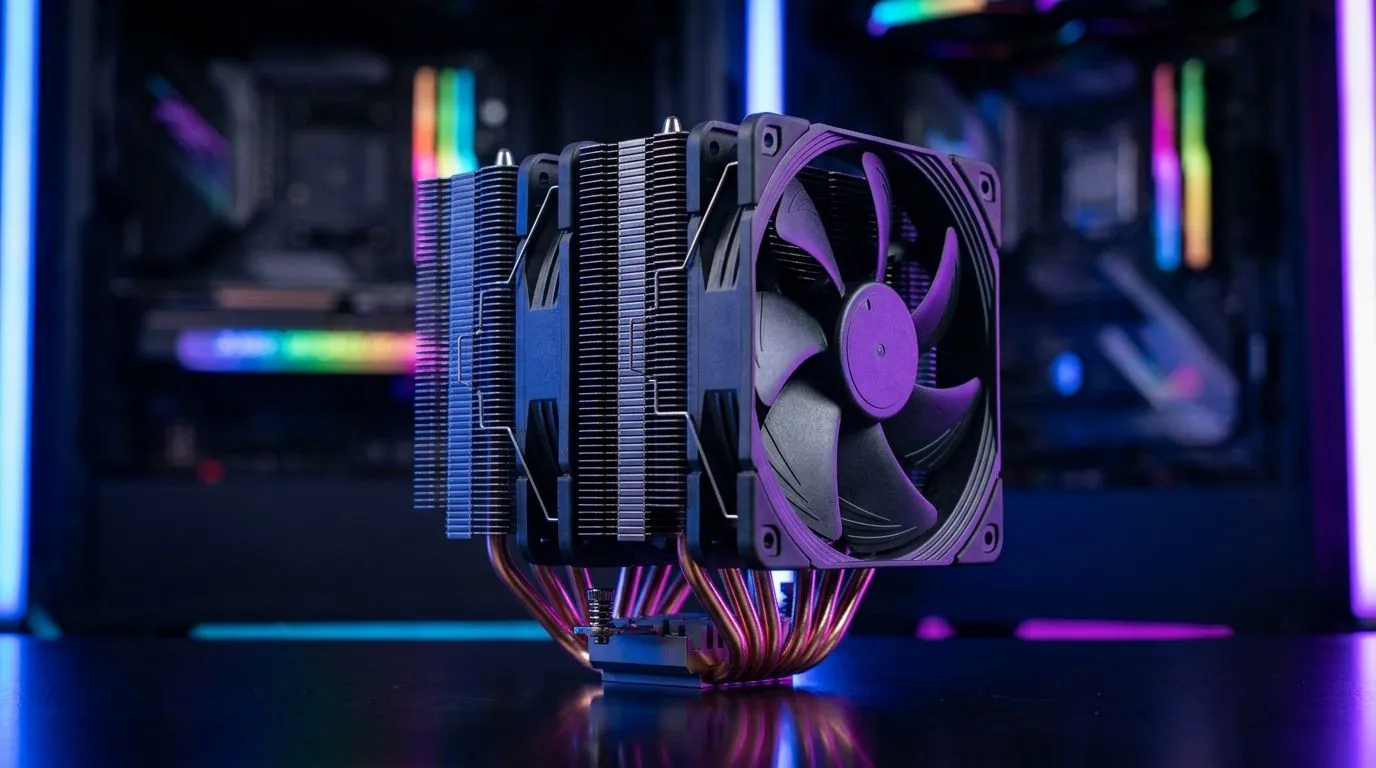
Finding the Best CPU Cooler for Intel Gen 12, 13 and AMD (South Africa) without the guesswork
If you’re building a gaming PC in South Africa, the CPU cooler can quietly make or break your experience. High frame rates are great… but hot temps throttle performance fast, especially during long sessions and summer power surges. 🔧
Whether you’re on an Intel 12th/13th Gen chip or an AMD Ryzen CPU, the “right” cooler depends on how you’ll use it: gaming, streaming, or rendering. Let’s get you to a cooler that’s quiet, efficient, and actually fits your case.
How to choose a cooler that matches Intel Gen 12/13 and AMD needs
For modern Intel and AMD CPUs, you’ll usually land in one of two camps: air cooling or AIO liquid cooling. Both work. The best choice is mostly about heat output, case airflow, noise tolerance, and budget.
Here’s a practical way to think about it:
- Air coolers are reliable and often easier to install. They also age well with normal dust cleaning.
- AIO coolers can handle higher sustained loads, but they require more planning for radiator placement and long-term maintenance (like checking mounting and keeping fans clean).
- Fan size and airflow matter. A larger fan at lower RPM typically sounds better than smaller fans at full speed. ⚡
Matching the cooler to real gaming scenarios
In SA, gaming PCs often run in warm rooms and compact desks. If you’re running a CPU + GPU that both pull heavy loads, sustained temperature control becomes more important than peak temperature.
A quick micro-story: a friend of mine chased “max GHz” with an undersized cooler… and then wondered why his FPS dipped after 30 to 45 minutes. The fix was not a new CPU. It was adequate cooling and better case airflow.
Productivity Pro Tip ⚡
On Windows, enable CPU usage monitoring with Task Manager (Details + Performance tabs) so you can spot thermal throttling patterns during long games or shader compilation. If temperatures climb while clocks drop, upgrade cooling or improve airflow before spending on other parts.
Best CPU cooler picks for air cooling (and who they suit)
If you want a straightforward, no-drama path, air coolers are a strong starting point for both Intel Gen 12/13 and AMD setups. Browse options here for a curated set of air models:
- Start with the full list of CPU coolers on Evetech: CPU coolers
If you already know you want air cooling, narrow it down:
- Here’s the Air Cooler selection: Air coolers
Fan size can be the difference between “fine” and “quiet”
For many builds, 120mm fan support is a sweet spot for balance and noise. If you’re building for comfort during late-night sessions, filter for it:
- Check Air coolers with 120mm fans: 120mm fan air coolers
Brand-specific shopping for consistent results
If you’re choosing by reliability and consistent specs, brand filters help:
- Deepcool options: Deepcool air coolers
- EINAREX options: EINAREX air coolers
Quick fit checklist (so you don’t waste money)
Before you buy, confirm:
- Case clearance for the cooler height.
- Motherboard socket compatibility (Intel 12th/13th Gen and AMD Ryzen support varies by bracket).
- Fan configuration with your case airflow direction (front intake, rear/top exhaust is a common baseline).
When to consider an upgrade: symptoms you can actually feel
You don’t need lab gear to know cooling is the issue. Watch for:
- Fans ramping loudly within minutes
- Clocks dropping during longer games
- Elevated temps during streaming or compiling shaders
If any of that sounds like your build, switching to a properly sized cooler is often the most direct upgrade you can make. ✨
Ready to Find Your Perfect Match? The Mac vs Windows debate is complex, but for maximum power, choice, and value in South Africa, Windows is hard to beat. Explore our massive range of laptop specials and find the perfect machine to conquer your world.











