

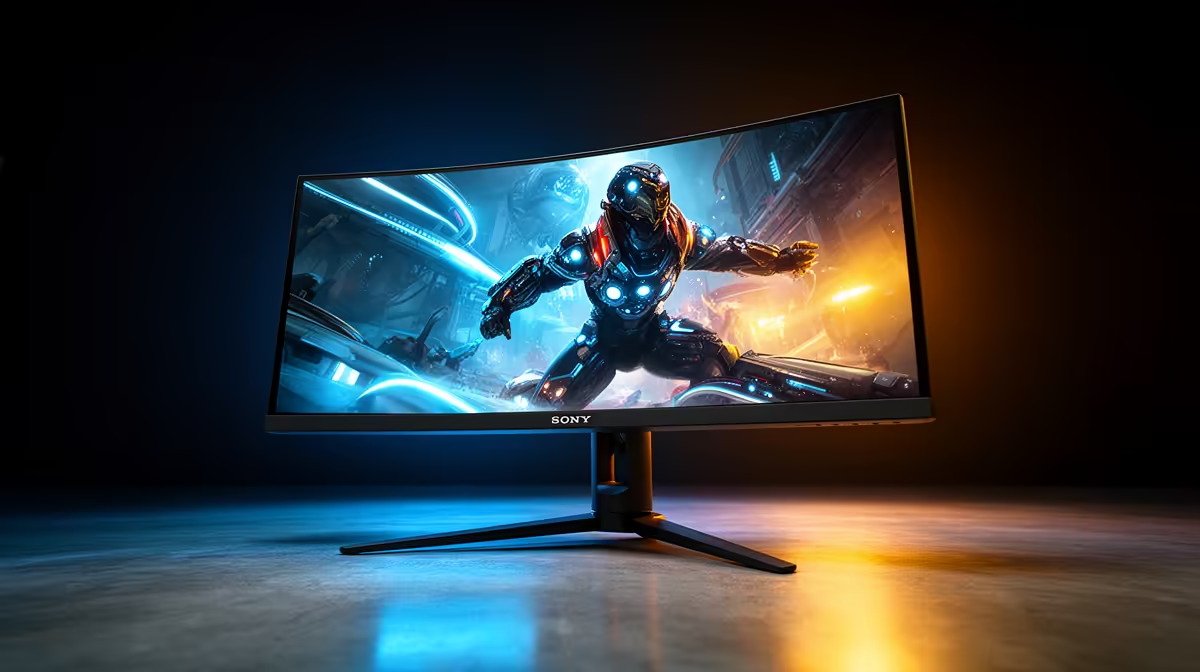
So, you’ve just unboxed a shiny new 144Hz (or faster!) monitor, ready for that buttery-smooth gameplay everyone in your Discord raves about. But you plug it in, and… it feels the same? 🤔 That's because your monitor is only half the story. To truly unlock that high-refresh magic, you need the right hardware powering it. Let's dive into the best devices for high-refresh monitors to ensure you get every single frame you paid for in South Africa.
Your GPU: The Engine Behind Every Frame
First things first: the graphics card (GPU). This is the single most important component for high-refresh gaming. Your monitor can display 144 frames per second (FPS), but your GPU has to create those frames first. If your GPU can only manage 70 FPS in Apex Legends, your 144Hz screen will only show 70 FPS. It can't invent frames out of thin air.
For a silky-smooth experience, you need a GPU that consistently pushes frame rates at or above your monitor's refresh rate.
- 1080p @ 144Hz: An NVIDIA GeForce RTX 4060 or AMD Radeon RX 7600 is a fantastic starting point.
- 1440p @ 144Hz+: You'll want to step up to an RTX 4070 SUPER or RX 7800 XT for consistent performance.
- 4K @ 120Hz+: This is the big league, requiring top-tier cards like the RTX 4080 SUPER or RTX 4090.
Ultimately, the GPU is the most critical device for a high-refresh monitor, forming the foundation of your entire setup.
Don't Overlook Your Cables and Ports ⚡
You could have the best PC in Jozi, but it means nothing if you're using the wrong cable. This is a surprisingly common mistake that throttles performance before it even reaches the screen.
DisplayPort is King
For PC gaming, DisplayPort (DP) is almost always the answer. DisplayPort 1.4 is the current standard, offering enough bandwidth for high resolutions and refresh rates like 1440p at 240Hz or even 4K at 144Hz. A cheap, uncertified cable can cause flickering or prevent you from selecting your monitor's highest refresh rate. Investing in quality DisplayPort cables from GIZZU ensures a stable, high-fidelity connection.
Check Your Windows Settings! 🔧
Right-click your desktop > Display settings > Advanced display settings. Under "Choose a refresh rate," make sure you've selected the highest option available (e.g., 143.97Hz for a 144Hz monitor). It often defaults to 60Hz!
When HDMI Makes Sense
HDMI isn't a bad option, but you need to be specific. HDMI 2.1 is the modern standard required for high-refresh gaming, especially for consoles like the PS5 and Xbox Series X, or for certain high-end TVs. Older HDMI versions simply don't have the bandwidth. If you're connecting multiple devices, ensuring you have the right peripheral connections from HP can make all the difference in maintaining a clean and powerful setup.
Is Your CPU Creating a Bottleneck?
While the GPU renders the frames, the Central Processing Unit (CPU) prepares them. It handles game logic, physics, and AI, telling the GPU what to render. If your CPU is too slow, it can't feed the GPU information fast enough, creating a "bottleneck" that limits your FPS, no matter how powerful your graphics card is.
This is especially true at 1080p, where frame rates are higher and the CPU works harder. A modern processor like an AMD Ryzen 7 or Intel Core i7 is one of the best devices for a high-refresh monitor setup, ensuring your GPU can always perform at its peak. It's all about balance. 🚀
A well-balanced rig also needs a tidy and efficient workspace. Using smart accessories for cable management from Promate can help keep your battle station organised and airflow unobstructed, contributing to overall system stability.
Ready to Perfect Your Connection? A high-refresh monitor is an amazing upgrade, but it needs the right support system to truly shine. Make sure every connection is perfect to unleash your rig's full potential. Shop essential cables and adapters now at Evetech for performance that leaves lag in the dust.











