

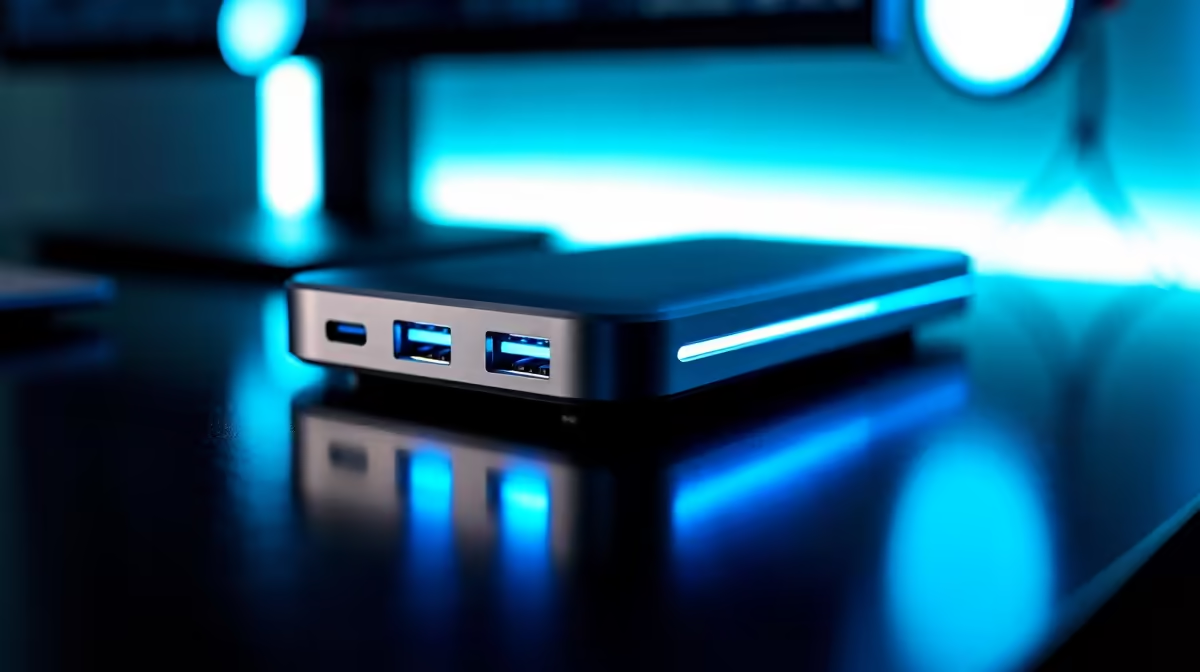
Working from home in South Africa has its perks, but that desk... ja, nee. It’s a mess of cables, isn't it? One for the monitor, one for the charger, another for the keyboard. Before you know it, your clean workspace looks like a pot of spaghetti. What if you could connect everything—your monitor, mouse, keyboard, and even charge your laptop—with a single, clean cable? That's the magic of a great home office docking station. ✨
Why Your Home Office Needs a Docking Station
Let's be clear: this isn't just a simple USB hub. While hubs give you more USB ports, the best docking stations for home offices are complete command centres. They act as a central bridge between your laptop and all your peripherals. Think of it as the ultimate one-plug solution.
You plug your monitor(s), keyboard, mouse, external hard drive, and ethernet cable into the dock. Then, you connect just one USB-C cable to your laptop. That’s it. Everything works, and your laptop gets power. It’s perfect for those who need to quickly grab their laptop and go... or for anyone who just hates cable clutter.
Finding the Best Docking Station for Your Setup
Choosing the right unit is key. It's not a one-size-fits-all situation. The best choice depends on your specific needs, from the number of monitors you run to the type of laptop you own.
Key Features to Look For
When you're browsing the wide range of docking stations, here’s what to prioritise:
- Video Outputs (HDMI/DisplayPort): Planning to run two monitors? Make sure your dock has two video ports. For high-refresh-rate gaming or 4K editing, check that the ports support the required resolution and refresh rate.
- USB Ports (Type-A & Type-C): Count how many devices you need to connect. Don't forget your keyboard, mouse, webcam, and external storage.
- Power Delivery (PD): This is massive. A dock with PD can charge your laptop through the same USB-C cable it uses for data. Check the wattage (e.g., 65W, 90W) to ensure it's enough for your machine.
- Ethernet Port: WiFi is great, but for stable downloads, competitive gaming, or uninterrupted Zoom calls when the fibre is flaky, nothing beats a wired connection. 🔌
Check Your Port!
Not all USB-C ports are created equal. Before buying, confirm your laptop's USB-C port supports "DisplayPort Alt Mode" and "Power Delivery". This info is usually on the manufacturer's website. Without it, you won't be able to send video or charge your laptop through the dock.
What's Your Budget?
You don't need to break the bank to get organised. There are fantastic, solid options under R1000 that handle the basics beautifully for a single-monitor setup.
If you're a power user with multiple 4K screens or need more wattage for a beastly laptop, looking at some of the more powerful models under R2000 is a wise investment. Brands like Promate are known for delivering reliable performance that won't let you down mid-deadline. You can explore some excellent options from quality brands like Promate that balance features and price perfectly.
The One-Cable Dream Is Real 🚀
Imagine this: you get home, ready for a gaming session or to finish some work. Instead of fumbling with four different cables, you click one USB-C cable into your laptop. Instantly, your dual monitors light up, your mechanical keyboard glows, and you're connected to fast, stable internet.
That's the streamlined reality a good docking station for home use provides. It transforms your desk from a chaotic nest into a clean, professional, and highly efficient space. More focus, less fuss.
Ready to Tidy Up and Power Up? Stop wrestling with cables and unlock a more productive workspace. Explore Evetech's full range of docking stations and find the perfect hub for your home office today.











