

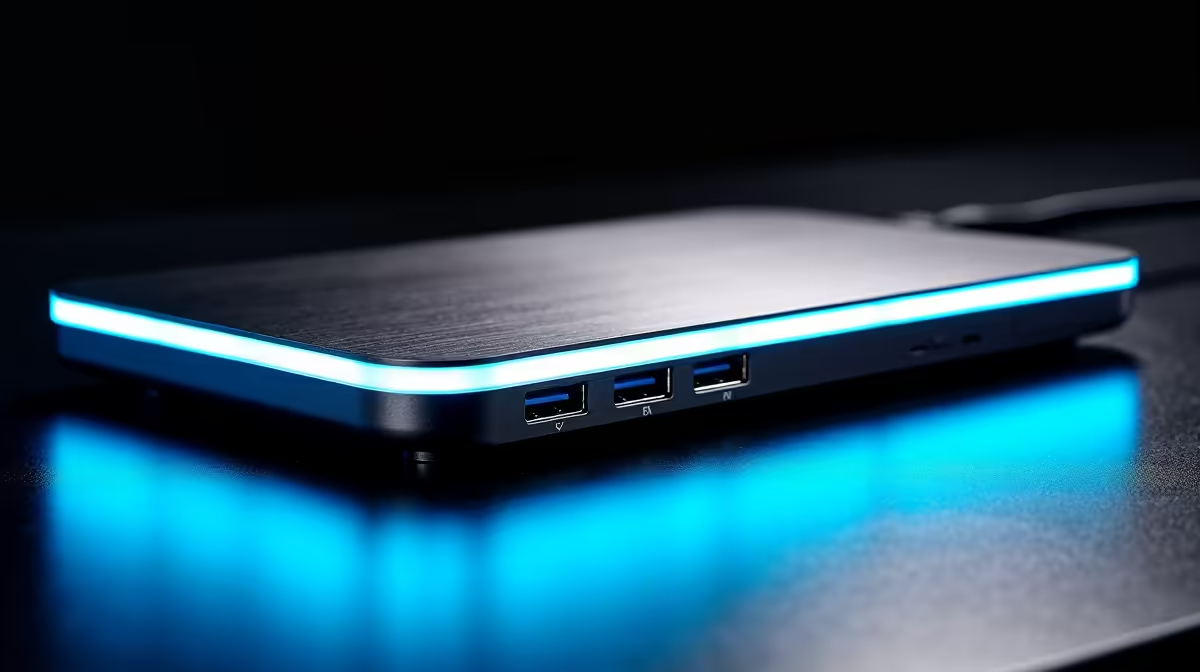
Tired of that tangled mess of cables strangling your desk every time you switch from your work laptop to your gaming rig? Ja, we've all been there. The constant plugging and unplugging... it's a real vibe killer. What if you could connect your monitors, keyboard, mouse, and even charge your laptop with a single, sleek cable? Achieving true multitasking mastery is easier than you think, and it starts with finding the best docking station for your setup.
Why a Docking Station is Your Desk's Best Friend
Let's be honest, nobody enjoys cable management. A docking station, sometimes called a laptop dock, is the ultimate solution to declutter your space and streamline your workflow. Instead of plugging five or six different cables into your laptop, you plug just one… the one connected to the dock. ⚡
This single connection instantly links you to everything:
- Multiple Monitors: Extend your display across two or even three screens for an immersive gaming experience or a massive productivity boost.
- Your Favourite Peripherals: Your mechanical keyboard, high-DPI mouse, and headset are always ready to go.
- Wired Internet: Get a stable, faster connection via the built-in Ethernet port… crucial for those clutch online moments.
- Power Delivery: Many docks charge your laptop, meaning you can leave its bulky power brick in your bag.
Even if you're on a tight budget, you can find an affordable docking station that transforms your workspace from chaotic to clean.
Choosing the Best Docking Station for Your Needs 🔧
Not all docks are created equal. Finding the best docking station for multitasking depends entirely on your gear and what you want to achieve. Before you buy, ask yourself a few key questions.
What Ports Do You Actually Need?
Take a quick inventory of your devices. Do you need multiple HDMI or DisplayPort outputs for your monitors? How many USB-A ports for your peripherals? What about a USB-C port for faster data transfer or an SD card reader for your camera? Knowing this helps you narrow down the options. Reputable accessory manufacturers, including brands like Promate, offer a variety of port configurations to suit any setup.
Check Your Laptop's Port!
Not all USB-C ports are the same. For video output, your laptop's USB-C port must support "DisplayPort Alternate Mode" (DP Alt Mode) or be a Thunderbolt 3 4 port. Check your laptop's specs online before buying a dock to ensure compatibility!
How Much Power is Enough?
If you want the dock to charge your laptop, check its "Power Delivery" (PD) wattage. Compare this to the wattage of the charger that came with your laptop. A 65W PD dock is great for most ultrabooks, but a powerful gaming laptop might need 100W or more to charge effectively while under load.
From Cable Chaos to Command Centre 🚀
Imagine this: you get home from a long day. You unclip your work laptop and set down your gaming machine. You plug in one single USB-C cable. Instantly, your dual 144Hz monitors light up, your RGB keyboard glows, and you're ready to drop into your favourite game. No fumbling with power cords or HDMI cables. That’s the power of a proper setup.
This isn't just for gamers. Content creators can offload footage from SD cards while connecting to external drives and high-resolution displays. For remote workers, it means creating a home office that’s more efficient and organised than the one at corporate HQ. For a setup that can handle more demanding peripherals and displays, you can find some seriously powerful options under R2000 that will serve you for years to come.
Ready for a Clutter-Free Command Centre? Stop wrestling with cables and unlock seamless productivity and play. Explore our full range of docking stations at Evetech and find the perfect hub for your setup.











