

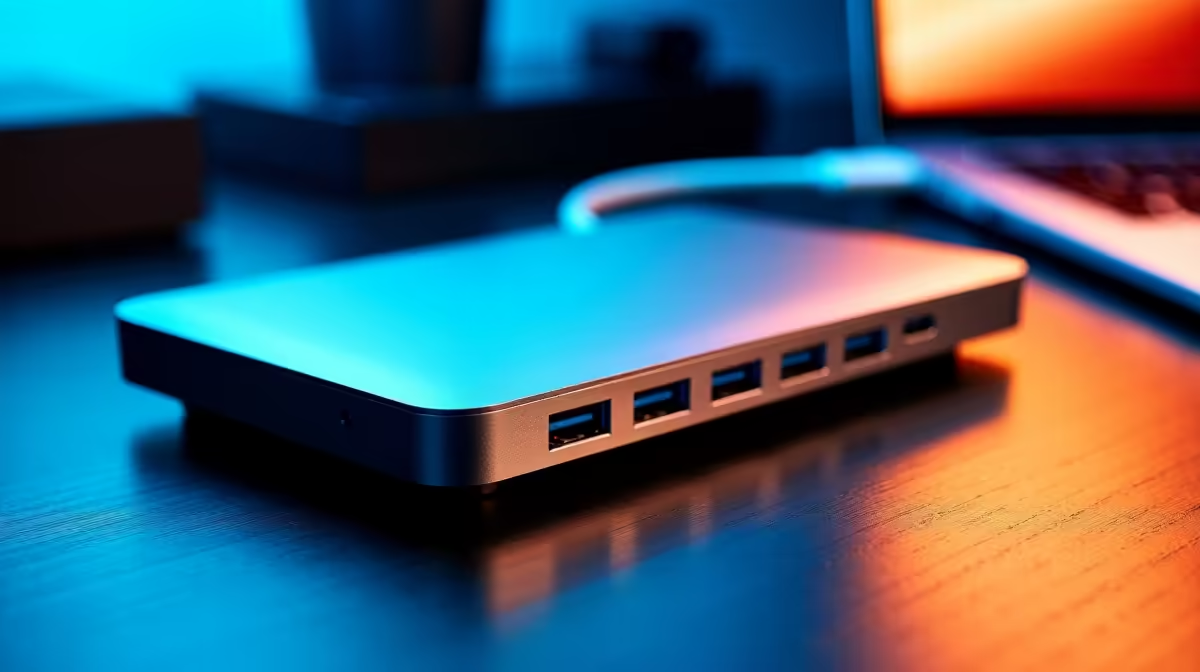
Tired of that tangled mess of cables every time you sit down at your desk? For South African professionals, content creators, and gamers, a clunky setup isn't just an eyesore… it's a productivity killer. Unplugging five different cables just to grab your laptop is a workflow bottleneck. What if you could connect everything—your monitor, keyboard, mouse, and power—with a single, satisfying click? That’s the power of the right docking station.
Why a High-Speed Dock Is Your Workflow's Best Friend
Let's be honest, the modern laptop is a marvel of portable power. But its biggest strength is also its weakness: a limited number of ports. This is where the best docks for high-speed workflows come into play. They aren't just glorified USB hubs; they are the central command for your entire desk setup. ⚡
A high-quality dock transforms your workspace. Instead of a frantic scramble to plug everything in, you get a seamless, one-cable solution. This means less wear and tear on your laptop's ports and more time spent on what matters… whether that's editing a 4K video, climbing the leaderboards, or just smashing through your to-do list. A streamlined setup creates a streamlined mindset. To see what’s possible, you can explore our full range of docking stations and find the perfect hub for your needs.
Choosing the Right Docking Station for Your Setup
Not all docks are created equal. Finding the best docking station for your specific needs depends on three key factors: ports, power, and display output.
The Ports You Actually Need
Take a quick inventory of your peripherals. Do you need multiple USB-A ports for your legacy keyboard and mouse? How about an SD card reader for photography? A dedicated Ethernet port for stable, high-speed internet is a must-have for online gaming and large file transfers. Brands like Promate are known for their versatile port selection, offering some of the most reliable docks for fast workflows on the market.
Check Your Connection 🔧
Not all USB-C ports are the same! Make sure your laptop's USB-C port supports "DisplayPort Alternate Mode" (DP Alt Mode) to output video. Check your laptop's specs online before you buy a dock to ensure full compatibility.
Power Delivery (PD)
One of the biggest advantages of a modern dock is Power Delivery. This allows a single USB-C or Thunderbolt cable to not only transfer data but also charge your laptop. Look for a dock with a PD rating that matches or exceeds your laptop's charger wattage (e.g., 65W, 90W) to keep your battery topped up while you work.
Finding the Best Docks on a South African Budget
A top-tier setup doesn't have to break the bank. You can find a fantastic high-speed dock that fits your budget without compromising on the essential features that accelerate your workflow.
For everyday productivity, hybrid work, and general use, there are plenty of powerful and affordable solutions. You can easily find a hub with HDMI, multiple USB ports, and Power Delivery. There are excellent options under R1000 that will instantly declutter your desk. ✨
If your workflow involves more demanding tasks like dual-monitor setups, high-resolution displays, or faster data transfer speeds, investing a bit more pays off. These models often provide more ports, higher refresh rates, and more robust power delivery, making them ideal for creators and power users. You’ll find some of the best docks for high-speed workflows in this category, with many powerful docks under R2000.
Ready to Streamline Your Setup? Stop wrestling with cables and unlock your true productivity potential. Shop our complete range of docking stations at Evetech for performance that leaves lag in the dust.











