

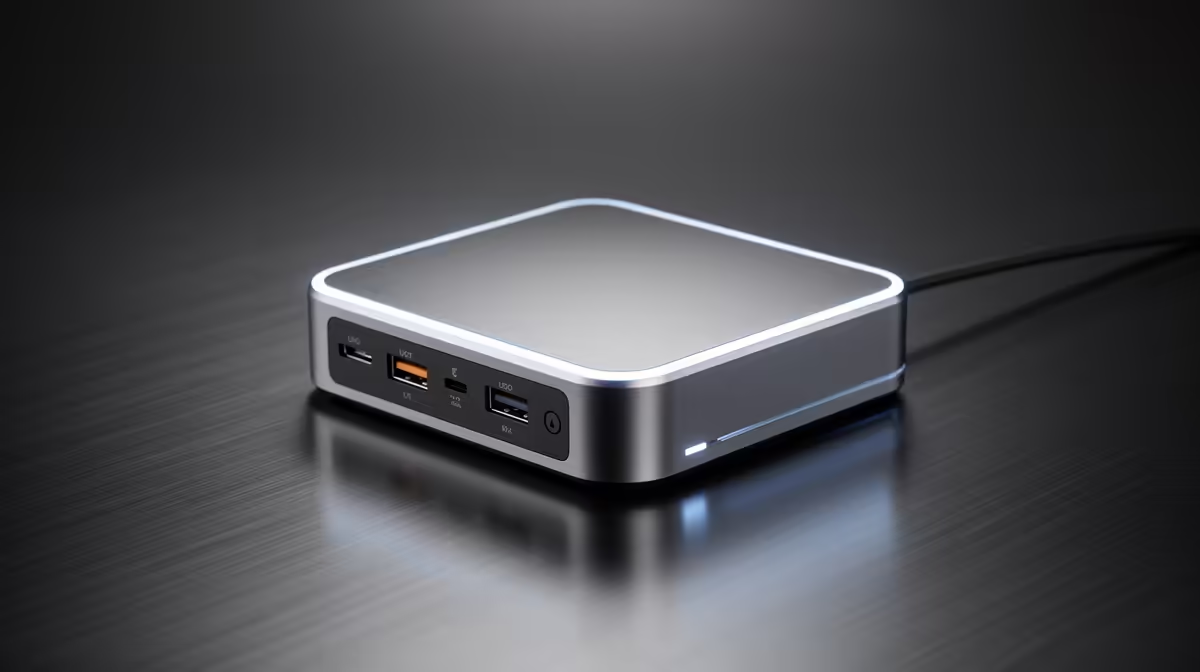
Struggling with load shedding and a shocking electricity bill? We get it. Keeping your gaming rig, headset, and phone juiced up without your meter spinning like a slot machine feels like a boss battle. But what if the secret wasn't just when you charge, but how? Choosing one of the best energy-saving power extenders is a simple, effective way to take control, ensuring your gear is ready for action without wasting a single watt. ⚡
Why Your Old Multi-Plug is Wasting Your Money
That dusty old multi-plug under your desk might seem harmless, but it's likely a silent culprit in your high electricity costs. Many basic power strips continuously draw a small amount of power—often called "vampire power"—even when the connected devices are off. It adds up. Modern, energy-saving power extenders are designed to combat this, often including individual switches for each socket.
Furthermore, a stable connection is key to efficiency. When your Wi-Fi signal is weak, your devices work harder and use more battery trying to stay connected. Pairing your efficient charging setup with top-tier wireless range extenders ensures your whole ecosystem runs smoothly, saving power from the wall socket all the way to your device's battery.
Key Features in an Energy-Efficient Power Extender
When you're hunting for a power solution that saves you Randelas, you need to look beyond the number of sockets. The best energy-saving power extenders offer smart features that actively reduce consumption and protect your valuable tech.
What to Look For:
- Individual Switches: The simplest feature is often the most effective. Being able to kill power to specific devices—like your monitor or printer when not in use—is the easiest way to stop vampire drain.
- Smart USB Ports: Look for extenders with built-in USB ports that have integrated smart-charging technology. These ports detect the connected device and deliver the optimal amount of power, preventing overcharging and wasted energy.
- Surge Protection: While not strictly an energy-saving feature, it's non-negotiable. Surge protection shields your expensive PC, console, and peripherals from power spikes, which are all too common during load shedding restoration. A single spike can destroy thousands of Rands worth of equipment.
Of course, the foundation of a stable, low-latency gaming experience starts at the source. An outdated router can be an energy hog and a performance bottleneck. Upgrading to one of the latest high-speed wireless routers can improve both your network's reach and its power efficiency. ✨
Pro Tip: Standby vs. Off
Switching a device off at the plug saves more energy than leaving it on standby. A typical gaming console on standby can still draw 5-10 watts. Over a year, that's a few hundred Rands you could be spending on new games instead!
Building a Holistically Efficient Gaming Setup
True efficiency is about the entire system, not just one component. You’ve optimised your power delivery, but what about data? A lagging network forces your PC or console to work harder, which means more power draw and more heat. 🚀
If you're running an older desktop without built-in Wi-Fi or have a laptop with a dated network card, you're leaving performance on the table. A modern USB wireless adapter is a small, affordable upgrade that can drastically improve connection stability and speed, ensuring your rig isn't wasting energy trying to catch a weak signal. By optimising both your power and your network, you create a truly efficient setup that's ready for anything.
Optimise Your Entire Network Don't let a weak signal or inefficient hardware hold you back. Explore our full range of wireless networking gear to build a faster, smarter, and more energy-conscious gaming environment. Shop now at Evetech for performance that leaves lag in the dust.











