

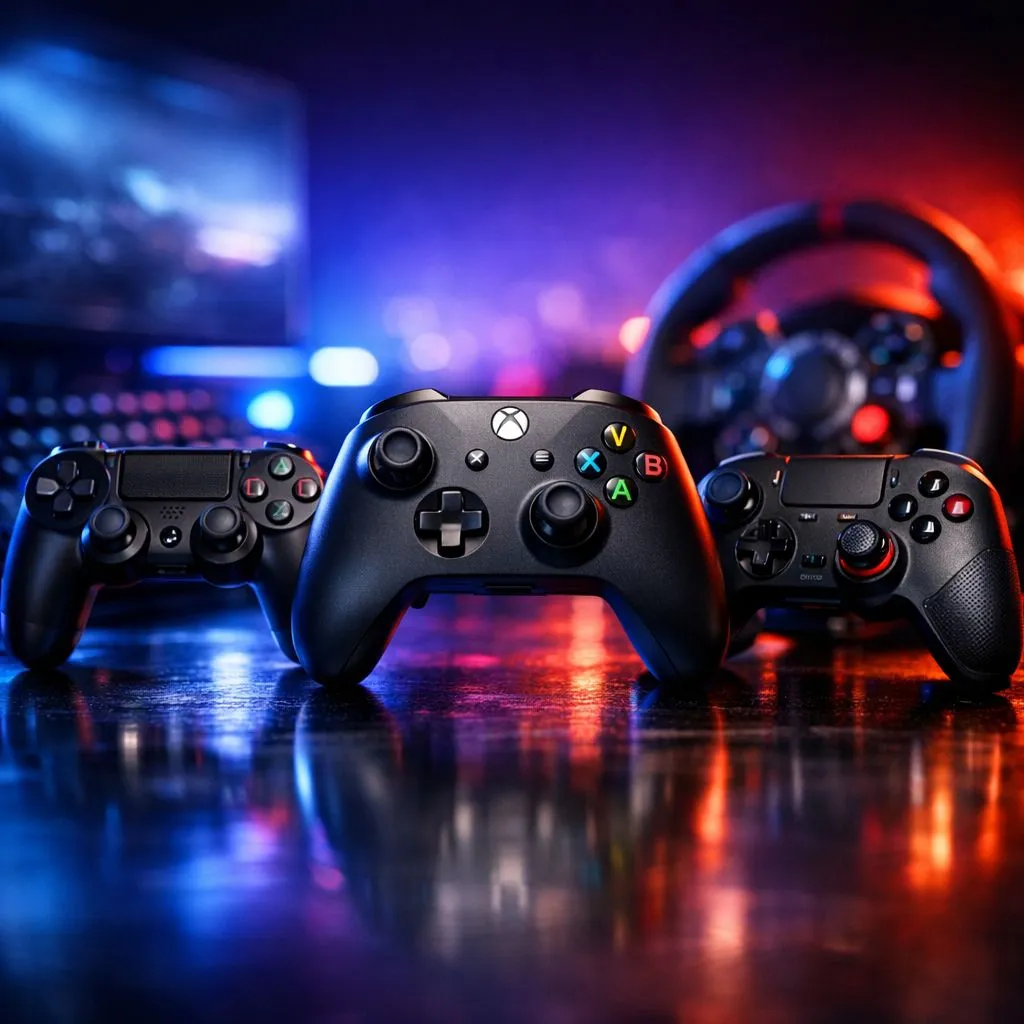
Best FPS Controller Guide for South African Gamers: Start Here (and Stop Guessing)
If you’ve ever aimed a little too wide, had your recoil control drift, or felt your muscle memory betray you mid-round… you’re not alone. 🎯 In South Africa, we want gear that works, ships reliably, and fits how we actually play on weekends and after work. This guide walks you through what to look for in an FPS controller, how to set it up for fast improvement, and which options are worth your money in ZAR.
Best FPS Controller Guide for South African Gamers: What “Good” Really Means
FPS controllers aren’t just about thumbsticks. They’re about repeatable input and comfort across long sessions.
The key features that matter most 🔧
- Stick feel (tension and response): You want predictable micro-movements for tracking.
- Back buttons or paddles: These let you keep your thumbs on aim and movement.
- Trigger control: Hair-trigger stops and clean actuation help with precision.
- Grip and weight: If your hands fatigue, your aim will suffer.
- Wired vs wireless stability: Wireless can be great, but wired is often the “set and forget” choice for competitive play.
A quick South African reality check
In local households, your setup might be shared with TV time, shifting Wi‑Fi, or load-shedding schedules. Choose controllers that support reliable connectivity and bindings, so you don’t waste ranked time reconfiguring.
="Aim-Improvement Pro Tip ✨" , "In the first week, practise with a “single rule”: change only one thing per session (e.g. sensitivity or button mapping). Your brain learns faster when your input stays consistent. After 3–5 sessions, adjust again.
Best FPS Controller Guide for South African Gamers: Setup That Feels Natural
The best controller in the world won’t help if your settings fight your hands. Here’s a practical routine.
Tune sensitivity in small steps ⚡
- Start with controller sensitivity that feels slightly “slow” for close-range fights.
- Adjust horizontal and vertical separately if your game allows it.
- Run 10 minutes of tracking drills, then 10 minutes of recoil control.
- Stop when your corrections start to overshoot. That’s usually the “too fast” point.
Map buttons to protect your thumbs
For most FPS games, your thumbs should stay on:
- aim (right stick)
- move (left stick or movement keys)
Use back buttons for actions like reload, jump, crouch, or weapon switch. This reduces the need to stretch during frantic fights.
If you’re building a controller setup for your specific play style, browsing options and brand compatibility is where people often save time. Start with Evetech’s controller buying guides:
- Explore gaming controllers here: buy gaming controllers on Evetech
Best FPS Controller Guide for South African Gamers: What to Buy (and Why)
You’ll see endless marketing, but the right choice comes down to comfort and feature fit.
If you want a tournament-style option
A strong pick to consider is the Razer Wolverine V3 Tournament Edition, especially if you value back-button placement and a “ready to compete” layout:
- Check the deal here: Razer Wolverine V3 Tournament Edition 8K best deal
Narrow by brand to avoid decision fatigue
If you already know you’re leaning toward a specific brand, filter your search to speed things up:
- Browse Razer-focused options: gaming controllers by Raze at Evetech
Best FPS Controller Guide for South African Gamers: Testing Before You Commit
Before you fully “main” a controller, do these tests:
- Aim consistency test: 2 matches where you only adjust movement, not aim.
- Back-button reliability: 20 reloads or crouches without looking at the controller.
- Fatigue check: 60 minutes total. If your grip tightens, you’ll underperform later.
Your goal is simple… fewer mistakes. More time spent learning game sense.
Ready to Find Your Perfect Match? Ready to stop tweaking and start winning? Compare controller options and deals built for South African gamers. Shop Evetech for gaming controllers and get the right feel, features, and value for your FPS setup.











