

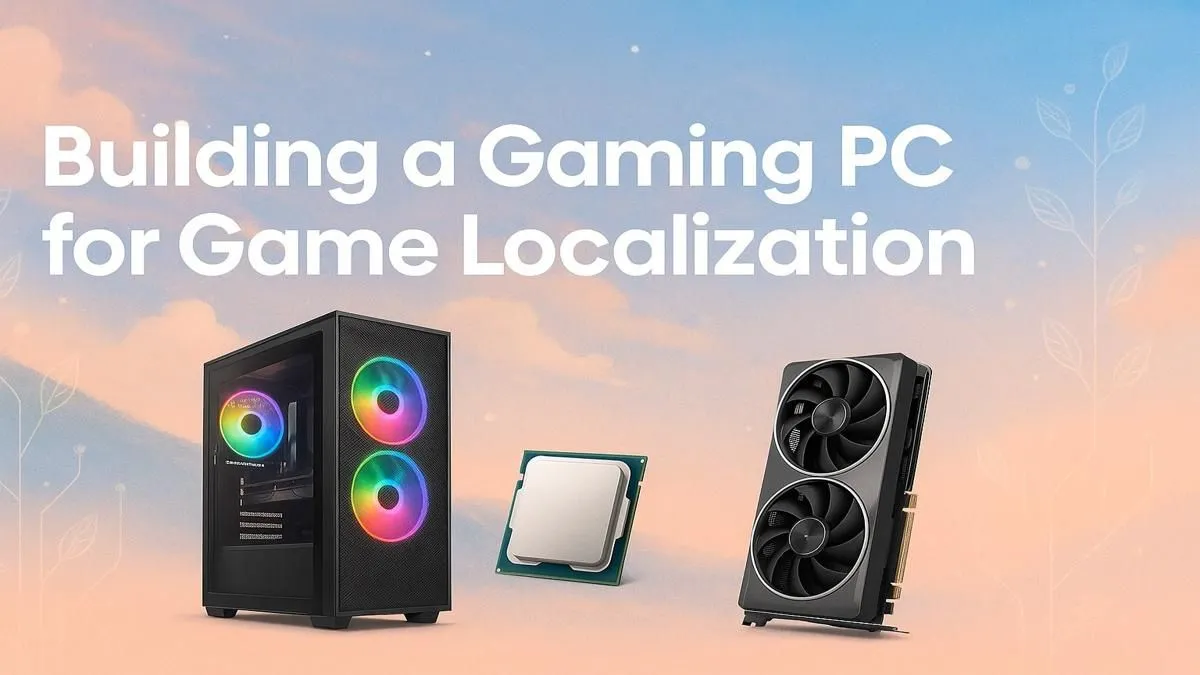
Ever wondered what kind of machine brings your favourite games to life with local flavour? It’s not just any rig. Game localization—the complex art of adapting game text, audio, and assets—is a demanding craft that pushes hardware in unique ways. Finding the best gaming PC for game localization in South Africa means balancing raw gaming power with rock-solid workstation stability. Let’s dive into the specs you really need to build worlds, not just play in them. 🚀
Why Your Standard Rig Might Stumble
A typical gaming PC is optimised for one thing: running a game at the highest possible framerate. But a localization workflow is a multitasking marathon. You'll be juggling a CAT (Computer-Assisted Translation) tool, multiple text editors, audio software like Audacity or Reaper, a web browser with dozens of research tabs, and the game itself… often in a debug mode.
This constant switching between heavy applications demands more than just a beefy GPU. It puts immense strain on your CPU and RAM, which is where many standard gaming builds can start to feel sluggish. The ideal PC for game localization needs endurance as much as it needs speed.
Core Components for a Flawless Localization Workflow
Building the perfect machine means focusing on a balanced configuration. It’s not about having the single best component, but about how they all work together under pressure.
### CPU: The Brains of the Operation 🧠
For localization, core count and clock speed are both crucial. Compiling game builds, encoding audio files, and running virtual machines to test different language packs are all CPU-intensive tasks. You need a processor that won’t buckle under the load. Whether you favour the multitasking prowess found in our AMD Ryzen PC deals or the raw single-core speed of the latest Intel PC deals, aiming for at least 6-8 cores is a wise move for a smooth workflow.
### GPU: More Than Just FPS
While you don't need a top-of-the-line card to hit 240 FPS, your graphics card is still vital. You need to run the game flawlessly to check your translations in context. A good GPU also provides the VRAM necessary for handling uncompressed game assets and powering multiple high-resolution monitors—a non-negotiable for productivity. Check out our range of NVIDIA GeForce gaming PCs for excellent driver support in creative apps, or explore the powerful and cost-effective options in our AMD Radeon gaming PCs lineup.
### RAM & Storage: The Unsung Heroes
Here’s where many rigs fall short. 16GB of RAM is the absolute minimum, but 32GB is the sweet spot for professional game localization. With multiple large applications open, you’ll consume RAM faster than you think. This is where jumping to the latest standard makes sense; our DDR5 gaming PCs offer the bandwidth needed to keep everything running without a hitch. Combine that with a speedy NVMe SSD for your OS and primary applications, and you’ll slash loading times for game builds and large project files.
Finding the Best PC for Game Localization on a Budget
Starting out as a freelancer or a small studio? You don't need to spend a fortune to get a capable localization rig. Smart choices are key. You can find some excellent budget gaming PCs that, with a small RAM upgrade, become localization workhorses.
The trick is to prioritise components differently. Focus on a solid CPU and 32GB of RAM over the most expensive GPU. Many powerful PCs under R20k can be configured for this exact purpose, giving you a professional-grade setup without breaking the bank. ✨
Smart Software Tweaks 🔧
Before upgrading hardware, optimise your workflow! Use a lightweight code editor like VS Code, close unnecessary browser tabs (they eat RAM!), and ensure your game engine's asset preview settings are on a lower quality during translation work. Every bit of performance counts.
Powerhouse Rigs for Professional Studios
When deadlines are tight and projects are massive, you need a machine that simply will not quit. This is the territory of our top-tier PCs above R20k, where no compromises are made on performance. For ultimate reliability and certified compatibility with professional software, our dedicated workstation PCs are specifically engineered for these demanding, always-on workloads. For studios needing multiple machines that are tested and ready to go out of the box, exploring our pre-built PC deals is an efficient way to get your team equipped for success.
Find Your Perfect Localization PC Today Ready to build a rig that can handle any translation project you throw at it? Explore our massive range of customisable PCs and find the perfect balance of power and productivity. Shop our best gaming PC deals at Evetech for performance that gets the job done.











