

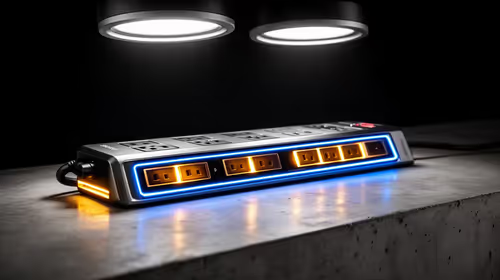
Top Surge-Protected Chargers That Justify Every Rand
Discover surge-protected chargers that users swear by for safety and value 💡 🔌. Backed by real reviews and performance insights 🔋
Read moreBest laptop for online learning helps students and parents pick a reliable, budget-friendly device with great battery, webcam, and performance — model tips included 🎒💻
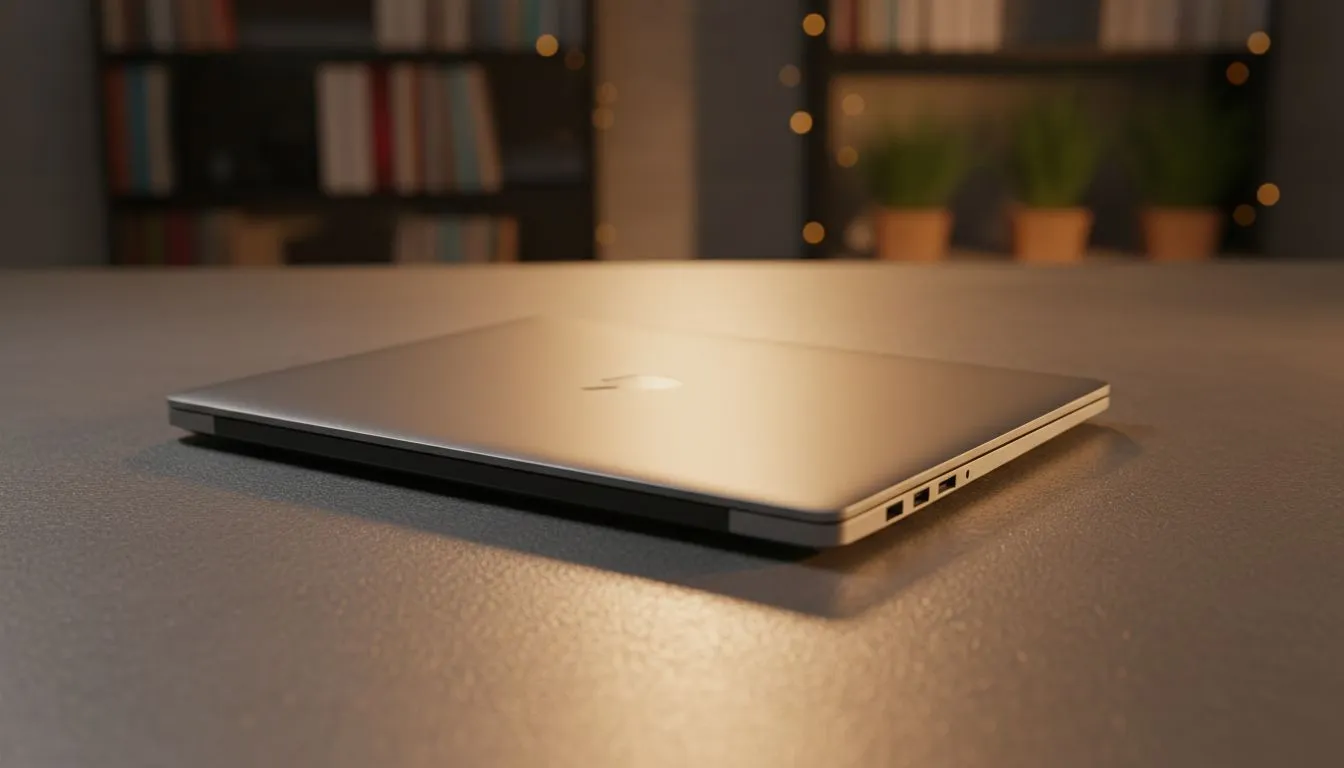
Online classes, endless research tabs, and group projects on Teams... all while keeping one eye on the loadshedding schedule. Choosing the best laptop for online learning in South Africa isn't just about specs; it's about finding a reliable partner for your studies. Your student PC is your lecture hall, your library, and your connection to campus. Let's make sure you choose the right one to help you ace your degree without breaking the bank.
Forget confusing jargon for a moment. The best laptop for online learning is one that balances performance, portability, and price. You need a machine that boots up quickly before a 9 AM lecture, handles multiple browser tabs and applications without stuttering, and has enough battery life to survive a power cut. It’s about finding a machine that works for your specific course, from writing essays to rendering complex 3D models.
Let's break down the four most critical parts of any great student laptop. Getting these right is 90% of the battle.
The Central Processing Unit (CPU) is the brain. It handles all the calculations and instructions. For students, the choice usually comes down to two teams: Intel and AMD. Both offer fantastic options. Intel's Core i5 and AMD's Ryzen 5 processors are the sweet spot, offering excellent performance for everyday tasks, research, and streaming. If your budget allows, a Core i7 or Ryzen 7 will give you more headroom for demanding software. You can find some great Intel laptops on special that hit this mark perfectly. Alternatively, check out these powerful Ryzen laptop deals for incredible value.
Random Access Memory (RAM) is your laptop's short-term memory. It's what allows you to have your lecture slides, a Word document, Spotify, and 15 research tabs open at once without your PC grinding to a halt. We recommend a minimum of 8GB of RAM for a smooth online learning experience. If you're studying something that requires heavy software, like video editing or coding, pushing for 16GB is a wise investment.
Your laptop’s storage is where all your files, assignments, and software live. A Solid-State Drive (SSD) is non-negotiable for a modern student PC. It's significantly faster than an old-school Hard Disk Drive (HDD), meaning your laptop will boot up in seconds and applications will load instantly. A 256GB SSD is a decent start, but a 512GB SSD gives you much more comfortable space for projects and media.
To squeeze every last drop of power out of your battery during loadshedding, use Windows' built-in 'Battery Saver' mode. It automatically limits background activity and push notifications. Also, lowering your screen brightness is the single most effective way to extend your runtime when you're away from a plug.
In South Africa, great battery life isn't a luxury; it's a necessity. Look for laptops that advertise at least 6-8 hours of real-world usage. This gives you the freedom to study anywhere on campus or get through a two-hour lecture and a study session during a power outage without panicking.
Absolutely! Many students need a laptop that can pull double duty. If you're studying graphic design, engineering, or architecture, a laptop with a dedicated graphics card (GPU) is essential for running specialised software. And let's be honest... it's also perfect for unwinding with a few rounds of your favourite game after a long day of lectures.
A laptop with a dedicated NVIDIA GeForce RTX graphics card will crush both your coursework and your gaming sessions. While top-tier rigs can be pricey, you can find incredible value in the market. Exploring the best gaming laptop deals can often land you a machine with far more power for a similar price to a high-end ultrabook. In fact, there are many excellent gaming laptops under R20,000 that make for a fantastic and versatile student PC. For those who need serious graphical power for their studies and hobbies, our range of GeForce RTX gaming laptops is the perfect place to start your search.
Ready to Ace Your Studies? Choosing the right student PC is a major step toward academic success. Armed with this knowledge, you can find a machine that fits your course, your lifestyle, and your budget. Explore our massive range of laptop specials and find the perfect machine to conquer your degree.
Prioritise a quad-core CPU, 8GB RAM, SSD storage, good webcam and 8+ hour battery for a smooth online class experience.
Yes—Chromebooks handle web-based platforms well and are budget-friendly, ideal if you rely on Google Classroom and browser apps.
Expect to spend $400–$900 for a solid laptop; budget picks under $500 cover basic online learning needs and light multitasking.
No—integrated graphics are fine for virtual classes. A dedicated GPU only helps if you run heavy design or video-editing software.
A 13–14 inch laptop balances portability and screen space, making it a top choice for students and remote learning setups.
Very important—aim for at least 720p; 1080p webcams improve clarity in Zoom and virtual classroom sessions.
Look for 8+ hours of real-world battery life so your laptop lasts through lectures and study sessions without constant charging.
Discover surge-protected chargers that users swear by for safety and value 💡 🔌. Backed by real reviews and performance insights 🔋
Read more
- Audit frame gen impact; - Test parry windows; - Recommend fixes. Frame Gen Code Vein 2: Learn how frame generation affects parry timing, tests and practical fixes to keep parries consistent. 🕹️⚡
Read more
Is a Ultra Short Throw Projector Good for Gaming?. Diagnosis steps, proven fixes & when to seek professional help. SA-specific support info included.

Is a Short Throw Projector Good for Gaming? Input. Diagnosis steps, proven fixes & when to seek professional help. SA-specific support info included.

Top Mouse Settings for Competitive FPS: Sensitivity picks evaluated on performance, value & SA availability with current Rand pricing from Evetech.

Top Speakers for MacBook Desk Setup picks evaluated on performance, value & SA availability with current Rand pricing from Evetech.

Is a Ergonomic Chair Better Than a Standard Office Chair for Gaming Detailed answer with SA data, expert analysis & practical recommendations for local buyers.

Use Spotlight Search Like a Pro on macOS. Step-by-step instructions with SA-specific tips, common pitfalls to avoid & expert recommendations.

wireless keyboard Fan Noise Too Loud: Quiet. Everything you need to know with SA pricing, step-by-step instructions & expert recommendations.

Connection Timeout: Troubleshooting Guide #2. Diagnosis steps, proven fixes & when to seek professional help. SA-specific support info included.

Gaming PC Question: Is my power supply dying Detailed answer with SA data, expert analysis & practical recommendations for local buyers.

Projector Throw Ratio Calculator: Perfect. SA-focused analysis with local pricing data, real-world insights & actionable buying advice.

Monitor Stock Levels in Nelspruit: July Report. Current stock data & price tracking for SA buyers. See what is available and where prices are heading.

CS2 Low FPS: Power Supply Bottleneck. Real-world benchmark data, FPS numbers & performance analysis. What SA gamers can actually expect.