

You’re in the final squad, the circle is closing in, and your crosshairs are perfectly lined up… then it happens. A massive lag spike. By the time your screen unfreezes, you’re watching the kill-cam. It’s a uniquely South African pain. But what if the problem isn’t just your ISP? Your console’s network performance can often be the real culprit. This guide explores the best low-ping boosters for Xbox and PlayStation. 🚀
Why Your Standard Console Wi-Fi is Costing You Wins
Let's be honest, the built-in Wi-Fi on consoles is designed for convenience, not for competitive gaming performance. It’s a general-purpose chip that has to work in millions of homes. When you’re trying to get the lowest possible latency for games like Apex Legends or Warzone, that one-size-fits-all approach just doesn't cut it.
Walls, distance from your router, and even your family streaming Showmax in the next room can cripple your connection speed and, more importantly, your ping. A stable connection is everything. Interruptions and packet loss are what lead to those infuriating "super-bullets" and getting shot around corners. Upgrading your home network with hardware specifically designed for performance is one of the most effective ways to lower your ping on PlayStation or Xbox.
Finding the Best Low-Ping Booster for Your Gaming Setup
Not all network hardware is created equal. The term "low-ping booster" really refers to a category of devices designed to prioritise and strengthen your gaming connection. Here’s how to choose the right one for your home.
Upgrade Your Core: The Gaming Router
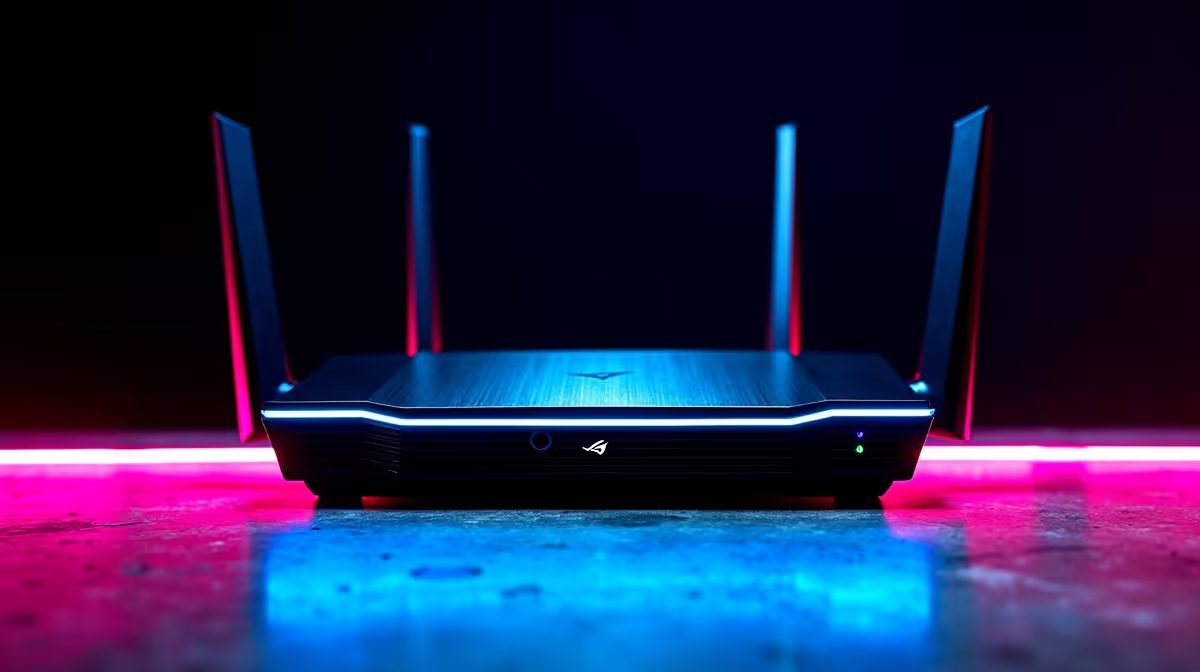
Your ISP-provided router is likely a budget model built for browsing, not for routing time-sensitive gaming data. A dedicated gaming router is the single biggest upgrade you can make. Look for features like:
- Quality of Service (QoS): This allows you to tell the router that your Xbox or PlayStation is the most important device on the network. It gives your gaming traffic priority over everything else.
- Wi-Fi 6 (802.11ax): The latest standard offers better speeds and, crucially, handles network congestion far more efficiently.
- Powerful Antennas: Better hardware means a stronger, more reliable signal throughout your home.
Investing in one of these powerful wireless routers can create a stable foundation for a lag-free experience. ✨
Pro Tip: Positioning is Everything
Place your router or extender as high up as possible and in a central location. Avoid putting it inside a cabinet or behind your TV. A clear line of sight to your console, even through a wall, makes a huge difference. Every obstacle weakens the signal.
Eliminate Dead Zones: Wi-Fi Range Extenders
Is your gaming setup in a room far from the main router? Thick walls or multiple floors can kill your Wi-Fi signal, leading to high ping and disconnects. A simple fix is one of the many modern wireless range extenders. These devices pick up your existing Wi-Fi signal and rebroadcast it, effectively eliminating dead zones and ensuring your console gets a strong, stable connection.
What About Wireless Adapters?
While consoles don't use the same USB dongles as PCs, the technology inside matters. The quality of the wireless chipset determines how well a device can send and receive data. The tech found in high-speed wireless adapters for PC is the same kind of advanced hardware that powers premium routers and extenders. When you upgrade your network's core components, you're essentially giving your console a much better signal to work with, improving its performance without needing a direct hardware mod. 🔧
A stronger, cleaner signal from a better source means your console's internal adapter has an easier job, resulting in lower latency and a smoother game.
Ready to End the Lag? Stop letting a weak signal dictate your K/D ratio. Explore our massive range of quality wireless networking gear and build a connection that keeps up with your skill. Shop now at Evetech for performance that leaves lag in the dust.











