

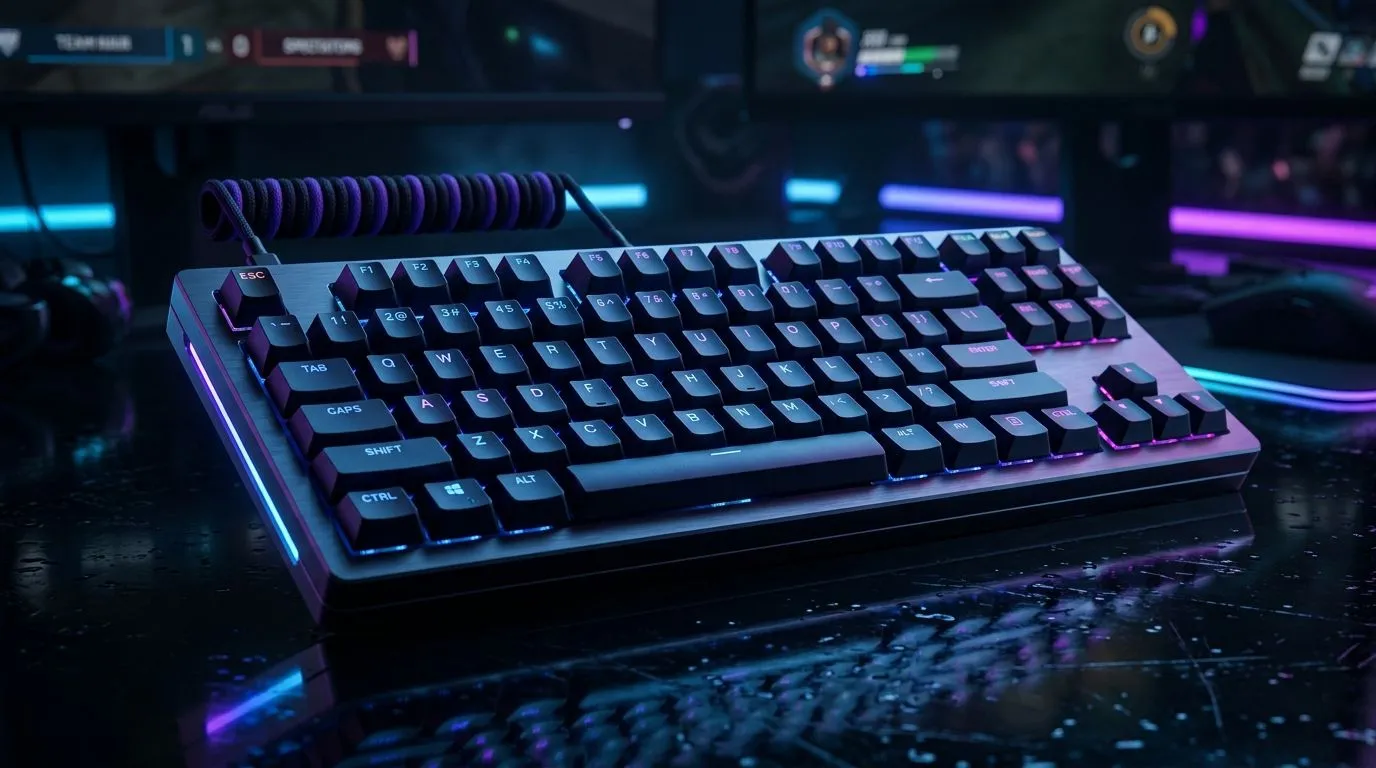
Best Mechanical Keyboard Features for Esports in South Africa: What Actually Matters
South African esports setups live and die by details. If your key presses feel mushy, or your mouse and keyboard don’t sync well, you’ll notice mid-match. The good news? You can fix a lot with the right keyboard features, not just “a faster PC.” In this guide, we’ll break down the Best Mechanical Keyboard Features for Esports in South Africa so you can buy confidently, set it up properly, and keep your aim steady. 🔧🎮
Best Mechanical Keyboard Features for Esports in South Africa: Switches, Feel, and Consistency
The most important feature is the switch type, because it controls the feel of every tap. For competitive play, consistency matters more than flash. Most gamers choose:
- Linear switches for smooth, quiet key motion and fast repeated inputs.
- Tactile switches when they want a “bump” to confirm actuation.
- Clicky switches if you don’t mind audible feedback (great for rhythm, not always for shared spaces).
Actuation and travel vary by switch model, but the practical takeaway is simple: pick a feel you can repeat under pressure. If possible, try the keyboard in person, or compare switch notes from reputable reviewers.
Stabilizers and keycap quality (the hidden “clack” problem)
Even with great switches, poor stabilisers can make spacebar and larger keys sound scratchy or uneven. That distraction adds up during long ranked sessions.
Best Mechanical Keyboard Features for Esports in South Africa: Polling Rate, Response, and Latency
When people talk about latency, they often overthink it. For esports, you want your inputs to be reliably registered, not randomly skipped. Look for a keyboard that supports stable wired performance and predictable wireless behaviour.
- Wired generally offers the most stable connection.
- Wireless can be excellent, but you should confirm it uses modern low-latency wireless modes and offers settings you can tune.
Productivity Pro Tip ⚡
"If your keyboard has software for actuation points or macros, set it up before match day. Make one profile for ranked (no accidental macros), then switch profiles only between games. Consistency beats clever settings."
Best Mechanical Keyboard Features for Esports in South Africa: N-Key Rollover (NKRO) and Anti-Ghosting
In chaotic fights, you press more keys than you think. You might strafe, jump, reload, and use an ability all at once. That’s where anti-ghosting and N-key rollover help.
- Anti-ghosting prevents “dead keys” when multiple keys are pressed.
- NKRO improves the chance that every input registers, even during button-heavy moments.
If you play games like Valorant, Overwatch, or Apex, this feature is worth prioritising.
Best Mechanical Keyboard Features for Esports in South Africa: Connectivity Choices (Wired vs Wireless)
Connectivity isn’t just convenience. It affects how predictable your connection feels during high-action play. Decide based on your routine:
- At a desk with your PC? Wired usually wins for reliability.
- If you sit further back, move between devices, or share a setup? Wireless can be ideal, as long as the keyboard is stable.
For competitive buyers, here are good places to start your search:
- Explore a curated selection of popular gaming keyboard deals here: best gaming keyboard deals.
- If you want to compare options by connectivity, start with wired keyboard picks.
- Or check the wireless keyboard picks for lower-desk clutter.
Best Mechanical Keyboard Features for Esports in South Africa: Layout, Build, and Match-Day Comfort
Form factor affects stamina. A full-size board can be great if you use every key. A compact board can feel faster because your mouse hand has more space.
Also consider:
- Weight and base stability: less wobble means fewer accidental key movements.
- Key travel you like: deep travel can slow rapid actions; shallow travel can feel too sensitive.
If you’re building a complete competitive rig, a sensible combo approach can save money without cutting corners. For example, you can pair your keyboard decision with a keyboard and mouse combo that fits your playstyle.
Finally, if you’re chasing the best value on a specific layout, compare across options on cheapest gaming keyboards in South Africa.
Best Mechanical Keyboard Features for Esports in South Africa: How to Choose in 5 Minutes
Before you checkout, do this quick checklist:
- Choose switch feel you can press repeatedly.
- Prioritise stabilisers for big keys.
- Confirm anti-ghosting or NKRO.
- Decide wired vs wireless based on your desk habits.
- Make sure the layout matches how you play.
Do that, and you’ll spend less time tweaking... and more time climbing. 🚀✨
Ready to Find Your Perfect Match? The Mac vs Windows debate is complex, but for maximum power, choice, and value in South Africa, Windows is hard to beat. Explore our massive range of laptop specials and find the perfect machine to conquer your world.











