Staring at a massive spreadsheet on a tiny laptop screen is a special kind of digital torture. The endless scrolling, the squinting to read cell A1... it’s a productivity killer. But what if the secret to becoming an Excel power user wasn't another VLOOKUP tutorial, but the hardware on your desk? The right display can transform your workflow, turning data chaos into organised clarity. Let's find the top monitors for Excel power users in South Africa.
Beyond Pixels: Key Features for Spreadsheet Dominance
Choosing a monitor for intense spreadsheet work goes beyond just picking the biggest screen you can find. Certain features directly impact how efficiently you can analyse data, build models, and create reports. Getting this right means less eye strain and more work done.
Resolution and Screen Real Estate
This is the big one. More pixels mean more data on screen at once. Moving from a standard 1080p monitor to a 4K display is a revelation for Excel users. Suddenly, you can see dozens of columns and hundreds of rows without touching your mouse wheel. It drastically reduces horizontal and vertical scrolling, allowing you to see the bigger picture of your dataset. For the ultimate in detail, browse our range of crystal-clear 4K monitors and witness the difference yourself. 🚀
The Ultrawide Advantage
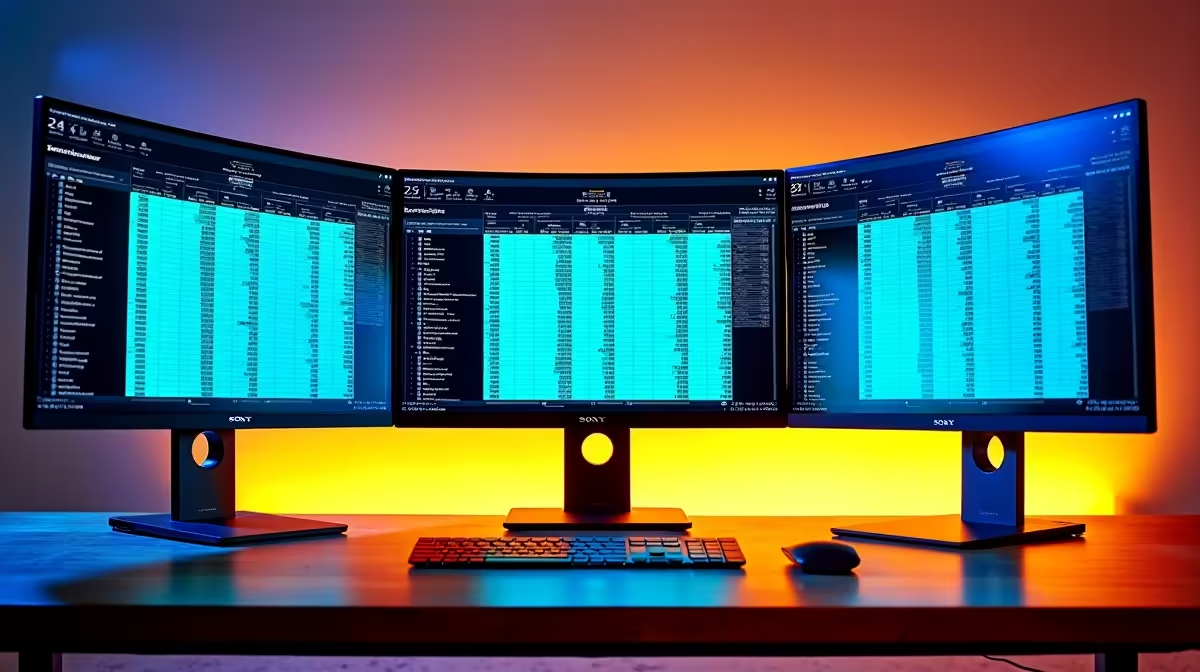
Ever tried comparing two spreadsheets side-by-side on one screen? An ultrawide monitor (with a 21:9 or 32:9 aspect ratio) is built for this. It gives you an expansive, panoramic view that’s perfect for multitasking. You can have your main worksheet open alongside source data, an email, or a web browser, all without alt-tabbing. Many of these are also immersive curved monitors, which can help reduce eye strain during long sessions by keeping the entire screen at a more consistent focal distance.
Ergonomics Matter More Than You Think
Hunching over your desk is a recipe for back and neck pain. A great monitor for professionals should offer comprehensive ergonomic adjustments: height, tilt, swivel, and pivot. The pivot function is especially handy for programmers and those working with long, single-column lists, as you can rotate the screen 90 degrees into portrait mode. If your chosen monitor has a basic stand, don't worry... upgrading with quality monitor accessories like adjustable arms can give you the perfect setup.
Pro Tip: Use Windows Snap Assist
On an ultrawide or 4K monitor, press the Windows Key + Arrow Keys (← → ↑ ↓) to instantly snap your windows to different quadrants of the screen. It’s a lightning-fast way to organise your workspace without dragging windows around.
The Best Monitors for Excel Professionals in South Africa
So, what's the perfect monitor for your specific needs? It depends on your workflow and workspace. Here are a few archetypes to help you decide.
The 4K Data Analyst
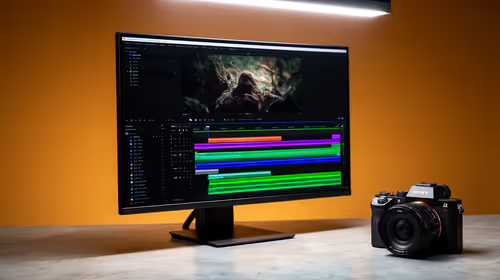
For those who live in massive datasets and complex financial models, nothing beats the pixel density of a 27-inch or 32-inch 4K monitor. Text is razor-sharp, charts and graphs are incredibly detailed, and you have the screen real estate to manage complex information with ease. This is the top choice for anyone prioritising pure clarity. Take a look at our wide range of PC monitors to find a high-resolution beast for your desk. ✨
The Dual-Screen Multitasker
Sometimes, two screens are better than one. A dual-monitor setup is a classic for a reason. It allows for dedicated spaces—for example, keeping your email and communication apps on one screen while your primary Excel work happens on the other. You don't need matching monitors, either. You could pair your primary display with one from our selection of all our gaming monitors, giving you a high-refresh-rate option for after-hours fun.
The Mobile Professional ⚡
Working from a client's office, a coffee shop, or just a different room in the house? A second screen isn't just for your desk anymore. For the professional on the move, incredibly useful portable monitors are a fantastic investment. These lightweight screens connect to your laptop via a single USB-C cable, instantly doubling your workspace wherever you are.
Ultimately, the best monitor for an Excel power user is one that removes friction from your workflow. By investing in more pixels, a better aspect ratio, or a more flexible setup, you're not just buying a screen; you're buying back time and saving yourself from a whole lot of frustration.
Ready to Conquer Your Spreadsheets?
Stop squinting and start optimising. A better monitor isn't a luxury; it's a tool for peak performance and a more comfortable workday. Check out our latest PC monitor deals at Evetech and find the perfect screen for your workflow.