

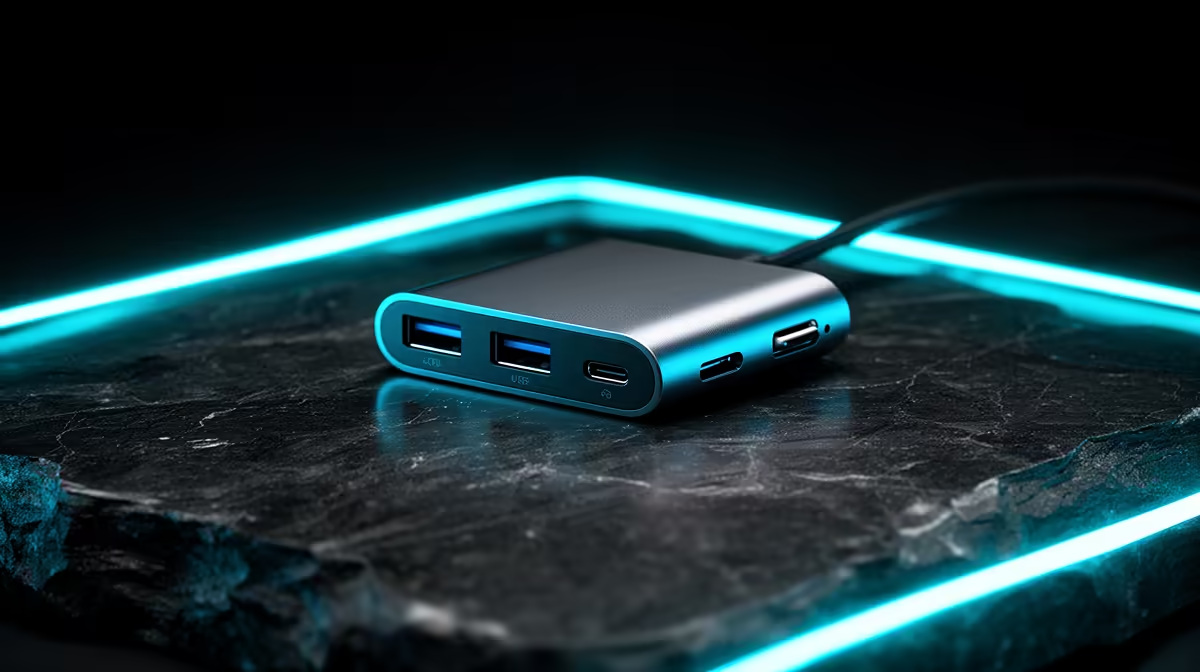
Why a Multi-Port USB C Hub is Essential for Small Spaces
For South African gamers and tech enthusiasts, desk space is golden. Whether you're gaming in a small room in Cape Town or working from a cosy apartment in Johannesburg, juggling multiple devices with limited ports can be frustrating. That’s where the best multi-port USB C hubs for small spaces come in 🔧—offering sleek solutions without clutter. These hubs give you more connectivity options in a compact form, perfect for your gaming setup or work-from-home rig.
Features to Look for in the Best Multi-Port USB C Hubs for Small Spaces
When choosing a USB C hub, size matters—but so does functionality. The best hubs pack USB‑A, HDMI, SD card slots, and sometimes even Ethernet into a tiny frame. Look for hubs that support fast data transfer speeds (think USB 3.1 or higher) and 4K video output for those multi-monitor setups. Robust build quality and good cable length help avoid desk chaos ⚡.
To keep your setup tidy, consider pairing your USB C hub with a powerful mini PC, like those in this Evetech mini PC collection. Mini PCs offer great performance in small footprints and complement multi-port hubs perfectly.
How Multi-Port Hubs Enhance Your Gaming and Productivity Battle Station
Gaming tournaments and streaming demand quick switching between peripherals. Imagine unplugging a keyboard, mouse, headset, and external drive every time you move. A multi-port USB C hub eliminates these hassles by creating a central command station. Its compact design means it fits neatly alongside monitors or even mounts behind screens to save even more desk space 🚀.
Mini PCs like those from Minisforum combine well with these hubs. You get high performance, low noise, and seamless connectivity—all crammed into a tiny chassis. It's a setup that South African gamers are increasingly favoured for small urban homes or dorms.
Practical Setup Tips for Using USB C Hubs in Compact Areas
Setting up your multi-port hub is straightforward but a few smart steps boost efficiency:
- Place the hub within easy reach but out of direct sight to preserve your gaming aesthetic.
- Use cable ties to reduce tangles and keep power adapters tidy.
- Ensure your hub supports power delivery to charge your laptop or phone while using peripherals.
Maximise Your Desk Space
Use vertical stands for your mini PC and monitors. Mounting your USB C hub behind your screen clears precious desk real estate. Quick tidy, desktop bliss.
Compact rigs benefit hugely from this approach—see the practical options available within the Evetech mini PC range.
Upgrade Your Setup with Compact Power Looking for the best multi-port USB C hubs and mini PCs designed for small spaces? Shop now at Evetech for gear that keeps pace with your gaming and productivity needs without crowding your desk.











