

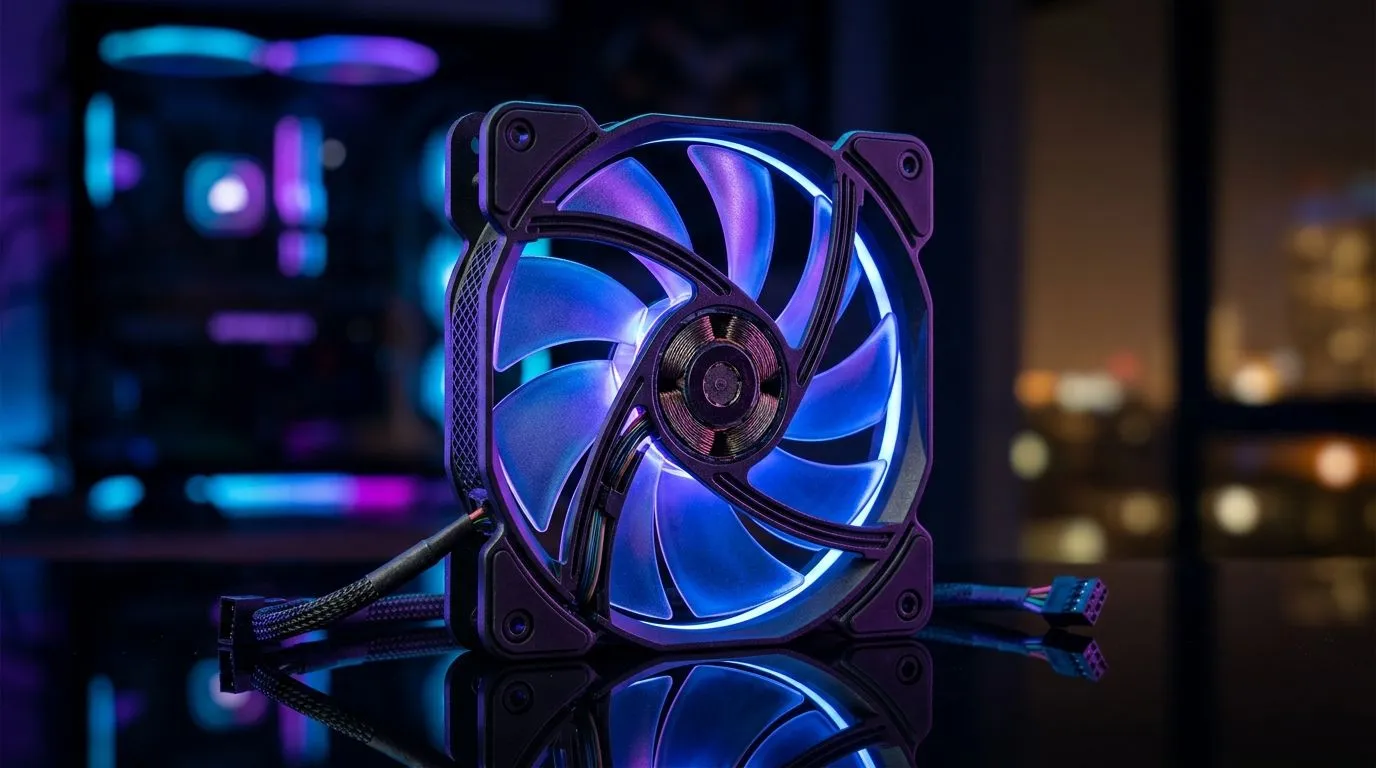
Best PC Fan Specs for Budget South African Gamers: Start With the Basics (and Save Money)
If your FPS drops when your room gets warmer, you’re not alone. In South Africa, summer heat and dusty desks can turn a “good enough” PC into a throttling machine. 🔥 The fix is often simpler than people think... choosing the right case fan specs for your build.
In this guide, I’ll walk you through the best PC fan specs for budget South African gamers: airflow (CFM), static pressure, size (120mm vs 140mm), RPM, and noise. Then you’ll know exactly what to look for before you spend.
Best PC Fan Specs for Budget South African Gamers: What Actually Matters
Airflow vs Static Pressure (Don’t Buy the Wrong Type)
- Airflow-focused fans move more air through open spaces. Great for pulling/pushing through your case with minimal obstruction.
- Static pressure fans push harder through restrictions like dense dust filters and radiator fins. These are typically better around coolers and front intakes with filters.
A practical way to sanity-check this: if you’re mounting a fan behind a radiator or through a mesh with tight spacing, prioritise static pressure.
Fan Size: 120mm vs 140mm for Value
For budget builds, fan size changes your noise-per-watt experience:
- 120mm fans are common and often cheaper.
- 140mm fans can move more air at lower RPM, which usually means less noise for a similar cooling goal.
If your case supports both, 140mm is often the “quiet, efficient” pick. If you’re limited by mounting holes, go 120mm and tune via fan curves. ✅
Best PC Fan Specs for Budget South African Gamers: A Quick Buying Checklist 🔧
Before you add fans to cart, confirm these five things:
- Case compatibility: match your case mounts (120mm or 140mm).
- Quantity: aim for balanced intake/exhaust rather than all fans blasting in one direction.
- Noise target: higher RPM can be fine, but only if your curve stays sensible.
- Header support: motherboard fan headers for control (PWM is ideal).
- Use-case placement: radiator and dust-filter zones benefit from pressure.
Productivity Pro Tip ⚡
Windows, use your motherboard’s software (or BIOS fan control) to create a simple “Warm Room” fan curve: keep fans low at idle, ramp them noticeably only when CPU GPU temperatures rise. This keeps noise down during desktop use while still protecting your FPS in matches.
Best PC Fan Specs for Budget South African Gamers: Match Fans to Your Build Layout
South African setups often share the same pain points: dust from open windows, PC desks tucked near walls, and high GPU temps during long gaming sessions.
Here’s a simple layout that works for many budget builds:
- Front intake: brings cooler air in (often with a dust filter).
- Top exhaust: helps remove heat that rises naturally.
- Rear exhaust: creates steady outflow.
If your case leans “mesh and airflow friendly,” airflow fans can be enough. If it’s restrictive, go pressure-first.
If you’re planning RGB, remember: visuals are optional, cooling isn’t. You’ll get better results prioritising performance specs, then choosing style.
Want to compare options in one place?
Browse Evetech’s case fan selection here:
- Explore general case fans for your airflow setup: Case fans on Evetech
- Prefer a specific brand like CORSAIR for consistency? Check: CORSAIR case fans
- Considering Deepcool models for value? Browse: Deepcool case fans
- Looking for RGB accents? See: RGB case fans
- Want clean, low-fuss builds? Filter for: Non-RGB case fans
- Building around 120mm mounts? 120mm case fans
- Or going bigger for quieter cooling? 140mm case fans
Best PC Fan Specs for Budget South African Gamers: Final Recommendation (So You Don’t Overthink It)
If you’re on a budget, aim for this order of priority:
- Correct size for your case (120mm or 140mm).
- Pressure suited to your placement (radiator/filter zones usually need more pressure).
- Enough fans for balanced intake/exhaust, not just maximum RPM.
- Control via BIOS/fan software so noise stays reasonable.
Do that, and your PC stays cooler during peak gaming without turning your room into a small wind tunnel. 🚀
Ready to Find Your Perfect Match? The Mac vs Windows debate is complex, but for maximum power, choice, and value in South Africa, Windows is hard to beat. Explore our massive range of laptop specials and find the perfect machine to conquer your world.











