

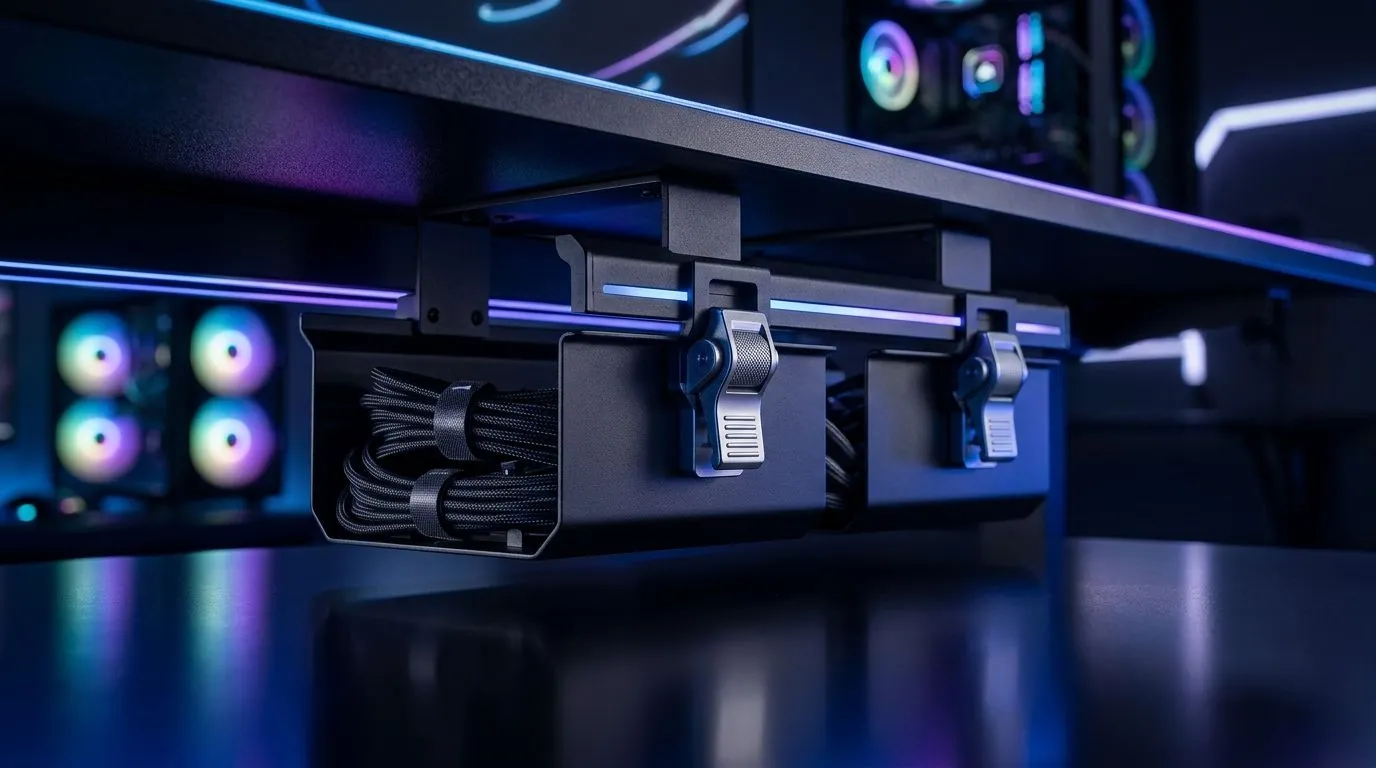
Cable organising with dual quick-release baskets: why it matters 🔧
If your desk is a spaghetti junction of USB, headset, power, and charging cables, you’re not alone. South African gamers know the pain. One loose cable catches on a chair wheel... and suddenly your clean setup looks like a shop floor. With best practices for cable organising with dual quick-release baskets, you can keep the underside of your desk tidy, protect your gear, and make upgrades far less annoying.
The good news? You do not need a full workshop to do it properly. You just need a sensible layout, a few habits, and the right desk setup to support them.
Cable organising with dual quick-release baskets: start with a clean layout ⚡
Dual quick-release baskets work best when you treat them like traffic lanes. One basket should handle power delivery. The other should carry data and accessory cables. That separation reduces tangles and makes fault-finding easier later.
Start by mapping every cable before you fasten anything. Ask yourself:
- Which cables stay plugged in full-time?
- Which ones get moved often?
- Which ones need slack for height adjustment or quick swaps?
This is where a sturdy gaming desk helps. A desk with proper clearance and a usable underside gives you room to route cables neatly without pinching them. If you’re shopping for a clean setup, Evetech’s gaming desk options are a sensible place to compare layouts and sizing.
Best practices for cable organising with dual quick-release baskets in real use ✨
The cleanest setup is the one you can still live with next month.
Use short cable runs where possible. Excess length is the enemy of neatness. Coil only the spare slack, and keep those coils loose. Tight bends can stress cables over time.
Label both ends of important cables. That includes monitor leads, charging cables, and peripheral power. It sounds small, but it saves time during upgrades or troubleshooting.
Keep power bricks and adapters grouped together, but not crowded. Heat dissipation matters. A basket should organise cables, not trap them in a knot.
For users who want a more premium desk platform, it may help to compare layouts from brands known for gaming furniture. You can browse AutoFull desk listings if you want a different fit or finish.
A small habit that pays off
Every time you add a new device, reroute it immediately. Do not leave “temporary” cable routes in place. Temporary becomes permanent fast.
Cable Management Pro Tip ⚡
Keep a few Velcro ties near your desk. They are reusable, easy to adjust, and far better than over-tight cable ties when you are still changing your setup.
Cable organising with dual quick-release baskets and South African gaming setups 🚀
A South African gaming desk often has to do double duty. One day it’s for ranked matches. The next day it’s for work, studying, or content creation. That means your cable plan should be flexible.
If you use a sit-stand desk or regularly rearrange your gear, quick-release baskets are especially useful. They let you remove or access grouped cables without dismantling the whole underside. That matters when load shedding, backup power, or desk movement forces you to change your setup quickly.
Some users prefer a more ergonomically focused desk shape. If that sounds like you, take a look at Arozzi gaming desk options for a different style of workspace planning.
Cable organising with dual quick-release baskets: common mistakes to avoid 🔧
A tidy desk can still fail if the routing is poor. Watch out for these mistakes:
1. Mixing power and signal cables too early
You can cross them, but don’t bundle everything into one tight lane. Separation reduces clutter and makes future changes easier.
2. Leaving no service slack
If a cable is pulled tight, every adjustment becomes a risk. Leave enough slack for monitor arms, keyboard trays, and desk height changes.
3. Blocking airflow
Power strips, bricks, and hubs need breathing room. Do not pack them flat against a basket wall if heat build-up is possible.
4. Ignoring future upgrades
Leave space for another USB hub, charger, or console lead. A setup that looks perfect today should still work after your next upgrade.
For shoppers comparing more budget-friendly or alternate desk styles, Nitro gaming desk listings can help you see what fits your room and cable workload.
Cable organising with dual quick-release baskets: a smarter finish
The best cable management is invisible in daily use and easy to undo when needed. That is the value of dual quick-release baskets. They give you order now, and flexibility later.
If you build your setup with that in mind, your desk stays easier to clean, easier to upgrade, and easier to enjoy. And that is the point... less time wrestling wires, more time using the rig you paid for.
Ready to Find Your Perfect Match? The Mac vs Windows debate is complex, but for maximum power, choice, and value in South Africa, Windows is hard to beat. Explore our massive range of laptop specials and find the perfect machine to conquer your world.











