

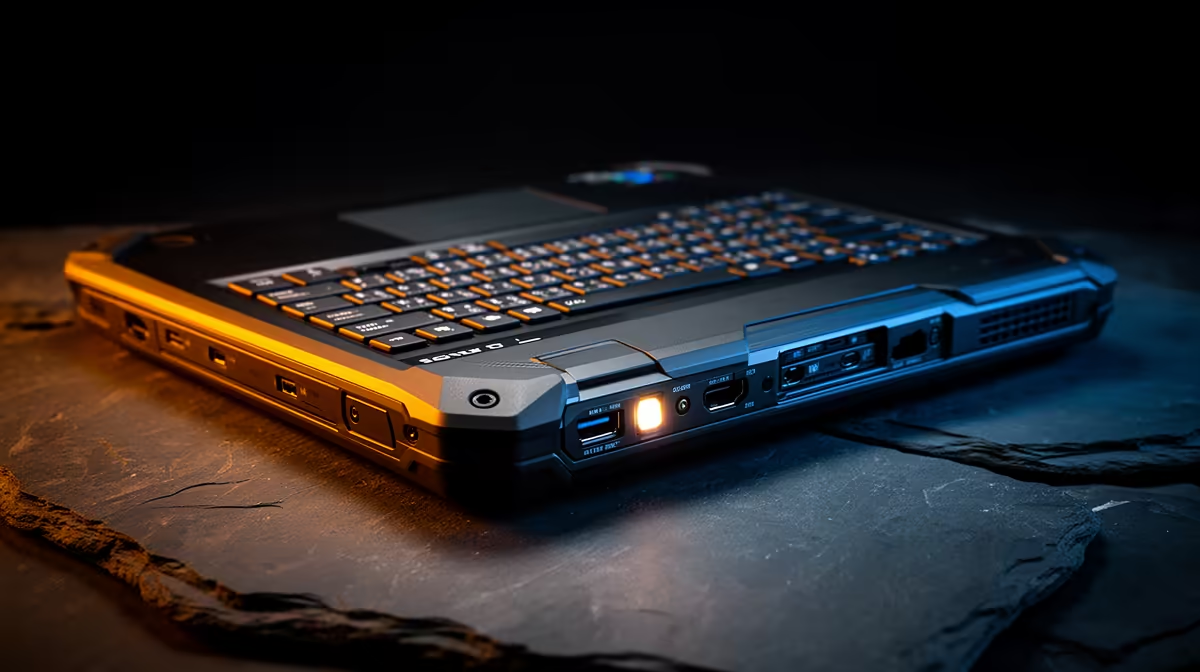
You’re working on a critical report at a coffee shop in Melville, bathed in the afternoon sun. The screen glare is intense. Suddenly, EskomSePush pings… loadshedding in 10 minutes. You need to kill your screen brightness instantly to save every drop of battery. Fumbling through display settings is not an option. This is where the unsung hero of mobile computing comes in: the dedicated hardware bright-dim toggle on a rugged laptop. It's a simple feature that makes a world of difference.
Why a Hardware Brightness Toggle is Essential
Let’s be honest, software controls are clumsy. A physical button or switch offers instant, tactile control over your screen's brightness. For South Africans who are constantly adapting to changing environments, this isn't a luxury; it's a necessity. The best rugged laptops with a bright dim hardware toggle are designed for these exact moments.
Imagine moving from a dimly lit office to a client site in the blazing sun. One press, and your screen is perfectly readable. When loadshedding hits, another press dims the display to its lowest setting, instantly extending your battery life. It’s about seamless adaptation, whether you're preserving power, reducing eye strain in the evening, or quickly dimming your screen for privacy. 💡
What Makes a Laptop Genuinely "Rugged"?
The term "rugged" gets thrown around a lot, but what does it actually mean? It’s more than just a tough-looking plastic shell. True rugged laptops are built to military specifications (often MIL-STD-810H) to withstand drops, shocks, vibration, and extreme temperatures. They feature reinforced chassis, shock-mounted hard drives, and spill-resistant keyboards.
This level of durability is perfect for the demanding South African landscape. Think of an engineer on a dusty mine site, a wildlife photographer on a bumpy game drive, or even a student whose device gets knocked about in a packed taxi. These machines are built to survive, and increasingly, this robust design philosophy is appearing in mainstream devices; you can see tougher builds on even some of the best gaming laptop deals today.
Pro Battery Tip ⚡
Most rugged laptops let you create custom power profiles. Set one up called 'Loadshedding' with the screen at 25% brightness and CPU in eco mode. A hardware dim toggle makes activating it instant, adding precious hours to your uptime.
Performance That Keeps Up With You
A tough exterior doesn't mean you have to compromise on what’s inside. Modern rugged laptops pack serious power, ensuring your productivity never takes a hit, no matter where you are. The key is finding the right balance of power and efficiency for your needs.
Choosing Your Processor
When you're working off-grid, battery life is king. For tasks that require sustained performance over long hours, the efficiency of modern CPUs is critical. Many of the latest powerful and efficient AMD laptops are brilliant for marathon work sessions away from a power outlet.
On the other hand, if your work involves heavy-duty applications like CAD, video rendering, or complex data analysis, you might need maximum single-core performance. For that kind of raw processing power, it's worth exploring these high-performance Intel laptops that can chew through demanding tasks without breaking a sweat. 💻
Ultimately, the choice depends on your specific workflow. The good news is that whether you choose Team Red or Team Blue, you can find a durable machine ready for any challenge.
Find Your Unbreakable Workhorse Stop worrying about glare, drops, or the next power cut. Explore our curated selection of notebooks built for real-world South African conditions and find the perfect match for your hustle. Browse our latest laptop specials at Evetech and get a machine that works as hard as you do.











