

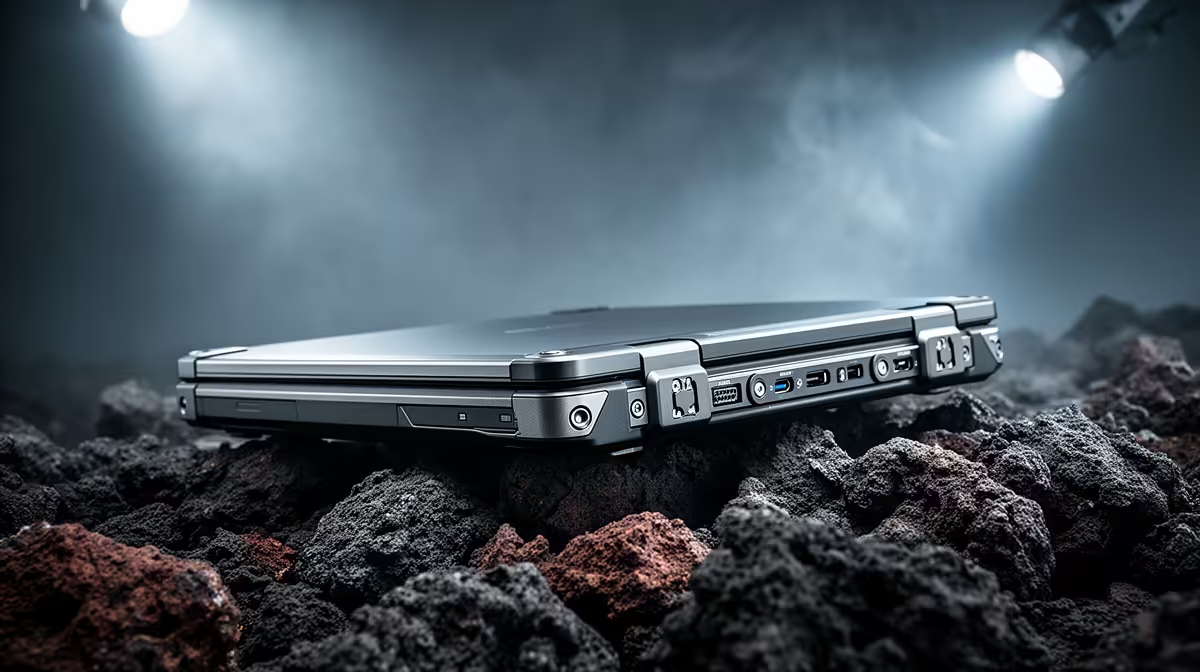
Working on a dusty construction site in Jozi or a chilly warehouse in the Cape? Fumbling with a touchpad while wearing gloves is a mission. That’s why the best rugged laptops with quick access side buttons for glove macros are becoming essential. These aren't just tough notebooks; they are productivity machines designed for harsh environments, letting you execute complex commands with a single, satisfying click, without ever exposing your hands to the elements.
Beyond the Standard Build: Why Your Average Laptop Fails
Let's be honest, most laptops are designed for the controlled climate of an office or home. They're sleek, lightweight, and... fragile. A bit of dust, a sudden knock, or a drop of moisture can spell disaster. Even the most powerful machines found in our best gaming laptop deals are optimised for desk-bound performance, not for the unpredictable nature of field work.
When you're wearing safety gloves, a standard keyboard becomes a minefield of typos, and a touchpad is basically useless. This is where purpose-built, durable laptops for gloved use completely change the workflow. They’re built to a different standard because they operate in a different world.
Unlocking Peak Efficiency with Glove Macros ⚡
So, what exactly are "glove macros"? Think of them as powerful shortcuts mapped to large, easy-to-press physical buttons on the side of your laptop. Instead of navigating through menus or typing complex commands, you simply press a button.
This functionality is a lifesaver for professionals across various industries in South Africa:
- Engineers: Instantly run a diagnostic script or pull up a specific schematic.
- Logistics Managers: Log inventory or confirm a dispatch with one press.
- Emergency Responders: Access critical databases or communication channels without delay.
These quick access side buttons on laptops are fully programmable, allowing you to tailor them to your exact needs.
Your First Macro Tip
Start simple! Map your most-used keyboard shortcut (like Ctrl+S to save or Alt+Tab to switch windows) to one of the side buttons. This builds muscle memory and proves the concept's value before you create more complex, multi-step macros.
What to Look For in the Best Rugged Laptops 🔧
Choosing the right rugged laptop involves more than just looking for a tough exterior. Here are the key features to consider.
Military-Grade Durability
Look for certifications like MIL-STD-810G or 810H. This isn't just marketing fluff; it means the device has been tested against drops, shocks, vibration, extreme temperatures, and more. It’s the difference between a laptop that looks tough and one that is tough.
Purpose-Built Button Design
The design of the programmable side buttons is critical. They should be large enough to be easily located and pressed with gloved fingers. Good tactile feedback—a solid 'click'—is essential so you know your command has been registered without having to look at the screen.
The Power Within
A rugged chassis doesn't mean you have to compromise on performance. Whether your workflow benefits from the hyper-threaded efficiency of Intel laptops on special or the multi-core power offered by the latest AMD laptops on special, there's a rugged option to match. Modern rugged laptops can be configured with powerful processors, dedicated graphics, and speedy SSDs to run demanding software smoothly.
Finding a rugged laptop with macro buttons that perfectly fits your needs is about balancing extreme durability with the computational power your job demands. It's the ultimate tool for anyone who works where the office walls end. ✨
Find Your Unstoppable Workhorse Don't let clumsy controls or a fragile chassis slow you down. Explore our curated selection of powerful laptop specials for sale in South Africa and find a machine built to withstand your toughest challenges.











