

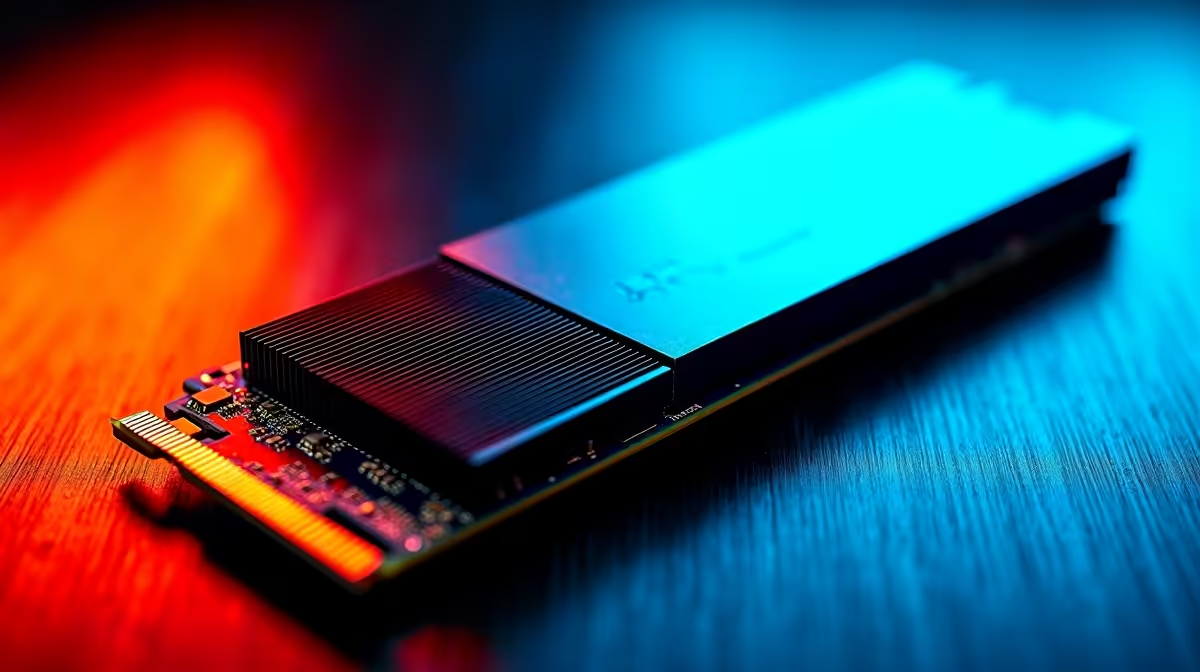
Waiting for your PC to boot during a brief two-hour window between loadshedding slots is pure torture. South African gamers need serious speed to maximise their playtime. But when upgrading your rig, should you chase the bleeding-edge speeds of PCIe 5.0 or stick to the reliable value of PCIe 4.0? Let us unpack exactly what you need to know before spending your hard-earned Rands. 🚀
Speed vs Real-World Performance
On paper, the performance numbers look absolutely insane. Standard PCIe 4.0 NVMe drives hit read speeds around 7,000 MB/s. Meanwhile, the newer PCIe 5.0 architecture practically doubles that to a massive 14,000 MB/s. But what does that actually mean for your daily gaming sessions?
For most modern titles, the level load time difference is barely a second. Direct Storage technology is slowly bridging this gap, but we are not quite there yet. If you are building a completely new rig, checking out the latest gaming PC deals equipped with a solid Gen 4 drive is usually the smartest play for pure gaming performance. You get incredible speed without the massive price premium. ⚡
Key Priorities for Local Buyers
When deciding between these two generations, you need to look far beyond raw speed. Your absolute first priority should be thermal management. PCIe 5.0 drives run incredibly hot under heavy loads. If your motherboard lacks a beefy M.2 heatsink, a Gen 5 drive will quickly thermal throttle... dropping its speed back down to Gen 4 levels anyway to protect itself.
Thermal Management Tip 🔧
Always ensure your motherboard has an integrated M.2 heatsink before buying a Gen 5 drive. If you are upgrading a compact system, stick to Gen 4 to prevent overheating and maintain consistent read speeds.
Your second priority is budget allocation. The ZAR pricing on Gen 5 drives currently carries a hefty early-adopter tax. You can often buy double the storage capacity in Gen 4 for the exact same price. Keeping an eye on weekly hardware specials is the best way to score high-capacity Gen 4 drives without breaking the bank. More space means fewer games to redownload on slow internet connections... a massive win for local players.
Desktop Upgrades vs Mobile Gaming
Your chosen hardware platform also dictates your storage options. Desktop motherboards are rapidly adopting PCIe 5.0 support across the board. However, if you prefer gaming on the go, the landscape changes completely.
Most modern high-performance gaming laptops still rely heavily on PCIe 4.0 architecture. This is a deliberate choice by manufacturers to save battery life and reduce chassis heat. Putting a Gen 5 drive in a laptop right now is generally overkill... and often completely unsupported by the mobile motherboard.
Ultimately, the best storage feature priorities for South African buyers choosing between PCIe 5.0 NVMe and PCIe 4.0 M.2 come down to value, capacity, and thermals. PCIe 4.0 remains the undisputed sweet spot for 95% of gamers and creators today. ✨
Ready to Upgrade Your Storage? Whether you want the reliable value of Gen 4 or the blistering speeds of Gen 5, Evetech has the perfect drive for your rig. Explore our massive range of SSD specials and find the perfect storage to conquer your load times.











