Howzit, future Twitch star? You've got the skills, the personality, and a PC that can handle anything... but your viewers keep complaining. One minute your voice is lost behind a grenade explosion, the next the game audio is so quiet they can hear you breathing. Getting that perfect audio mix is tough, but it's the one thing that separates amateur streams from professional broadcasts. The secret weapon you're missing isn't more practice, it's control. 🎤
Why a Streaming Mixer is Your Secret Weapon
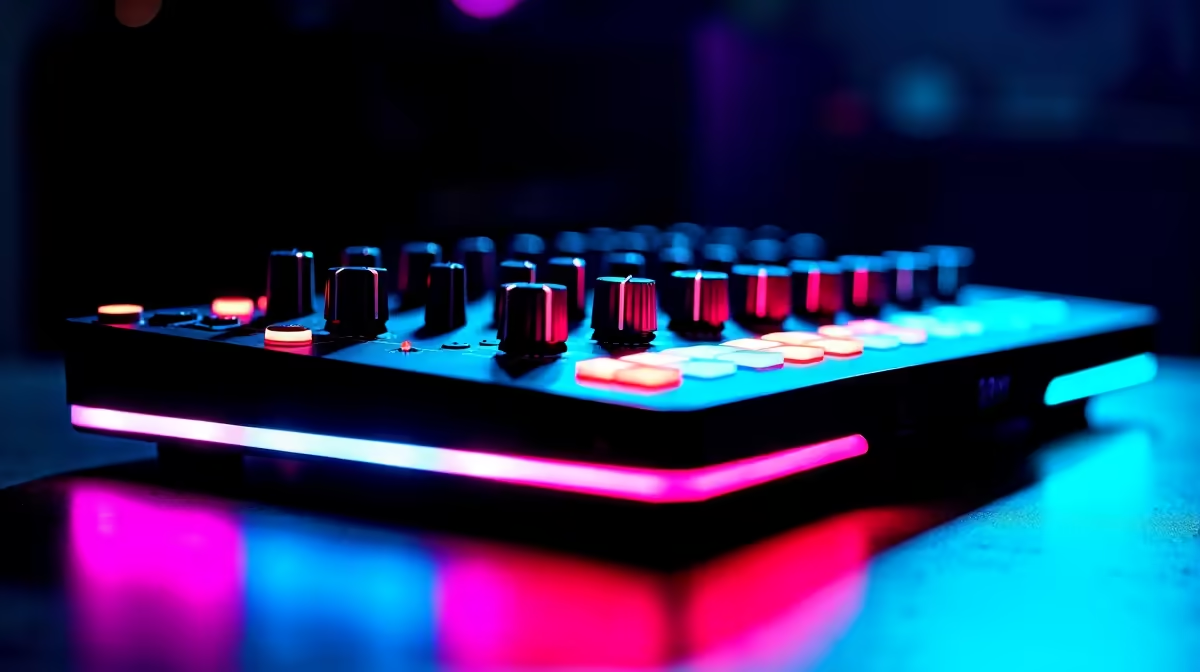
Let's be clear: a streaming mixer isn't just for music producers in a fancy studio. Think of it as the command centre for your stream's sound. It takes all your audio sources—your microphone, your game audio, your Discord chat, and even your background music—and lets you control the volume of each one independently with a physical knob or fader.
No more frantic alt-tabbing mid-game to tweak a volume slider in Windows. A good mixer gives you tactile, instant control, allowing you to fine-tune your audio on the fly. This is the key to achieving that perfect voice and game balance, ensuring your commentary is always crisp and clear without sacrificing the immersive sounds of your gameplay. It transforms your setup from a simple gaming rig into a proper broadcasting station.
Finding the Best Streaming Mixer for Your Setup
When you start shopping, the options can seem a bit overwhelming. But finding the best streaming mixer for your specific needs comes down to a few key features.
Key Features to Look For:
- Inputs/Channels: How many audio sources do you need to control? A typical streamer needs at least three: one for the mic, one for the game/PC audio, and one for chat. More channels offer more flexibility.
- Phantom Power: If you're using a professional condenser microphone (like many popular XLR models), you'll need a mixer with +48V Phantom Power to make it work. It's a non-negotiable for top-tier audio quality.
- Physical vs. Digital: Do you prefer the satisfying feel of physical faders, or are you happy with a digital interface controlled by software? Physical faders offer immediate response, which is a massive plus during a live stream.
- Software Integration: How well does the mixer work with OBS or Streamlabs? Top-tier devices often have dedicated software that makes routing audio and creating sub-mixes a breeze.
Pro Audio Tip ✨
Start with all your faders at zero. Bring up your mic level first to a healthy level (around -12dB), then slowly mix in your game audio until it sits comfortably underneath your voice. Your voice is the star of the show!
Balancing Performance, Budget, and Aesthetics
Building the ultimate streaming setup is a journey, and the audio mixer is just one crucial piece of the puzzle. It's important to see how it fits into your entire ecosystem of streaming essentials to create a cohesive and powerful broadcasting rig.
Brands like CORSAIR have mastered this integration with products like the Elgato Wave XLR, which combines a compact mixer's power with deep software control, making it a top contender for achieving flawless voice and game balance. 🚀
You also don't need to break the bank. Getting that professional sound is more accessible than ever, and you can find some incredible streaming gear for under R6000 that will instantly level up your audio.
Finally, once your sound is sorted, don't neglect your look. Great production value is a combination of clean audio and engaging visuals. Adding some personality with customisable lighting can make your stream pop, helping you stand out and keep your audience hooked.
Ready to Sound Like a Pro?
Stop letting bad audio ruin your best moments. Take control of your sound and give your audience the quality they deserve. Shop our full range of streaming essentials and find the perfect mixer for your setup today.