

Dropping frames? Is your chat reacting to plays you made 10 seconds ago? For a South African Twitch streamer, high latency isn't just annoying… it's a channel killer. It disconnects you from your audience and makes your stream feel amateur. But what if you could crush that lag? The secret isn't always about your fibre line; it's about optimising your home network. Let's explore some of the best low-latency boosters for Twitch streamers right here in SA.
Why Low Latency is Critical for Streamers
Before we dive into the gear, let's get one thing straight: what is latency? Think of it as your digital reaction time. It's the delay between you doing something on screen and your viewers seeing it. In South Africa, high latency (or "ping") can be a major hurdle. When your latency is high, interacting with your chat in real-time becomes impossible. You miss out on hype moments, crucial callouts, and that genuine connection that builds a loyal community. 🚀
A smooth, responsive stream is one of the most important factors for viewer retention. The goal is to make your audience feel like they're right there in the room with you. Achieving that requires a network that can handle the massive upload demands of streaming without breaking a sweat. The right hardware forms the foundation of that experience, and often the best low-latency boosters for Twitch streamers are the components people overlook.
The Best Low-Latency Boosters for Your Streaming Setup
Your internet connection is only as strong as its weakest link. Even with the fastest fibre, a weak or outdated router can throttle your performance, causing that dreaded lag. Let's fix that by looking at the hardware that directly impacts your stream's stability.
The Heart of Your Network: A Powerful Router
Your router is the traffic controller for your entire home network. A basic ISP-provided router often struggles when you're gaming, streaming, and have other devices connected simultaneously. A dedicated gaming router, however, is built for this. Look for features like Wi-Fi 6 (802.11ax) for higher throughput and MU-MIMO to handle multiple devices efficiently. Most importantly, Quality of Service (QoS) allows you to prioritise your gaming PC, ensuring it gets the bandwidth it needs. Investing in one of the latest high-performance wireless routers is the single biggest upgrade you can make for a stable stream.
Pro Tip: Master Your QoS 🔧
Most modern gaming routers have a Quality of Service (QoS) setting in their admin panel. Find your PC's device name in the list and set its priority to 'Highest'. This tells your router to always serve your stream's data packets first, dramatically reducing in-game lag and stream stutter, even when others are using the Wi-Fi.
Eliminating Wi-Fi Dead Zones
Is your gaming rig far from your router? Walls, floors, and even appliances can weaken your Wi-Fi signal, leading to packet loss and crippling lag spikes. If running a long Ethernet cable isn't practical, the next best thing is a powerful signal booster. Modern wireless range extenders are simple to set up and can blanket your entire home in strong, stable Wi-Fi, ensuring your stream has a solid connection no matter where your setup is.
Upgrading Your PC's Connection
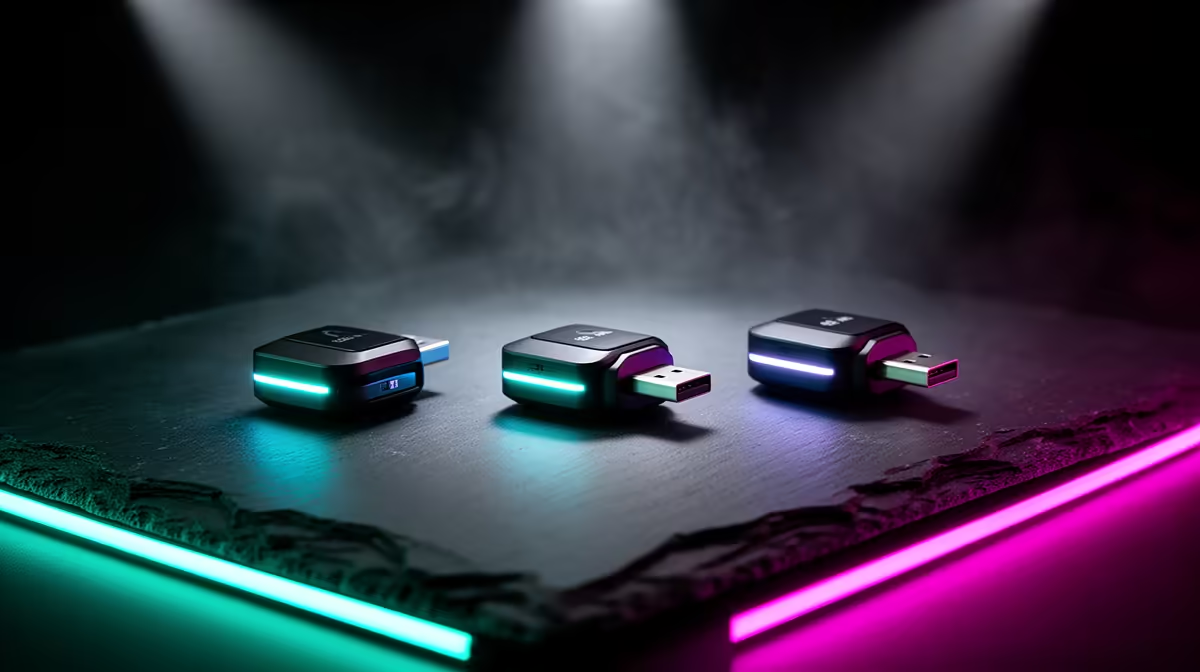
Sometimes the bottleneck isn't the router… it's your PC's own connection to the network. An older motherboard might have an outdated Wi-Fi chip that can't take advantage of your new router's speed. A simple, cost-effective solution is a USB or PCIe Wi-Fi adapter. These devices are purpose-built for high-speed, low-latency performance. A quick upgrade can unlock faster speeds and a more stable connection, giving your stream the clean signal it needs. Check out Evetech's range of next-gen wireless adapters to give your PC the boost it deserves. ⚡
Ready to Banish Lag for Good? Stop letting a weak network hold your channel back. Explore our full range of wireless networking gear and build a setup that delivers the low-latency performance your stream deserves. Shop now at Evetech for performance that leaves lag in the dust.











