

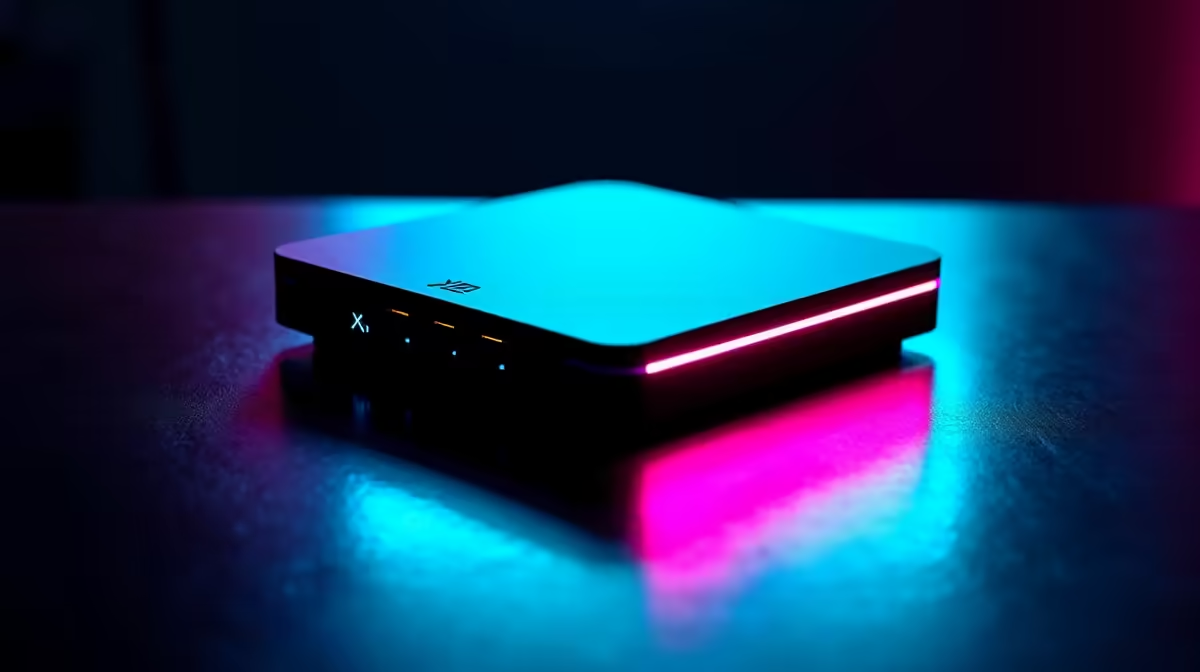
You’re one kill away from clutching the round. You peek the corner… and freeze. The screen stutters, your character teleports into a wall, and the "You are dead" message flashes up. Sound familiar? High ping and packet loss are the ultimate fun-killers for South African gamers. But the solution isn't always faster fibre. Often, the key is your own hardware, specifically the gear that can act as UDP-optimised gaming boosters for truly smooth online play.
Understanding UDP: The Secret to Smooth Online Play
Ever wondered why streaming a movie feels different from playing a game online? It comes down to how data is sent. Most of the internet, including Netflix and your browser, uses TCP (Transmission Control Protocol). It’s reliable and checks that every piece of data arrives perfectly.
Gaming, however, uses UDP (User Datagram Protocol). UDP is the fast, no-nonsense cousin. It fires off data packets as quickly as possible without waiting for confirmation. For real-time action in Apex Legends or Valorant, speed is everything… you can’t afford to wait for a missed packet from two seconds ago. This is why having hardware that prioritises and strengthens this connection is so vital for a competitive edge. The right gear acts as a powerful gaming booster, ensuring those UDP packets arrive on time.
Your Router: The Heart of Your Gaming Network ⚡
Your ISP’s standard-issue router is usually built for browsing, not for battle royales. It treats all traffic the same, meaning your game data gets stuck in the same queue as someone else’s YouTube stream. This is where a dedicated gaming router makes a world of difference.
Modern gaming routers come with a feature called Quality of Service (QoS). This allows you to tell the router which traffic is most important. By prioritising your PC or console, you ensure your game’s UDP packets get a VIP lane, slashing latency and stabilising your connection. For anyone serious about competitive gaming, upgrading to one of these powerful wireless routers is the single most effective step toward achieving smooth online play.
Pro Tip: Use the 5GHz Band
modern routers offer two Wi-Fi bands: 2.4GHz and 5GHz. The 5GHz band is faster and less prone to interference from other household devices like microwaves. For gaming, always connect to your 5GHz network for the most stable signal.
Conquering Dead Spots and Weak Signals
Is your gaming rig in a room far from the router? Even the best router can’t fight physics. Walls, floors, and distance all weaken your Wi-Fi signal, leading to packet loss and frustrating lag spikes. You might have a 100Mbps fibre line, but if only 10Mbps is reaching your PC, you’re going to have a bad time.
This is where a simple piece of kit can save the day. A good range extender picks up your existing Wi-Fi signal and rebroadcasts it, eliminating dead zones. Placing one halfway between your router and your setup can dramatically improve signal strength and consistency. Check out these wireless range extenders to ensure a strong signal reaches every corner of your home. 🚀
Don't Forget Your PC's Own Connection
Sometimes the bottleneck isn't the router or the signal… it’s your PC itself. The built-in network card on a motherboard can be average at best. If you've optimised everything else and still experience issues, it might be time for an upgrade.
A dedicated PCIe Wi-Fi card or a high-quality USB adapter can offer superior performance, with better antennas and chipsets designed for high-speed, low-latency connections. These components are the final piece of the puzzle, true UDP-optimised gaming boosters that ensure your rig can take full advantage of the network you’ve built. Investing in one of these top-tier wireless adapters can provide that last bit of stability you need to climb the ranks.
Stop Lagging, Start Winning. Don't let a poor connection hold you back. Explore our full range of wireless networking gear for performance that leaves lag in the dust.











