

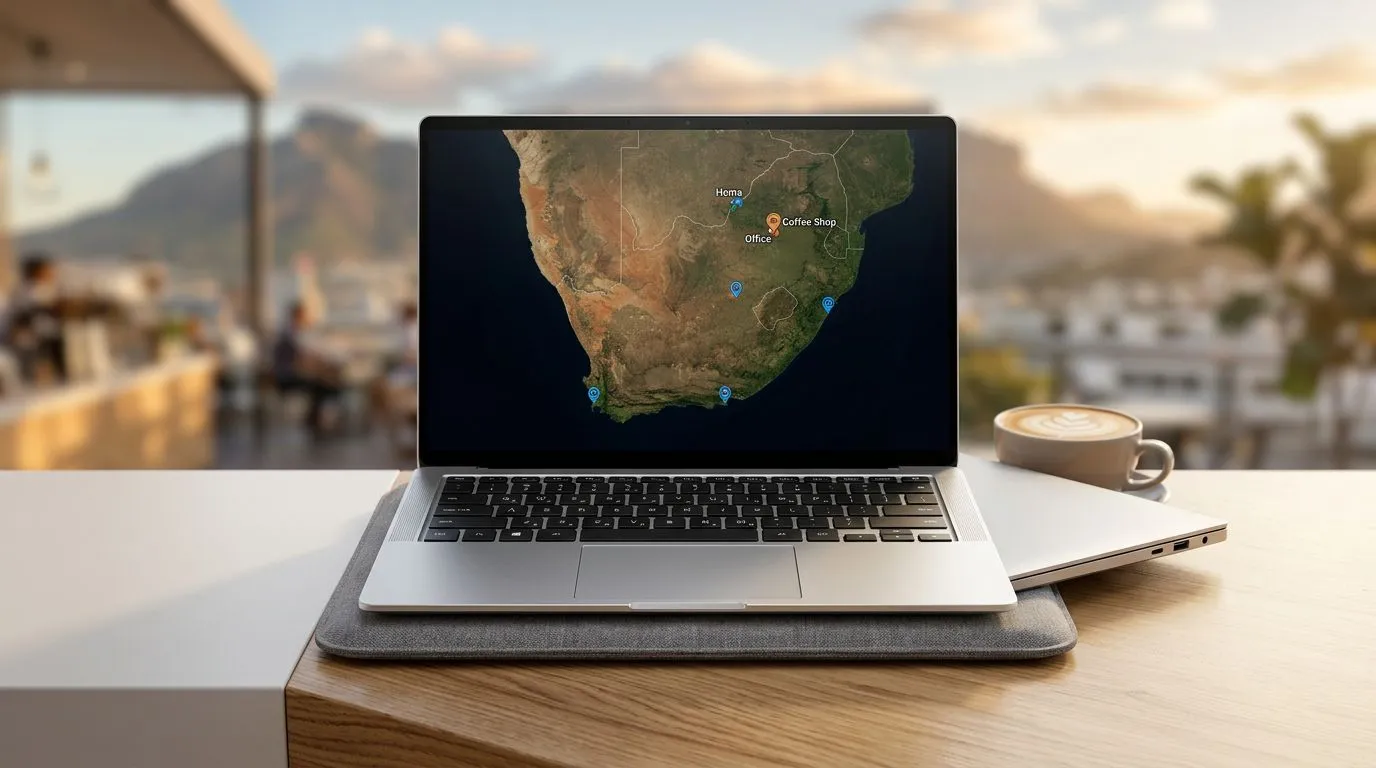
Best Ultrabooks for South African Remote Workers: Top Features to Look For that Actually Matter (in SA)
Remote work in South Africa means one thing… your laptop must survive long days, unstable Wi‑Fi, and that never‑ending “quick call”. If you’re commuting, bouncing between coffee shops and home, or building content after hours, you want a thin and light notebook that doesn’t feel fragile. But “ultrabook” can mean anything from genuinely solid to mostly marketing. Let’s get practical.
Best Ultrabooks for South African Remote Workers: The core features to prioritise first
A remote-worker ultrabook should nail five basics: performance, battery life, display comfort, ports, and thermals. Fancy specs are nice, but only if they support your day-to-day.
Best Ultrabooks for South African Remote Workers: Performance for calls, tabs, and real work
Look for modern Intel or AMD platforms designed for efficient performance. In practice, you’re aiming for smooth multitasking: browser tabs, Zoom/Teams, documents, and maybe lightweight design or coding.
Evetech’s Intel laptop deals can help you start with the right processor families rather than guessing. 🔧
- Explore current options here: Intel laptops on special
If you prefer AMD’s efficient mobile chips, check out their Ryzen laptop deals too. ⚡
- Start here: Ryzen laptop deals
Best Ultrabooks for South African Remote Workers: Battery life you can trust (not just “up to”)
Marketing loves “up to” numbers. Instead of obsessing over peak claims, focus on what’s realistic for your use: screen brightness, Wi‑Fi use, and whether the laptop has a power-efficient CPU profile.
Best Ultrabooks for South African Remote Workers: A display that reduces fatigue
Remote work often means staring at spreadsheets, docs, and Slack. Prioritise:
- Good brightness (for loadshedding-era dark rooms and bright offices)
- Comfortable resolution for text clarity
- Anti-glare (if you work near windows)
Best Ultrabooks for South African Remote Workers: Ports that don’t force dongle life
A portable laptop should reduce friction. Ideally look for:
- USB‑C (with charging)
- USB‑A (or at least a simple way to connect peripherals)
- HDMI (for quick monitor hookups)
- A microSD/SD slot if you’re dealing with media
If you’re a content creator who also games occasionally, keep in mind that ultrabooks can get expensive when you demand high-end GPU power. In that case, you may want to broaden your search. ✨
Best Ultrabooks for South African Remote Workers: When you need more than “thin and light”
Some remote workers need more than ultrabook-class graphics. Think: video editing that’s not “lightweight”, 3D work, or gaming evenings after meetings. If that’s you, it’s smarter to buy for your heaviest use, then scale down.
Evetech’s broader deals can show you what’s possible within your budget. 🚀
- If you’re considering a performance upgrade path, check: best gaming laptop deals
- Sticking closer to a tighter budget? Browse: buy gaming laptops under R20k
- Want an NVIDIA-focused option? Start here: GeForce RTX gaming laptops on special
Best Ultrabooks for South African Remote Workers: A quick decision guide
- Mainly documents, calls, spreadsheets, and browsing → go ultrabook-first.
- Video editing + regular creative work → look for higher sustained performance (often not “ultra-thin” only).
- Gaming after hours is part of your routine → consider a laptop that balances portability and GPU power.
Best Ultrabooks for South African Remote Workers: Remote-work setup tips to get more from any laptop
Even the best spec won’t help if your workflow fights you. Small setup changes make a noticeable difference.
Productivity Pro Tip ✨
On a Windows laptop, use PowerToys FancyZones to create consistent window layouts for your video calls, notes, and browser tabs. This reduces fiddling during meetings and helps you switch tasks faster when Wi‑Fi drops or you’re moving between home and a coworking space.
Best Ultrabooks for South African Remote Workers: Keep your heat under control
Ultrabooks are slim by design, so airflow matters:
- Avoid using them on soft bedding
- Use a simple hard desk surface
- If you work for long sessions, keep fan settings balanced (don’t always run “silent”)
Best Ultrabooks for South African Remote Workers: Don’t ignore storage speed
If your workflow includes large files, frequent app switching, or quick project loads, prefer SSD over HDD. For remote work, storage speed often feels “snappier” than small CPU differences.
Best Ultrabooks for South African Remote Workers: What to buy next (and why deals matter in SA)
Here’s the truth… choosing the “best” ultrabook is really choosing the best match for your work pattern and budget. Start with the features that affect your day: processor efficiency, screen comfort, ports, and storage. Then shop around for the right price in ZAR, because SA specials can change quickly.
If you want, use Evetech’s curated deal pages to avoid overthinking and compare realistic configurations. Start with Intel or Ryzen depending on what you find best value, then decide if you also need GPU muscle.
Ready to Find Your Perfect Match? The Mac vs Windows debate is complex, but for maximum power, choice, and value in South Africa, Windows is hard to beat. Explore our massive range of laptop specials and find the perfect machine to conquer your world.











