

Tired of squinting at your laptop screen during a hectic Valorant match or while streaming your favourite series? Connecting to a big screen should be simple, but a dodgy cable can turn movie night into a flickering mess. The solution is finding one of the best USB-C to HDMI cables for a stable, crystal-clear picture. It’s the single piece of tech that unlocks your laptop’s true potential for big-screen entertainment and productivity. 🚀
Why a Quality USB-C to HDMI Cable is Essential
In today's world of sleek ultrabooks and powerful gaming laptops, the USB-C port is king. It handles data, power, and video… all through one tiny connector. A high-quality USB-C to HDMI cable acts as the perfect bridge, letting you mirror your display to a 4K TV or a high-resolution monitor without needing a clunky dock or multiple adapters.
Imagine effortlessly streaming Netflix in Ultra HD or presenting your work on a massive projector with zero lag or signal drop. That's the peace of mind a reliable cable provides. It’s not just about getting a picture; it’s about getting a perfect, stable picture every single time. For a solid all-round performer, check out the range of GIZZU's reliable adapters that balance performance and value.
What to Look For in Your Next Cable ✨
Not all cables are created equal. To find the best USB-C to HDMI cable for your needs, focus on a few key features that guarantee performance and durability. A cheap, unbranded cable might save you a few Rands now, but it could fail right when you need it most.
Key Specifications
- Resolution and Refresh Rate: Aim for a cable that explicitly supports 4K at 60Hz (4K@60Hz). This ensures a smooth, fluid picture for both gaming and video playback. Anything less, like 4K@30Hz, can feel choppy and ruin the experience.
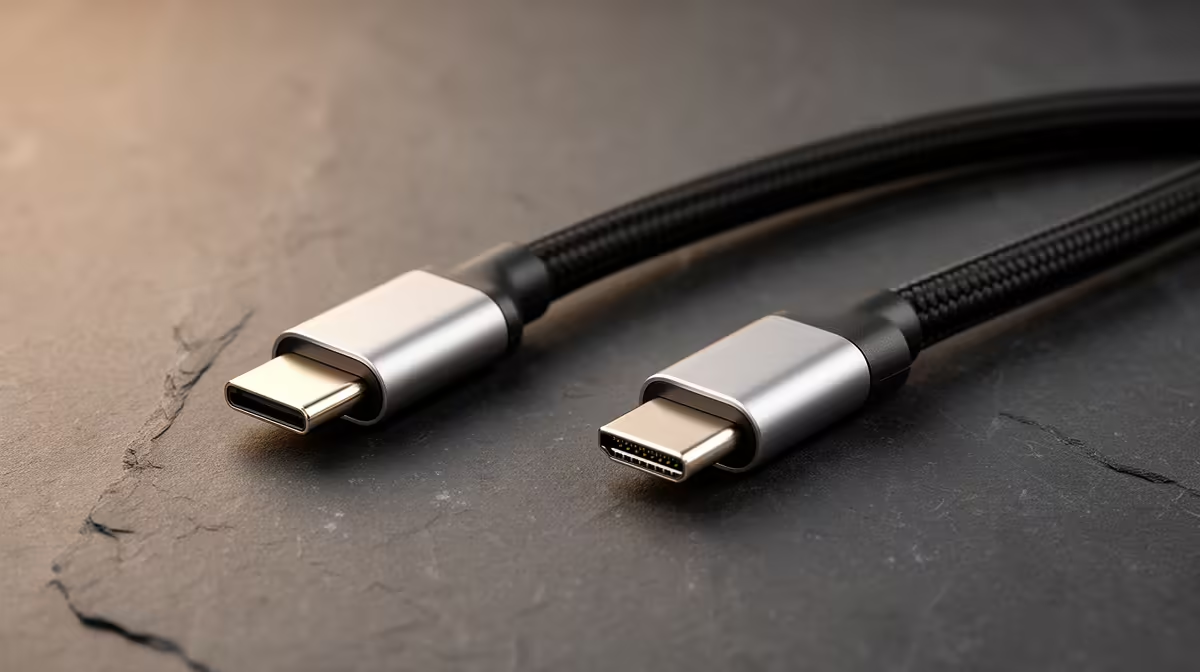
- Build Quality: Look for features like a braided nylon exterior and reinforced connector housings. These prevent fraying and damage from everyday plugging and unplugging. Brands known for robust construction, like these premium options from HP, often last significantly longer.
- Length: Consider your setup. A 1.8-metre cable is usually perfect for a desk, but you might need a longer one if your PC or laptop is further away from your display.
Check Your Port! 🔧
Not all USB-C ports support video output. Make sure your device's USB-C port supports "DisplayPort Alternate Mode" (DP Alt Mode) or is a Thunderbolt 3 4 port. It's usually marked with a lightning bolt (Thunderbolt) or a "DP" logo next to the port.
Ultimately, a good cable should be a plug-and-play affair. You shouldn't have to fiddle with drivers or settings. Great options like the versatile Promate cables are designed to work instantly, simplifying your setup so you can get back to what matters.
Find Your Perfect Connection at Evetech Stop letting poor connections hold you back. Explore our massive range of reliable USB-C to HDMI solutions and get the flawless picture quality you deserve. Shop all cable solutions now at Evetech for performance that leaves lag in the dust.











