Driving Pacific Drive at 1440p ultrawide on a R20,000 GPU budget is about getting enough VRAM and raster power for the storm scenes without starving the rest of the build. Ultrawide pushes about 33% more pixels than standard 1440p, so the card choice matters.
Quick Answer
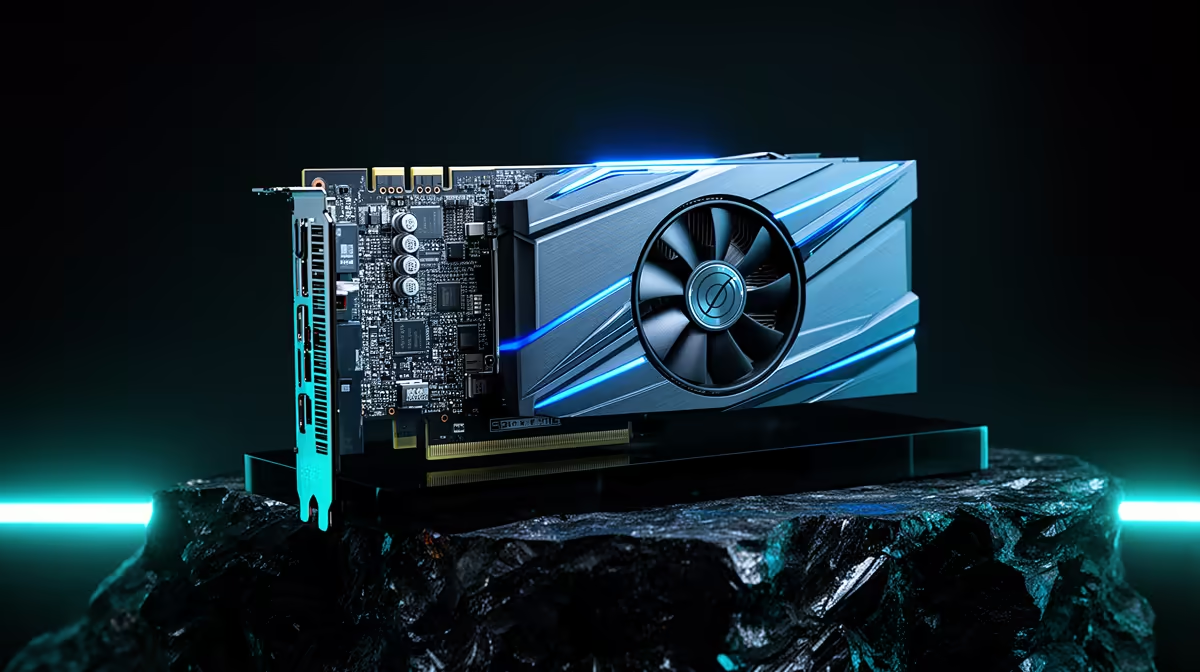
On a R20,000 graphics-card budget for Pacific Drive at 3440x1440 ultrawide, target an RTX 5070 Ti or RTX 5070-class card with 12-16GB of VRAM. That delivers roughly 80-100 fps at high settings with DLSS Quality enabled. Pacific Drive's volumetric storms are the heaviest moments, so keep DLSS on and you will hold a smooth ride through the Olympic Exclusion Zone.
What 1440p ultrawide demands in Pacific Drive
At 3440x1440 you are rendering close to 5 million pixels per frame, well above standard 1440p. Pacific Drive leans on Unreal Engine volumetric effects during anomaly storms, which hit the GPU hardest. A card with at least 12GB of VRAM avoids texture stutter at high settings, and DLSS 4 Quality recovers the frames the wider aspect ratio costs you without a visible drop in sharpness.
Building balanced around a R20,000 GPU
Spending R20,000 on the card means keeping the rest sensible: a Ryzen 5 7600 or Ryzen 7 7700 keeps Pacific Drive GPU-bound, 32GB of DDR5-6000 gives comfortable headroom, and a 750W 80 Plus Gold PSU powers the lot. An ultrawide 3440x1440 panel at 144Hz or higher lets you actually see the frames. Avoid overspending on the GPU and then pairing it with a weak CPU or slow RAM, which caps the gains.
Pro Tip
In Pacific Drive, set DLSS to Quality and cap your frame rate a few below your monitor's refresh. That keeps frame pacing smooth through the storm transitions, which are the most demanding moments in the run.
FAQ
What GPU gives the best value for Pacific Drive ultrawide on R20,000?
An RTX 5070 Ti is the strongest pick in that budget, delivering 80-100 fps at high settings at 3440x1440 with DLSS Quality. It has the VRAM and raster power for the volumetric storm scenes.
Is 12GB of VRAM enough for 1440p ultrawide?
For Pacific Drive at high settings, yes, 12GB is comfortable. If you plan to push ultra textures across many modern titles, a 16GB card gives more long-term headroom at this resolution.
Do I need DLSS for Pacific Drive at ultrawide?
It helps a lot. DLSS 4 Quality recovers the frames the wider aspect ratio costs without a visible sharpness loss, keeping the storm scenes smooth on a mid-to-upper GPU.
Build a balanced 1440p ultrawide rig
Compare Evetech's RTX 5070 Ti and RTX 5070 cards, Ryzen CPUs, DDR5-6000 kits and 3440x1440 ultrawide monitors, all in stock with nationwide delivery.