

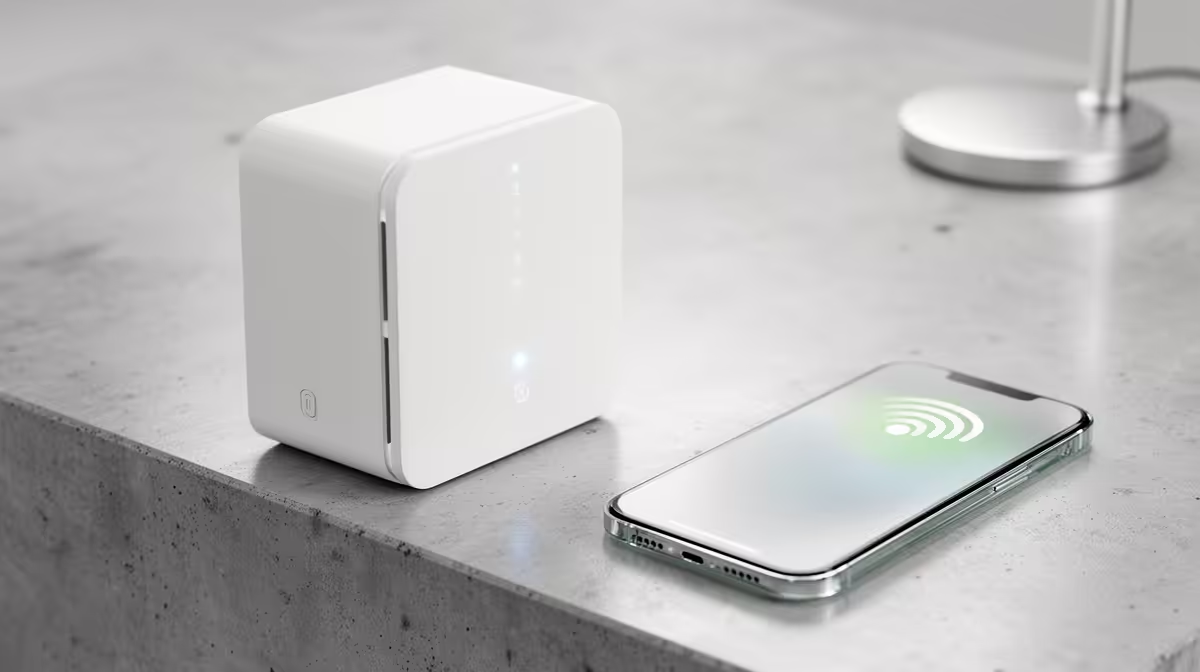
You've got fast fibre, the envy of your mates. Yet, your Wi-Fi signal dies halfway to the braai area, and your gaming den feels like it's on dial-up. Sound familiar? Many South Africans blame their ISP, but the free router they provide is often the real culprit. Before you spend another minute on a laggy connection, let's look at how to properly boost your signal and reclaim your entire home for flawless connectivity. 📶
Why Your ISP-Supplied Router Is a Bottleneck
Internet Service Providers (ISPs) like Vumatel, Openserve, and Frogfoot do a fantastic job laying down the fibre infrastructure that powers our digital lives. However, the routers they typically bundle with their packages are built to a cost, not for performance. They're designed to be "good enough" for a small flat, not a multi-room house with brick walls that absorb Wi-Fi signals like a sponge.
This is where the search for the best Wi-Fi boosters from top South African ISPs often begins, but there's a catch: the "boosters" they offer are often basic, rebranded models. Taking control of your own network hardware is almost always the superior choice for performance and reliability.
Finding the Right Wi-Fi Booster for Your SA Home
A Wi-Fi booster, also known as a range extender, is a simple yet effective device. It picks up the existing wireless signal from your router and rebroadcasts it, pushing the signal into those frustrating dead zones. This is the perfect solution for extending coverage to a specific area like an upstairs bedroom, a home office, or that patio where you want to stream the rugby.
When choosing one, look for:
- Wi-Fi 6 (802.11ax): This is the latest standard, offering better speed, efficiency, and performance in crowded network environments.
- Dual-Band Support: A good booster uses both the 2.4GHz (for range) and 5GHz (for speed) bands, preventing it from halving your bandwidth.
- Easy Setup: Most modern wireless range extenders feature a simple WPS button for one-touch connection to your router.
Pro Placement Tip
Don't place your Wi-Fi booster in the dead zone itself. It needs to receive a strong signal to rebroadcast one. Position it roughly halfway between your main router and the area with poor signal for the best results. ✨
Upgrading Your Core Network: Routers and Adapters
Sometimes, a booster is just a patch on a bigger problem. If your primary router is old or underpowered, no amount of boosting will give you the lightning-fast speeds you're paying for. A powerful, modern router can cover a larger area on its own, often eliminating the need for an extender entirely. Investing in one of the latest wireless routers is the single best upgrade you can make for your home network's foundation. 🚀
What If the Problem Is Your PC?
You've got a strong signal, but your gaming PC still feels sluggish online? The issue might be your computer's own Wi-Fi receiver. Older or cheaper PCs often come with subpar internal wireless cards. A simple, high-gain USB wireless adapter can dramatically improve your PC's connection stability and speed, ensuring you get every last megabit of your fibre line.
Ultimately, diagnosing your Wi-Fi woes is the first step. By understanding whether you need a simple booster, a more powerful router, or a better adapter, you can make a smart investment and finally enjoy the internet you pay for, in every corner of your home.
Build Your Ultimate Home Network Stop letting weak signals dictate where you can work and play. Explore our full range of wireless networking gear and build a connection that's as fast and reliable as your gaming reflexes.











