

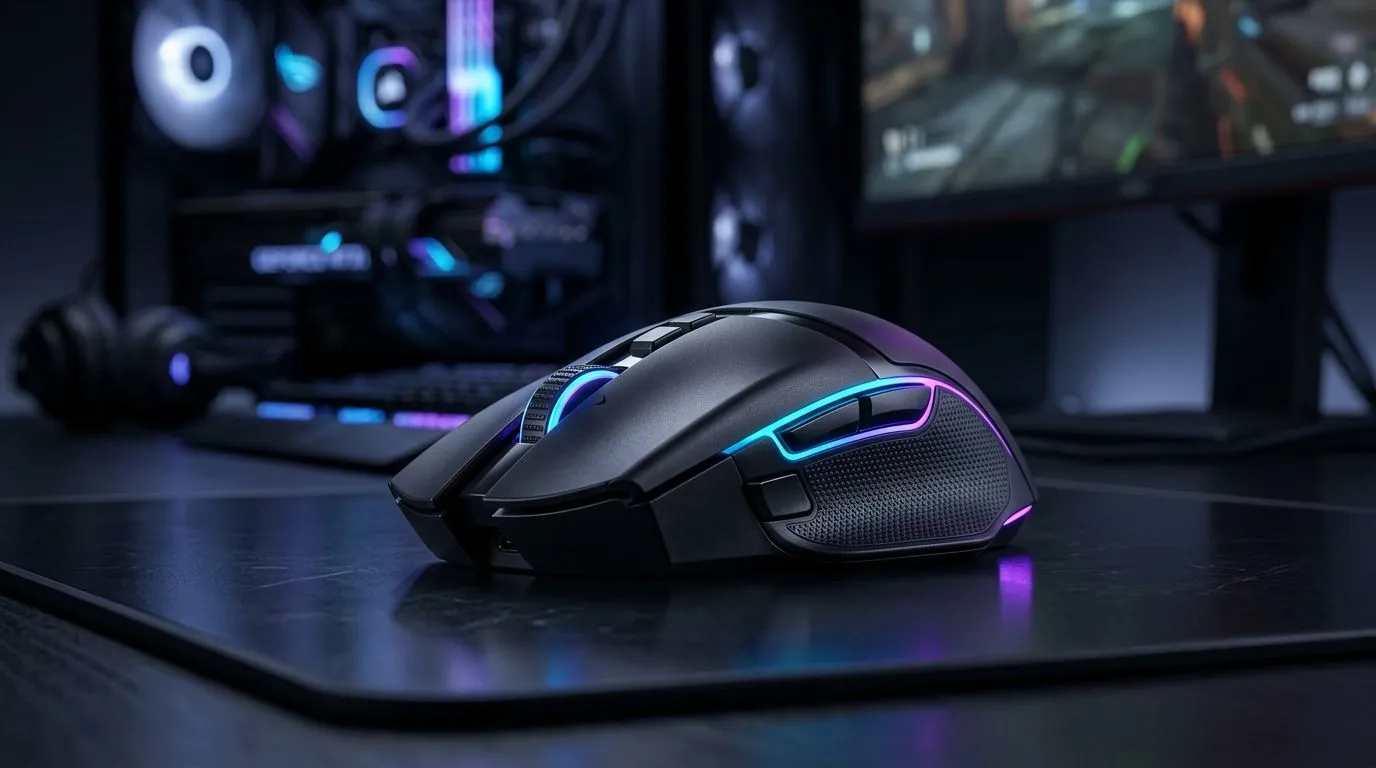
Best Wireless Gaming Mouse Features for SA Fibre and Mobile: What Actually Matters
South Africa game nights don’t pause for bad connectivity… neither should your aim. If you play on SA fibre, or you hotspot while travelling, a wireless mouse has to feel instant and stable. The trick is choosing the right features, not just the right brand. In this guide, we break down the best wireless gaming mouse features for SA fibre and mobile so you can buy with confidence. ⚡
Latency You Can Feel: Low-Latency Wireless That Holds Up
Wireless used to feel “almost there”. Now it can feel downright tight… if the mouse is built for gaming. Look for a strong connection type like 2.4GHz gaming wireless, often with a dedicated USB receiver. For consistent performance, the receiver should stay within good range and ideally line of sight.
If you’re buying, compare with our wireless options here:
- Check our Wireless Gaming Mouse selection: buy wireless mouse
Tip: Keep Your Connection Clean (Especially on Mobile)
On fibre, interference is usually predictable. On mobile hotspots, you’ll often be juggling more devices. Turn off background Bluetooth devices if you’re not using them and avoid stacking USB dongles behind your monitor stand.
Productivity Pro Tip 🔧
Windows, try a quick USB port check: plug the wireless receiver into a different port (preferably directly on the PC, not a front-panel hub). If you notice improved stability, your earlier port or hub was likely causing extra interference.
Battery and Charging Habits: Play Longer, Recharge Smarter
Wireless is only “wireless” until it’s time to charge. Choose features that match your routine:
- Recharge method: USB charging vs replaceable batteries
- Battery life range (real-world expectations, not marketing promises)
- Charging speed and whether you can keep playing while charging
If you want accessories that simplify your setup, browse: mouse accessories
Sensor Performance: Tracking That Doesn’t Stutter on Different Surfaces
A good sensor matters more than people think. You’ll want smooth tracking on your actual desk surface, not an imaginary lab pad. For best results:
- Use a proper mouse mat (even a basic one)
- Keep the sensor clean (dust shows up as “mystery jitter”)
- Adjust DPI to your playstyle, but don’t jump too wildly mid-match
For a deeper look at gaming mouse options, see our category lineup: components gaming mouse
SA Fibre vs Mobile Hotspot: What Changes for Wireless Gaming?
Here’s the reality check. Your mouse latency is mostly local to your PC or console. Internet latency affects gameplay, not the mouse signal path. So why do mobile users care? Because on the move, your setup changes:
- More devices sharing bandwidth
- More wireless clutter (nearby Wi-Fi routers)
- Less ideal placement for your receiver
So your buying priorities shift slightly towards stable 2.4GHz receivers, good power management, and a shape you can grip for long sessions.
Buying Smart in SA: Deals, Value, and Comparisons
If you’re trying to stretch your budget (because electricity and rent are not “budget friendly”), deals help. We update our picks often, so it’s worth checking what’s moving. ✨ best gaming mouse deals
And if you’re deciding between wireless and wired, compare the feel and consistency side-by-side:
Ready to Buy? Use This Quick Checklist Before Checkout
Before you add to cart, skim these “must-check” features:
- Wireless type (gaming-grade 2.4GHz receiver recommended)
- Battery life and charging method
- Sensor quality for your desk surface
- Weight and grip comfort for consistent flicks
- Receiver placement flexibility (especially for mobile setups)
This is how you avoid the classic mistake: buying “fast” on paper, then feeling “off” after 10 minutes in a ranked match. 🚀
Ready to Find Your Perfect Match? The Mac vs Windows debate is complex, but for maximum power, choice, and value in South Africa, Windows is hard to beat. Explore our massive range of laptop specials and find the perfect machine to conquer your world.











