

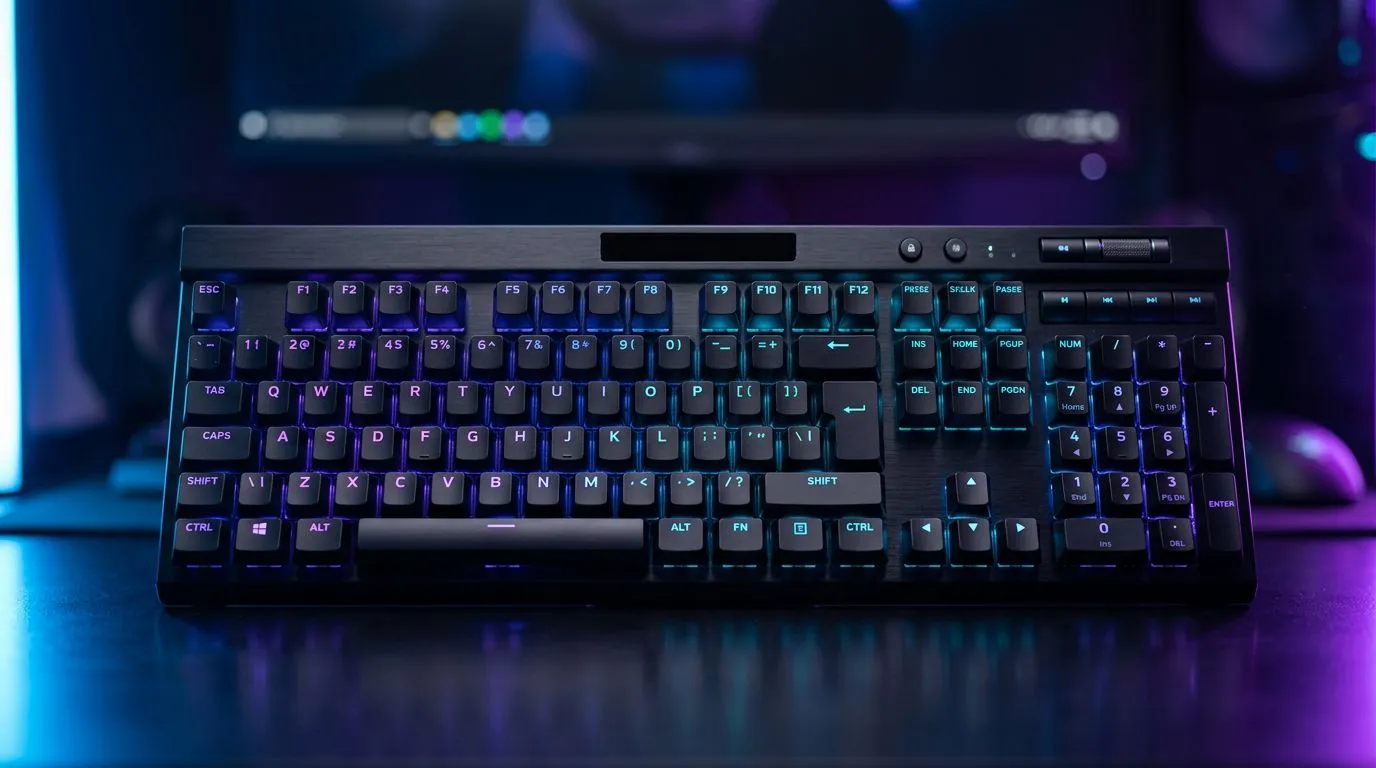
Best Wireless Keyboard Connectivity Mode for Gaming in South Africa: The 70-Word Reality Check
If you game on a budget or you just hate input lag, your keyboard connection mode matters… a lot. In South Africa, where load-shedding, Wi‑Fi congestion, and budget hardware are real life, choosing the right connectivity can be the difference between “that was close” and “why didn’t it register?” ⚡ Let’s break down the best wireless keyboard connectivity mode for gaming in SA, and when you should still go wired for competitive play.
Best Wireless Keyboard Connectivity Mode for Gaming in South Africa: Wireless vs Wired (What Actually Changes)
Most gaming keyboards fall into two camps for connectivity:
- Wireless (2.4GHz via USB dongle): Often the lowest-latency wireless option. Your keyboard talks directly to the dongle, not through your Wi‑Fi network.
- Bluetooth: Convenient, but generally less consistent for fast, competitive gaming.
- Wired (USB): Reliable and consistent. If you’re chasing esports-level consistency, wired still wins.
Important detail: wireless gaming keyboards can be great, but the “best mode” depends on your room setup and your tolerance for battery management. ✨
Why 2.4GHz Usually Wins for FPS and Fast Rhythm Games
2.4GHz dongles typically avoid the “busy channel” problem that plagues Wi‑Fi networks. That means fewer hiccups when neighbours are streaming, working, or gaming too. For South African homes with shared networks and crowded bands, that’s a big deal.
When Bluetooth Can Make Sense (And When It Doesn’t)
Bluetooth is handy if you’re bouncing between devices (PC + laptop) and you don’t want to dedicate a dongle. But for high-speed reactions, many players notice higher variance compared to dongle 2.4GHz or wired.
Best Wireless Keyboard Connectivity Mode for Gaming in South Africa: Practical Setup Tips (No Fancy Stuff Needed)
Let’s get you to a stable connection quickly:
Place the dongle well
Plug the dongle into a rear USB port where possible. Front panels can reduce signal quality in some cases due to internal USB routing.
Keep the keyboard line-of-sight
Walls and metal desk frames can interfere, especially if your dongle is tucked behind the PC.
Manage battery like a serious gamer
Wireless keyboards run on batteries. If you game late nights, replace batteries before they start dropping voltage. Low power can feel like “lag,” but it’s actually reliability slipping.
Prefer consistent polling with stable modes
If your keyboard offers multiple wireless modes, stick to the mode built for gaming, not “standard office wireless.”
Productivity Pro Tip ⚡
On Windows, keep your keyboard drivers updated and verify your key response settings in Windows Game Mode. Pair this with a direct USB dongle connection on the PC for the most consistent 2.4GHz performance, especially when your Wi‑Fi is busy during peak evening hours in South Africa.
Best Wireless Keyboard Connectivity Mode for Gaming in South Africa: Recommended Evetech Picks to Compare
Not sure what to buy first? Start by comparing connectivity in real listings and confirm whether the model is Wireless (dongle) or Wired.
- If you want to browse focused gaming deals, check these keyboard deals here: Explore the best gaming keyboard deals
- If you’re doing a straight “what’s best value?” comparison, this is a great place to start: Buy the cheapest gaming keyboard in South Africa
- Want a combo approach (keyboard + mouse) so you can match response and control? Here’s the shortcut: Buy a keyboard mouse combo
- If your current setup struggles with wireless reliability (or you just want certainty), filter for wired options: Cheapest gaming keyboard listings (Wired connectivity)
- If you’re committed to going wireless and want the dongle-style connectivity path, filter for wireless options: Cheapest gaming keyboard listings (Wireless connectivity)
Best Wireless Keyboard Connectivity Mode for Gaming in South Africa: Quick Decision Guide for SA Gamers
Use this rule of thumb:
- Choose dongle 2.4GHz wireless if you want wireless freedom with competitive consistency.
- Choose wired if you play ranked, tournaments, or anything where even minor variance annoys you.
- Choose Bluetooth only if your priority is device switching over peak gaming responsiveness.
A short micro-story from the local grind 🎮
Picture this... you’re in a late-night match, Wi‑Fi is acting up, Discord calls are fine, but your keyboard feels “off.” That’s when you realise you never tested your wireless mode under real conditions. The fix is simple: try dongle 2.4GHz or go wired for your competitive days.
If you want a smoother experience, start by selecting connectivity first, then narrow down by switches, layout, and budget in ZAR.
Ready to Find Your Perfect Match? The Mac vs Windows debate is complex, but for maximum power, choice, and value in South Africa, Windows is hard to beat. Explore our massive range of laptop specials and find the perfect machine to conquer your world.











