

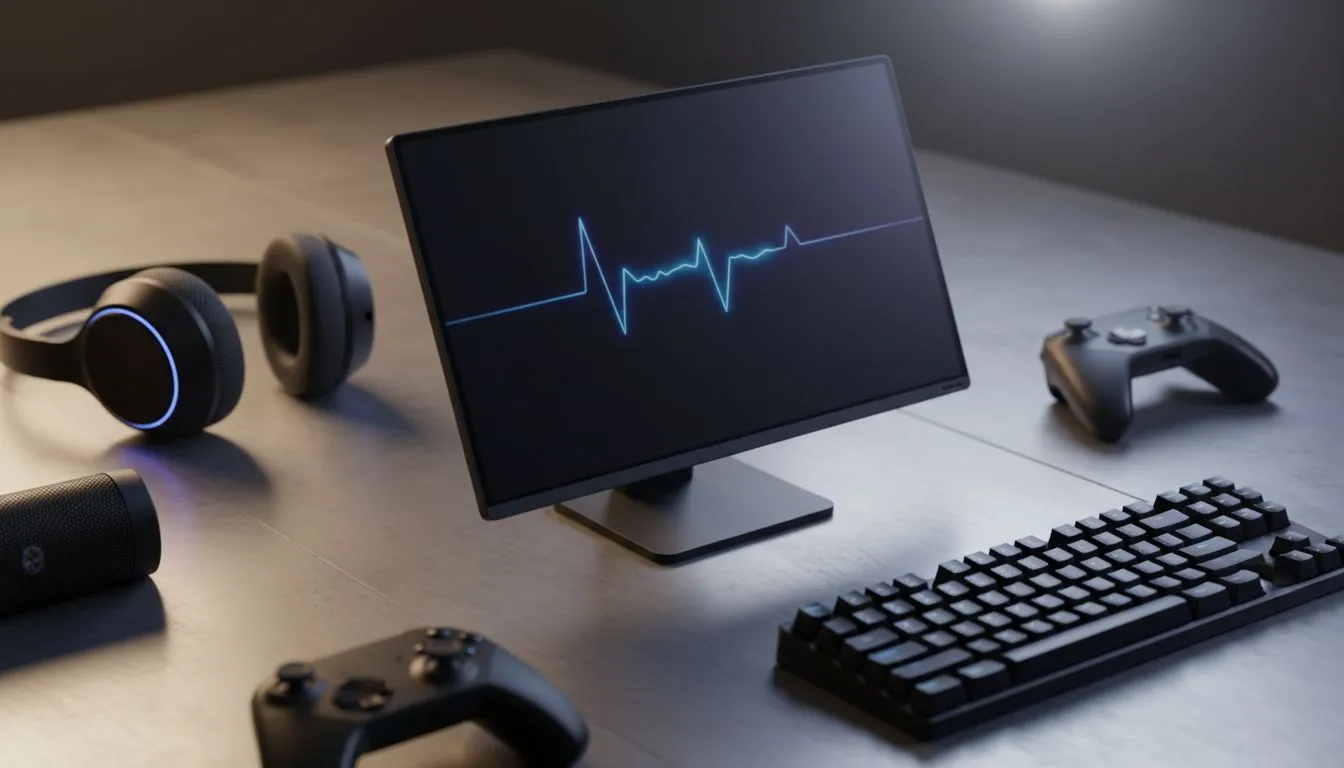
Tired of cable spaghetti ruining your clean desk setup in Johannesburg? Bluetooth 5.2 is the wireless standard we have been waiting for. It is not just a minor update... it is a total overhaul for how you connect speakers, headphones, keyboards & controllers. This technology ensures your peripherals work in perfect harmony. Let’s explore why this specific version is essential for every South African gamer and professional. 🔧
Enhanced Audio with Bluetooth 5.2: Connect Speakers and Headphones
The biggest leap in Bluetooth 5.2 is the introduction of LE Audio. This technology uses the LC3 codec to deliver high-quality sound at much lower bitrates. For users in South Africa looking to save battery life on their wireless gear, this is massive. You can now enjoy crisp audio on your wireless headphones while your PC remains the ultimate hub.
When you pair this high-fidelity audio with the visual clarity of IPS monitors, your immersion levels skyrocket. The low latency of version 5.2 ensures that the sound of a gunshot in-game reaches your ears exactly when the flash appears on screen. This synchronisation is vital for competitive play.
Connection Pro Tip ⚡
If your Windows PC is not seeing your Bluetooth 5.2 device, try updating your chipset drivers from the motherboard manufacturer's website. Standard Windows updates sometimes miss the specific low-energy profiles needed for the latest peripherals.
Streamline Your Workspace with Better Connectivity
Managing multiple devices has never been easier. Bluetooth 5.2 allows for Multi-Stream Audio, meaning you can connect multiple speakers or headphones to one source simultaneously. This is perfect for sharing a movie or a song without needing a physical splitter.
A clean, wireless desk looks best when paired with high-quality displays. Whether you prefer the traditional look of flat monitors or a more expansive view, removing wires makes your workspace feel premium. You can find a wide variety of these displays in our PC monitors section to complete your cable-free aesthetic. ✨
Precision Control for Keyboards and Controllers
For gamers, input lag is the enemy. Bluetooth 5.2 improves signal stability, which is crucial when you connect keyboards & controllers. It reduces the interference that often plagues busy South African households with many active Wi-Fi signals.
To get the most out of your responsive wireless controller, you need a screen that can keep up. If you are on Team Red, look for displays featuring FreeSync (AMD) to eliminate screen tearing. NVIDIA users should opt for G-Sync (NVIDIA) to ensure every frame is delivered smoothly. Even if you use a mix of hardware, choosing a display with Adaptive Sync will provide a versatile solution for your wireless gaming rig. 🚀
The Future of Wireless Peripherals
As we move toward a truly wireless future, Bluetooth 5.2 stands as the backbone of the modern ecosystem. It offers the reliability once reserved for wired connections... but without the clutter.
For those who want the ultimate "cockpit" feel, placing your wireless peripherals in front of curved monitors creates an unmatched sense of depth. Whether you are finishing a work project or climbing the ranks in your favourite shooter, the combination of Bluetooth 5.2 and high-end hardware ensures you are always performing at your peak.
Ready to Find Your Perfect Match? Bluetooth 5.2 is the key to a cleaner, faster, and more efficient gaming rig. Explore our massive range of PC monitors and find the perfect display to complement your wireless setup.











