

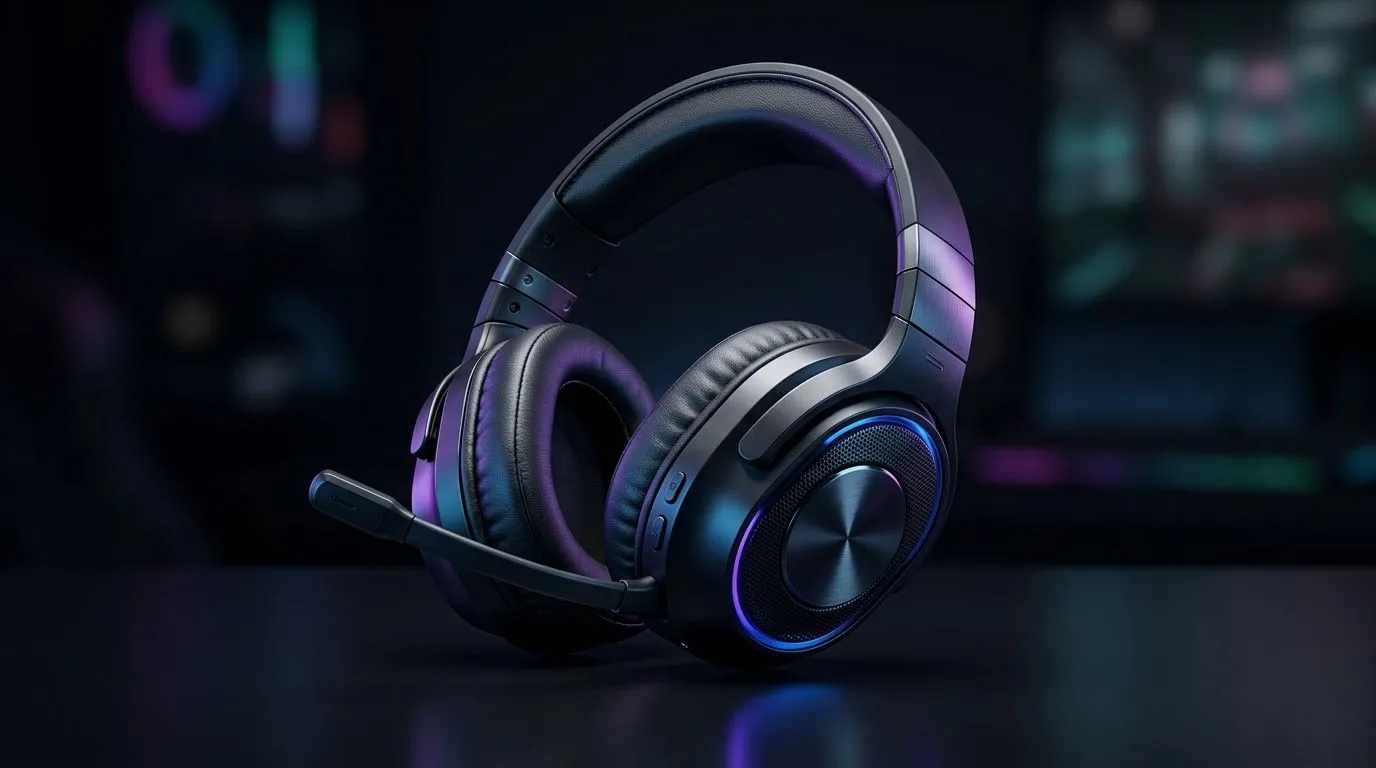
Bluetooth Gaming Headsets for South Africa’s Mobile Gaming Lifestyle: the real-world problem
If you’re gaming on your phone on the commute, then you already know the pain… wired audio yanks, dongles that vanish, and battery life that disappears mid-match. Bluetooth headphones sound convenient, but only if they handle low-latency audio, stay comfortable for long sessions, and don’t fall apart on the road. In South Africa’s mobile gaming lifestyle, the best setup is the one that’s consistent at home and out in the wild. 🎧
What to check before you buy (so you don’t regret it) 🔧
Bluetooth performance is a “specs on paper vs gameplay feel” situation. Here’s what matters most for mobile gaming headsets:
Latency and “gaming mode”
Look for gaming-focused features like low-latency modes or codecs designed for reduced delay. Even when a headset lists Bluetooth specs, the actual experience depends on the device and app. If possible, prioritise headsets marketed for gaming audio rather than general music use.
Comfort for long sessions
Mobile games often mean longer-than-expected sessions. Cup pressure, headband padding, and ear seal quality matter more than you think. If you can, test comfort in-store… or buy from a retailer with clear returns.
Battery life you can trust
A headset should last through a full workday and then some. Again, check the vendor’s stated battery life and charge method (USB-C is the usual modern baseline).
Mic quality for squad play
If your teammates can’t hear you clearly, you’ll compensate by shouting into the mic… and nobody wins. A headset with a decent detachable or beamforming mic usually performs better in noisy environments.
Connectivity Pro Tip ✨
On mobile, toggle Bluetooth off and back on before your match, and close other audio apps. This reduces audio “reconnect” hiccups and keeps your connection stable. If your headset has a dedicated gaming mode, enable it before pairing to avoid delays switching mid-game.
Top pick types from Evetech’s range (and how they fit) 🚀
Not all Bluetooth headsets are built for the same lifestyle. Here’s how to match your priorities:
Wireless with a strong gaming identity
If you want a wireless option that’s designed around competitive audio use, browse Evetech’s gaming headset selection for models that fit that purpose. For a clean starting point, check out the Razer Barracuda X Chroma (Phantom White) deal here: Razer Barracuda X Chroma Wireless Headset (Phantom White). This is the kind of headset many players consider when they want both wireless convenience and a gaming-forward tuning.
Broad headphone coverage (compare styles fast)
If you’re still undecided on over-ear vs on-ear, or you want to compare price points, use Evetech’s category pages to narrow down quickly:
Setting up for mobile success (small steps, big impact) ⚡
Once you’ve picked a headset, the setup decides whether it feels “smooth” or “off”.
- Pair once, then test in-game audio quickly. Join a short match or a practice lobby first.
- Keep the same audio output device. Switching apps mid-match can cause re-negotiation of the Bluetooth connection.
- Set voice chat volume in-game. Don’t rely on your phone volume alone. Balance your mic and game audio so you’re not fighting levels.
- Charge before peak hours. If you leave late, top up the headset first. Low battery can degrade performance and increase instability.
If you want a simple rule: buy for the lifestyle, then tune for the game. When your headset feels stable, you play faster… and you communicate better.
Ready to Find Your Perfect Match? The Mac vs Windows debate is complex, but for maximum power, choice, and value in South Africa, Windows is hard to beat. Explore our massive range of laptop specials and find the perfect machine to conquer your world.











