

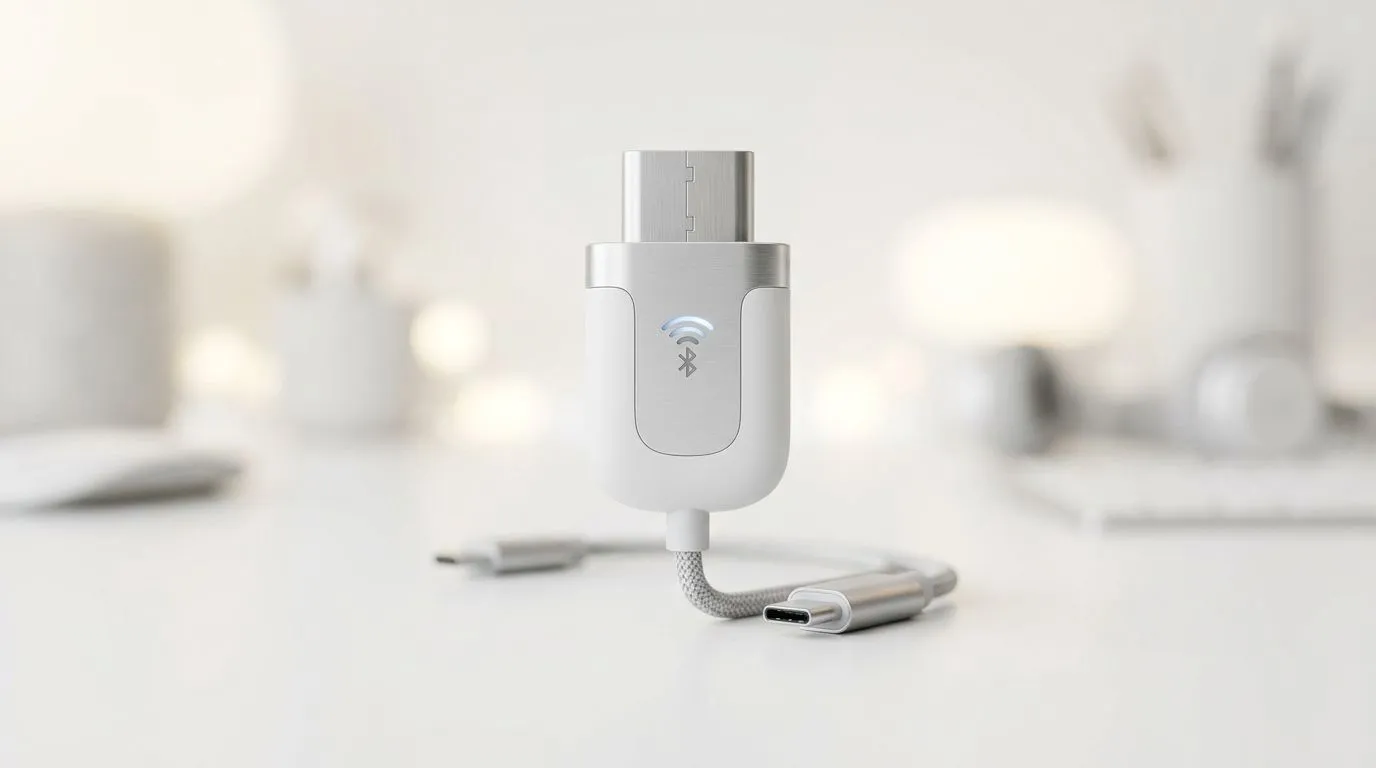
Bluetooth Interference Fix: Stop 2.4GHz Connectivity Drops in South Africa
If your wireless headset or mouse keeps stuttering or cutting out “just after you sit down”, you’re not alone. In SA homes, 2.4GHz interference is common. Wi‑Fi routers, microwaves, baby monitors, and even thick walls can all fight for the same airwaves. 🔧
The good news? A few smart checks often fix Bluetooth and 2.4GHz connectivity drops fast… without buying brand‑new gear.
Bluetooth Interference Fix: Stop 2.4GHz Connectivity Drops by finding the real culprit
First, confirm what’s actually dropping:
- Bluetooth devices (headsets, controllers) can be affected by nearby 2.4GHz sources.
- 2.4GHz wireless mice/keyboards use a dedicated dongle, but they can still lose signal in busy environments.
Try this quick order:
- Move closer to the receiver (or dock your mouse on the desk edge).
- Reposition the USB dongle (if it’s on a desktop hub, extend it with a USB extension cable).
- Reduce Wi‑Fi contention: if you can, connect your PC to 5GHz Wi‑Fi for downloads and updates, leaving 2.4GHz for your peripherals.
Why does this help? 2.4GHz has limited “space”, and when multiple devices transmit at once, packets get delayed or lost.
Bluetooth Interference Fix: Stop 2.4GHz Connectivity Drops with smart PC setup
A cluttered USB setup can cause surprising problems. Hub ports, front‑panel USB, and under‑desk placement all matter. ⚡
- Plug the receiver directly into the PC back panel when possible.
- Avoid placing the dongle behind the monitor or inside metal stands.
- Close background apps that might spike CPU while you game, especially during firmware or driver updates.
If your mouse is fine on one surface but drops on another, check the sensor’s tracking surface too. For gaming, a proper mouse mat often helps consistency.
Productivity Pro Tip ⚡
Windows, power-cycle the wireless receiver setup: unplug the mouse receiver, reboot the PC, then plug the receiver into a different USB port before restarting your game. It forces a clean device re-initialisation and clears many “stuck connection” states.
Bluetooth Interference Fix: Stop 2.4GHz Connectivity Drops by choosing the right gear
Sometimes interference isn’t “fixable”. It’s just less risky with the right hardware. If you’re shopping, consider these angles:
- Pick a mouse that matches your playstyle (FPS vs MMO often changes sensitivity and polling expectations).
- Use stable wireless designs or go wired when the stakes are high.
- Reduce accessories overlap: fewer wireless devices near the same USB area can improve outcomes.
If you suspect your current setup is the weak link, start here:
- If you’re tightening your desk setup and peripherals, browse mouse accessories like USB extenders and related gear at Evetech’s mouse accessories.
- Want zero wireless drop risk? Check wired gaming mice for reliable, latency-stable gameplay.
- If you still want wireless, compare your options with wireless gaming mice.
- Looking for value right now? Hit up best gaming mouse deals and grab a solid upgrade in ZAR.
- Or, if you want to browse the category directly, explore gaming mouse components. ✨
Bluetooth Interference Fix: Stop 2.4GHz Connectivity Drops today, not “someday”
Here’s the reality from the trenches: most “random disconnects” come from positioning, USB layout, or crowded 2.4GHz airspace. So test changes in order, then decide if you need a different mouse style.
Do you want a wired option for competitive nights… or a better wireless setup for everyday comfort? Either way, you’re one good upgrade away from smoother aim, faster reactions, and fewer rage‑clicks. 🚀
Ready to Find Your Perfect Match? The Mac vs Windows debate is complex, but for maximum power, choice, and value in South Africa, Windows is hard to beat. Explore our massive range of laptop specials and find the perfect machine to conquer your world.











