

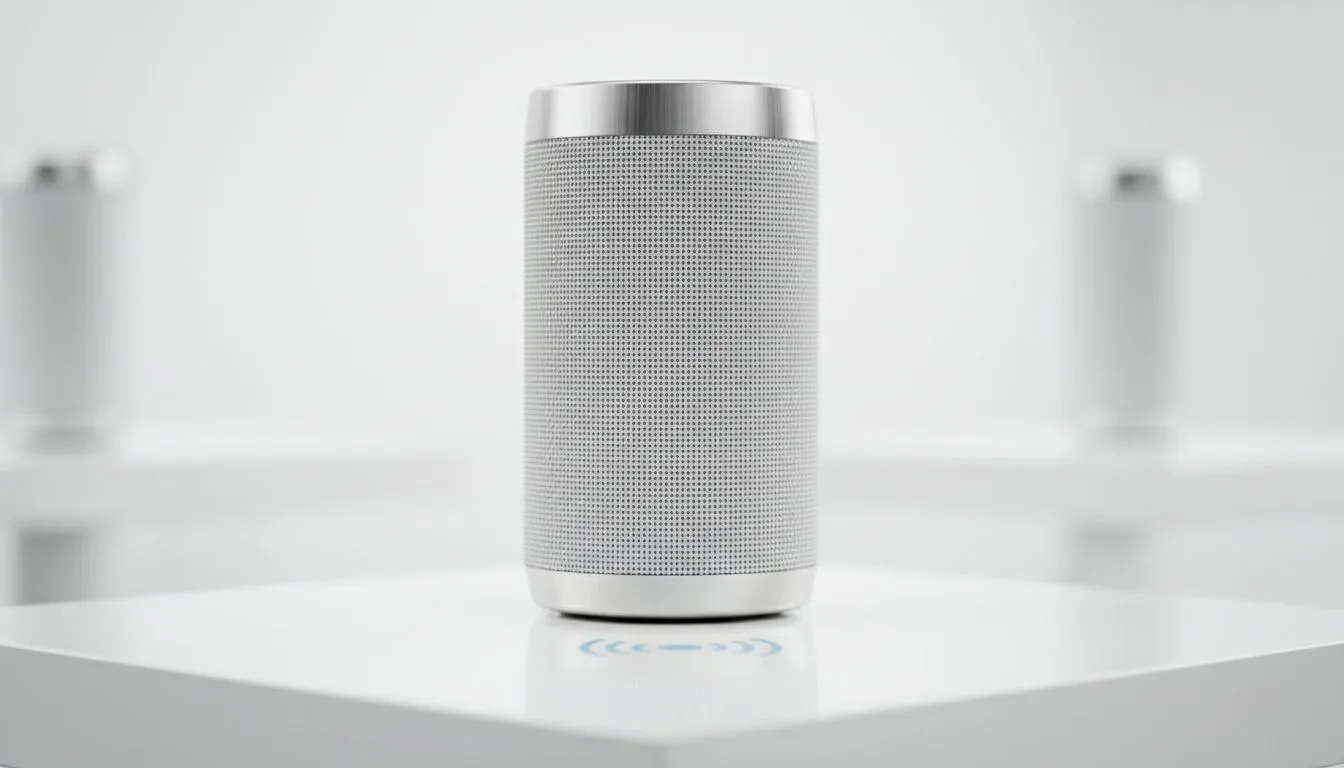
Imagine hosting a Saturday braai in Jozi. The vibe is perfect and the meat is sizzling. Suddenly, your music stutters and stops. A Bluetooth speaker cutting out is the ultimate mood killer for any South African social. Whether it is range issues or signal interference, these dropouts are incredibly frustrating... but they are usually easy to fix. Let's get your audio back on track ⚡.
Understanding Bluetooth Speaker Range and Interference
Distance is the most common reason for audio stutters. Most standard Bluetooth devices have a theoretical range of about 10 metres. However, physical obstacles like thick brick walls or large furniture can significantly shorten this. If you are looking for a more stable connection for outdoor use, choosing high-quality Wireless speakers with the latest Bluetooth standards is essential.
Signal interference is another major culprit. Your speaker competes with other devices using the 2.4GHz frequency. This includes your Wi-Fi router, microwave, and even some baby monitors. If your audio drops every time someone starts a download, you might be facing frequency congestion.
Bluetooth Stability Tip ⚡
To reduce interference, move your Bluetooth speaker away from your Wi-Fi router. If you are using a smartphone as the source, try toggling the Wi-Fi off temporarily to see if the audio stability improves. This simple trick often identifies if the 2.4GHz band is overcrowded in your home.
Troubleshooting Audio Dropouts and Hardware Issues
Sometimes the hardware itself needs a quick reset. If you notice consistent stuttering, try unpairing the device from your phone or PC and reconnecting it. For those who want a dedicated desk setup with more reliable power, a 2.1 speaker configuration provides excellent depth while keeping the connection stable.
Budget-friendly brands like Promate often include advanced chipsets that help manage these connections better than generic alternatives. Always ensure your speaker has sufficient battery life... low power often leads to a weaker Bluetooth radio signal and more frequent disconnects 🔧.
Optimising Your Software for Better Sound
Your source device might be the problem. Outdated Bluetooth drivers on a Windows laptop can cause "choppy" audio. Ensure your OS is updated to the latest version to optimise performance. If you prefer a simpler, clutter-free stereo layout for your office, many 2.0 speaker systems now feature Bluetooth 5.0 or higher, which offers much better data throughput and range than older versions 🚀.
When to Switch to a Physical Connection
If you live in a high-interference area or a flat with many signals, wireless might never be perfect. In these cases, choosing Wired speakers is the best way to guarantee zero latency and zero dropouts. You can find a wide variety of reliable speakers at Evetech starting from under R350, ensuring your music never skips a beat again ✨.
Ready to Find Your Perfect Match? Don't let bad audio ruin your vibe. Whether you need the portability of wireless or the rock-solid reliability of a wired setup, we have the right solution for your budget. Explore our massive range of speaker specials and bring the noise back to your home today.











