

Is your Wi-Fi signal strong in the lounge but barely reaches the bedroom or braai area? You're not alone. Many South African homes, with their solid brick walls, create Wi-Fi dead zones that are a real pain. Before you resort to moving your whole setup, know this: you can absolutely boost coverage without losing speed. It’s not about magic; it’s about choosing the right hardware for the job. Let's get your signal sorted. 🚀
Understanding Your Wi-Fi Weak Spots
Before you can fix the problem, you need to understand it. Your Wi-Fi signal is a radio wave, and like any wave, it gets weaker over distance. Thick walls, metal appliances (like your fridge), and even your neighbour's network can interfere and chop its strength down. If your router is a few years old, it might be struggling to handle today's demands of 4K streaming, online gaming, and a dozen connected devices all at once. An upgrade is often the simplest way to improve Wi-Fi coverage across your entire home.
Smart Upgrades to Boost Coverage Without Losing Speed
Forget those cheap, old-school repeaters that cut your speed in half. Modern tech offers far better ways to get a strong signal everywhere. The key is finding a solution that extends your network's reach without creating a bottleneck. Here are the top ways to boost coverage without losing speed and finally kill those dead zones for good.
Option 1: Embrace the Mesh Network
A Mesh Wi-Fi system is the ultimate solution for whole-home coverage. Instead of one central router, you get multiple "nodes" that you place around your house. They work together as a single, intelligent network, seamlessly handing your device off to the strongest signal as you move around. No more reconnecting or sudden buffering. It's a fantastic way to ensure you have fast Wi-Fi from the front door to the back garden. There are many powerful and affordable Cudy mesh systems that make this premium experience accessible.
Pro Tip: Placement is Key
When setting up a mesh system or extender, don't place the satellite unit in the dead zone itself. Place it halfway between your main router and the weak area. It needs a good signal to extend a good signal!
Option 2: A Powerful New Router
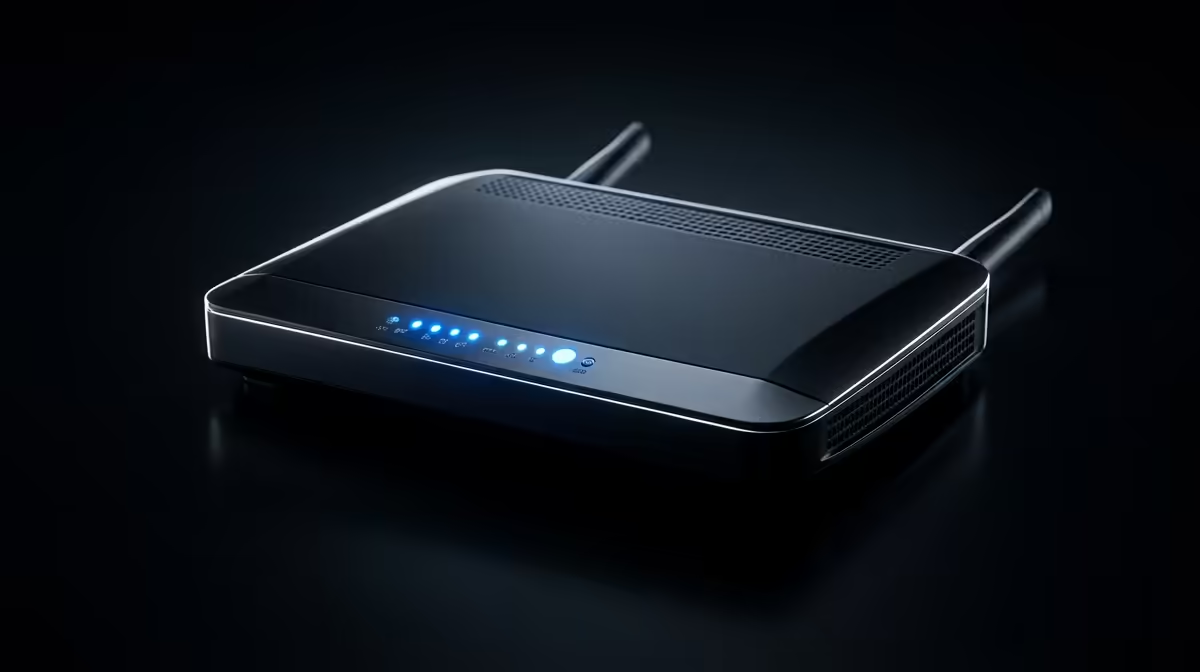
Sometimes, the simplest fix is the best one. If you're using the basic router your ISP gave you, upgrading to a dedicated, high-gain model can make a world of difference. Modern routers come with advanced tech like beamforming, which focuses the Wi-Fi signal directly towards your devices instead of just blasting it in all directions. Look for models with multiple antennas and support for the latest Wi-Fi standards (like Wi-Fi 6) to get the best performance. Brands like TP-Link are legendary for a reason, offering some of the most powerful TP-Link routers on the market. ✨
When Wires Still Win ⚡
For the absolute best stability and speed, nothing beats a physical connection. This is crucial for competitive gaming or a dedicated home office where every millisecond counts. If you can run a cable from your router to your PC, console, or smart TV, do it. Powerline adapters are also a brilliant hybrid solution, using your home's electrical wiring to carry the network signal. They can give you a near-wired experience without drilling holes in your walls. Exploring reliable wired networking solutions can solve your most critical connection headaches permanently.
Ready to Banish Buffering for Good? Stop letting dead zones dictate where you can work or play. A simple upgrade is all it takes to get the fast, reliable connection you deserve. Explore our full range of wireless networking gear and find the perfect solution for your home today.











