

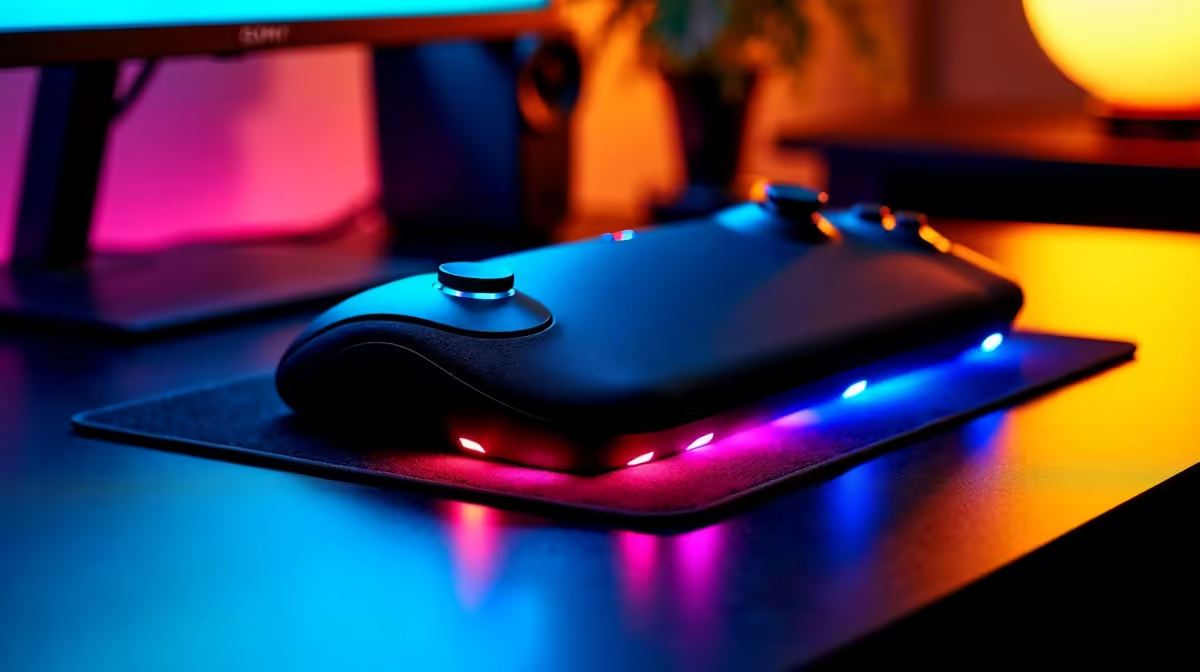
Howzit, fellow creator! You’re live, the chat is buzzing, and you’re about to clutch the final circle in Warzone. But then you need to switch scenes, mute Discord, and trigger a hype animation… all at once. Fumbling with ALT+TAB is a surefire way to break your flow and end up back in the lobby. What if you could control your entire broadcast with a single press? That’s where you can boost OBS efficiency with a macro pad.
Streamline Your Workflow with OBS Automation
Let's be honest, managing a live stream can feel like spinning plates. You're the gamer, the host, and the producer. A dedicated macro pad simplifies this by offloading complex commands from your keyboard to a customisable, one-touch interface. Instead of memorising a dozen different hotkey combinations, you get a physical button for every critical action.
This isn't just about convenience; it's about professionalism. Using a macro pad for OBS automation means smoother transitions, faster reactions to chat, and fewer awkward pauses. You stay focused on your gameplay and audience, creating a much slicker viewing experience that keeps people coming back for more. 🚀
Essential Commands for Your First Macro Pad
Getting started is easier than you think. The goal is to automate the repetitive tasks that pull you out of the moment. By programming a few key functions, you can immediately boost your OBS efficiency with a macro pad. Here are the must-haves for any South African streamer:
One-Touch Scene Switching
This is the big one. Forget frantic mouse clicks. Set up dedicated keys for your essential scenes:
- Main Gameplay: Your primary game feed.
- Be Right Back: A stylish splash screen for when you need a quick break.
- Face Cam Only: Perfect for chatting directly with your audience between matches.
- Desktop/Coding: For streamers who showcase more than just games.
Pro Tip: Multi-Action Magic ✨
Don't just switch scenes. Use your macro pad's software to create multi-action commands. Program one button to switch to your "Face Cam" scene, unmute your mic, AND post a "Q&A time!" message in your chat... all with a single press.
Instant Audio Control
Nothing kills a vibe faster than a hot mic or audio chaos. A macro pad gives you a tactile control centre for your sound.
- Push-to-Mute: Instantly silence your microphone without searching for a button in Discord or OBS.
- Soundboard Triggers: Play sound effects, memes, or alerts to engage your viewers. 🔧
- Source Volume: Adjust game, music, or chat volume levels on the fly without ever leaving your game window.
On-the-Fly Stream Interactions
Empower yourself to manage your stream like a pro. These commands make your broadcast feel more dynamic and interactive.
- Instant Replay: Capture that unbelievable headshot or hilarious glitch and replay it for your audience instantly.
- Clip That!: Create a Twitch clip of the last 30 seconds with one tap.
- Ad Break: Run a quick ad break during a natural lull in the action.
Finding the Right Macro Pad in South Africa
From the iconic Elgato Stream Deck to other powerful alternatives, there's a macro pad for every setup and budget. The key is finding one that fits your needs. Consider the number of keys you'll realistically use and how intuitive the customisation software is. Investing in a tool that helps you automate OBS tasks is an investment in your channel's quality and your own sanity. It's the upgrade that lets you focus on what truly matters: creating awesome content.
Ready to Automate Your Stream? Stop juggling windows and start creating seamlessly. Explore our range of streaming peripherals and find the perfect macro pad to take your broadcast to the next level. Shop our streaming solutions at Evetech and make laggy controls a thing of the past.











