Boost Streaming Sound with Equalizer Tips
So, you've dialled in your gameplay and your webcam feed is looking sharp. But what about your audio? If your voice sounds muddy, thin, or buried under game noise, you're losing viewers. The good news is you don't need a professional studio to sound incredible. The secret weapon for many top South African streamers is right there in your software. Let’s explore how you can boost your streaming sound with a few powerful equalizer tips. 🔧
Why EQ is Key to Boost Your Streaming Sound
Before we dive into the settings, what even is an Equalizer (EQ)? Think of it as a set of super-powered volume knobs. Instead of just turning everything up or down, an EQ lets you control the volume of specific frequencies—the deep rumbles (lows), the core of your voice (mids), and the crisp details (highs).
By learning to shape these frequencies, you can:
- Eliminate Annoying Noises: Cut out the low hum from your PC fans or the boomy echo from your room.
- Add Vocal Clarity: Make your voice stand out from the in-game explosions and music.
- Create a Polished Vibe: Give your stream that professional, broadcast-quality feel that keeps people listening.
Properly using an EQ is the single biggest step you can take to improve your stream audio without spending a cent.
Essential Equalizer Tips for Crystal-Clear Vocals
Most streaming software like OBS Studio comes with built-in audio filters, including an EQ. Let's get it configured. These principles work for almost any EQ plugin you might use.
Start with a High-Pass Filter (HPF)
This is your new best friend. A high-pass filter cuts out all the useless low-frequency noise below a certain point. This includes desk bumps, vibrations, and that deep rumble from an air-conditioner.
- Action: Set a high-pass filter to around 80Hz. For a higher-pitched voice, you could even go up to 100Hz. This instantly cleans up your audio and gives your voice more room to breathe.
Find The 'Bad' Frequencies
To find a problem frequency (like a boxy or nasal tone), create a narrow EQ band with a big boost. Sweep it across the frequency spectrum. When the unpleasant sound gets really loud, you've found the culprit. Now, turn that boost into a cut to surgically remove it. This is much better than guessing!
Subtly Scoop the Mids
The "mid-range" is where your voice's character lives, but it's also where muddiness and a "boxy" sound can creep in. This is especially true if your room isn't acoustically treated. A common mistake is to boost frequencies here, but cutting is often more effective.
- Action: Try a small cut (around -3dB) somewhere between 250Hz and 500Hz. This can instantly reduce that cardboard-box sound, making your voice sound clearer and less cluttered.
Add Presence and Air for That Pro Shine ✨
Now for the fun part: making your voice sparkle. A few gentle boosts in the high frequencies can add incredible clarity and a professional sheen.
- Presence (2kHz - 6kHz): A small boost in this range can make your voice sound more forward and intelligible, helping it cut through the mix. Be careful not to overdo it, or it can sound harsh.
- Air (10kHz+): A very gentle "shelf" boost above 10kHz can add a sense of openness and crispness. It's that high-end shimmer you hear on professional voice-overs.
Ultimately, the best way to boost your streaming sound with equalizer tips is to listen. Record your voice, apply these changes, and listen back on good headphones. Your ears are the final judge!
Ready for a Hardware Upgrade?
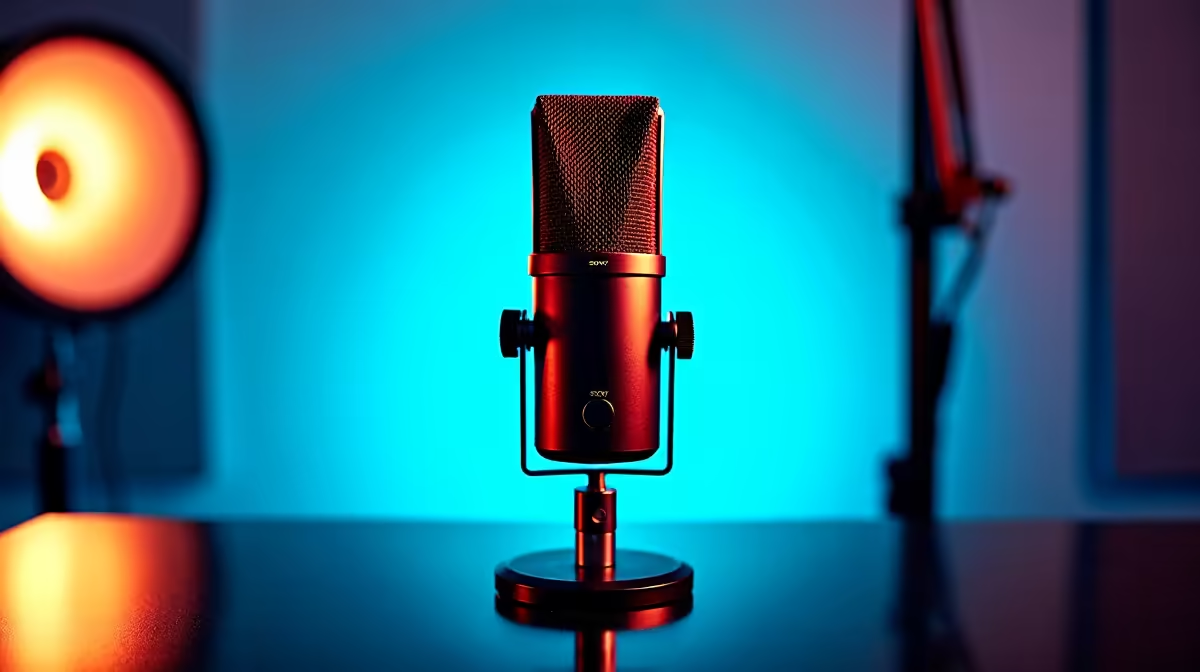
These EQ tips work wonders, but they work best with a clean signal from a quality microphone. A great mic is the foundation of professional stream audio. Shop our curated hardware bundles at Evetech and get the performance your content deserves.