

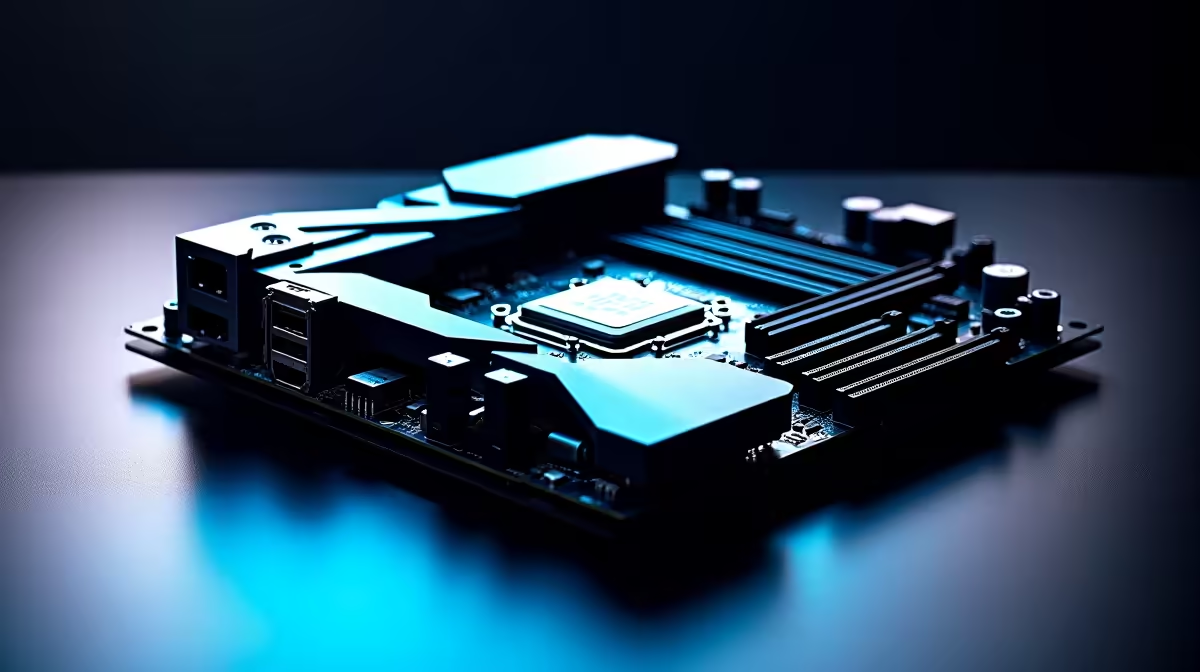
We have all been there. You spend thousands of Rands on premium hardware, carefully slotting everything into your chassis. Then comes the dreaded power supply phase. Suddenly, your sleek rig resembles a bowl of electronic spaghetti. Cable management tests the patience of every South African PC builder. Today, we settle the ultimate debate: BTF vs traditional motherboard layout. Which setup actually deserves your hard-earned cash? 🚀
The Classic Approach: Traditional Layouts
Let us talk about the standard way of building PCs. For decades, gamers have relied on the familiar front-facing connector design. When you explore our massive range of motherboards, you will mostly see this classic layout.
The main advantage here is absolute universal compatibility. Almost any standard ATX chassis will accept these boards without a fuss. However, hiding those thick 24-pin power cables requires serious zip-tie skills. You have to route wires awkwardly around your cooling setup and pristine memory kits. Dust buildup is also a real issue in South Africa. Cluttered cables trap dust quickly... making your routine PC cleaning much harder than it needs to be.
The Clean Revolution: Understanding BTF
Enter the BTF standard. This clever design moves all major power and data connections to the rear of the printed circuit board. The result is a stunningly clean interior. You plug your power cables, SATA drives, and case fans directly into the hidden back panel. ✨
ASUS has heavily championed this minimalist movement. Whether you are browsing for ASUS Intel motherboards or seeking high-performance ASUS AMD motherboards, choices are expanding. The hidden-connector ecosystem is growing rapidly. The front of your case stays completely unobstructed. This means significantly better airflow for our warm summer gaming sessions. It also delivers a flawless aesthetic that perfectly highlights your expensive RGB components.
Airflow Pro Tip ⚡
If you stick with a traditional build, always route your thickest cables behind the motherboard tray first. Keeping the main chamber clear of cable clutter reduces air turbulence. This simple trick can drop your graphics card temperatures by a few degrees during intense gaming.
The Final Verdict: Which Layout Wins?
When comparing a BTF vs traditional motherboard layout, the answer comes down to your budget and chassis preferences.
BTF completely eliminates front-facing cable clutter, making your build look incredibly premium. However, it requires a specifically designed case with exact rear cutouts. You cannot just drop a BTF board into an older chassis. If you want maximum hardware flexibility and lower upgrade costs, the traditional layout remains the undisputed king. If you crave a futuristic, wire-free look without the routing hassle, BTF is definitely the way forward. 🔧
Not keen on building it yourself or fighting with stubborn cables? You can always skip the tedious cable management headache entirely. Just browse through our expertly assembled best gaming PC deals. Our professional technicians will happily handle the zip ties for you.
Ready to Build Your Dream Rig? The cable management debate is complex, but for maximum power, choice, and value in South Africa, Evetech is hard to beat. Explore our massive range of PC components and find the perfect hardware to conquer your gaming world.











