

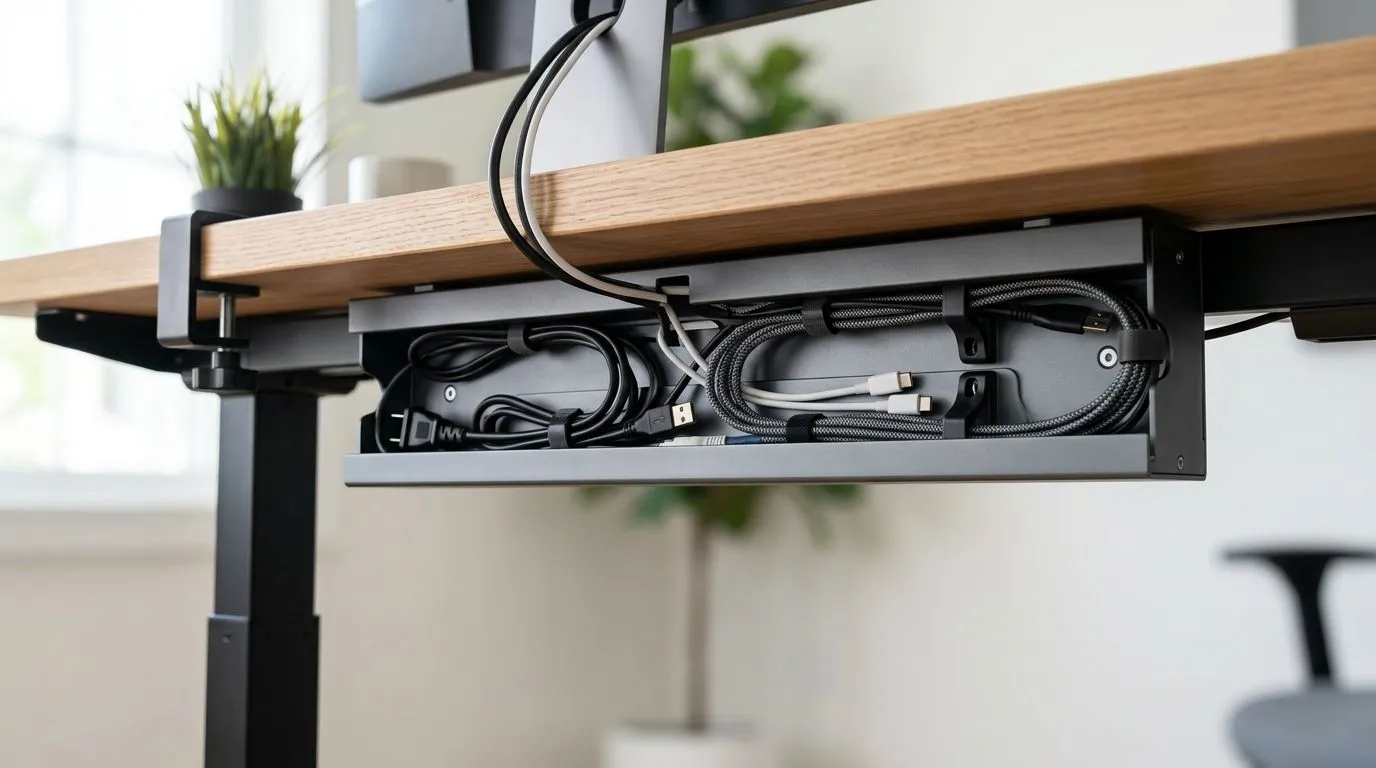
Taming the Cable Chaos on Your Sit-Stand Setup
You finally splurged on that sleek motorized desk, but now your workspace looks like a plate of spaghetti. We’ve all been there—trying to adjust your desk height only to have a power cable catch or a monitor lead yanked tight. Proper cable management channels for motorized sit-stand desks are not just about aesthetics; they are a critical investment to protect your expensive hardware from accidental strain or disconnection during those height transitions. ⚡
Why Cable Routing Matters for Your Gear
When you move from sitting to standing, the distance between your PC tower and your peripherals changes significantly. Without dedicated routing, you risk damaging ports or putting unnecessary tension on your cables. If you are building out a new station, start by choosing a sturdy gaming desk that offers pre-drilled holes or integrated trays. Managing your cables from day one prevents the "tangle trap" that ruins the look of an otherwise pristine setup.
Cable Management Pro Tip 🔧
Use a mix of Velcro ties instead of plastic zip ties. They are reusable, easier to adjust when you add new peripherals, and won't bite into your cable insulation during frequent desk height adjustments.
Essential Components for a Clean Aesthetic
Once your desk is sorted, you want your environment to reflect your personality. Many local enthusiasts prefer custom Arozzi setups because they provide excellent foundations for cable routing accessories. Pair your desk with ambient NZXT case lighting to highlight your rig’s internals. Just remember that every light strip adds another cable to the mix, making a cable management channel even more vital to keep the floor clear.
Ergonomics Meet Organisation
Your comfort is the priority, so ensure your gaming chair is adjusted correctly before you finalise your cable layout. There is nothing worse than finishing your cable management only to realise your chair armrests are hitting the cables you just tucked away. Take the time to map out where your primary power bricks and USB hubs sit. By mounting these underneath the desk, you ensure that only a single power cable travels down to your wall socket, keeping your workspace looking professional and feeling organised. ✨
Ready to Find Your Perfect Match? A clean desk is the hallmark of a serious gamer. Whether you are upgrading your peripherals or building a brand-new battle station, we have the components you need to stay organised and efficient. Explore our full range of gaming components and build the setup you deserve today.











