

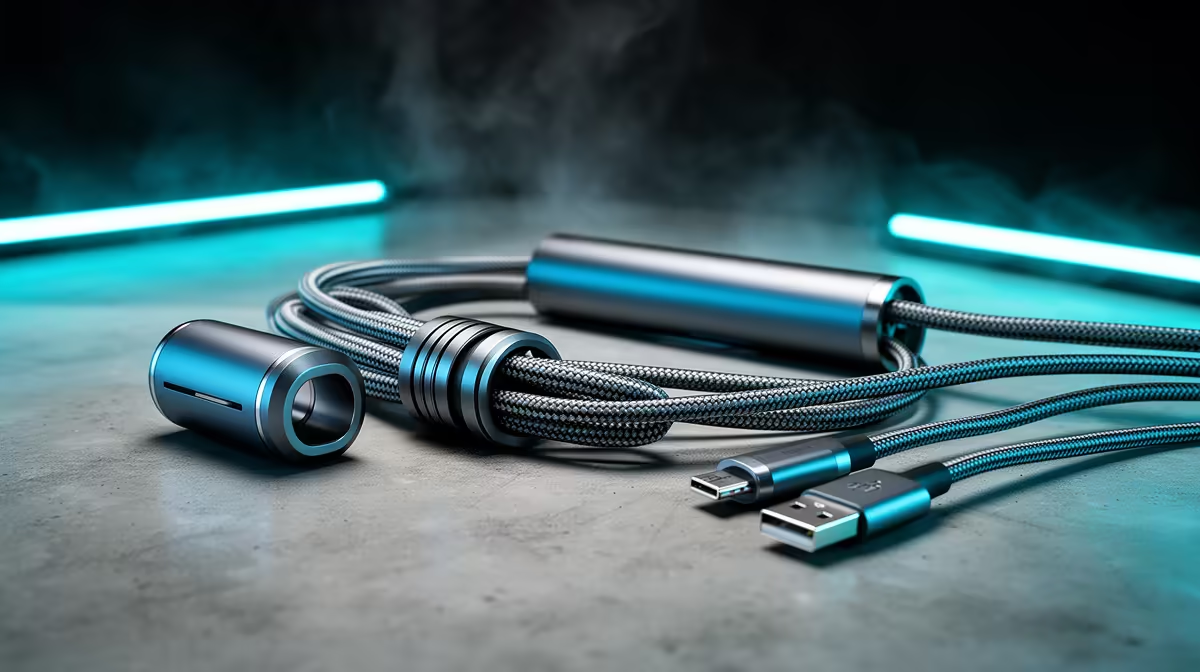
Is the back of your PC looking like a tangled mess of spaghetti after a braai? You're not alone. That chaotic clutter doesn't just look bad; it can choke your PC's airflow and make upgrades a nightmare. But achieving true cable management mastery isn't about endless zip ties. It starts with making smarter cable choices from the get-go. Let’s clean up that setup for good. 🚀
Beyond Aesthetics: The Real Wins of Smart Cable Management
A clean PC build is a thing of beauty, but the benefits of taming that cable clutter go far deeper than just looks. Great cable management is a cornerstone of a healthy, efficient, and easy-to-live-with gaming rig.
First up: airflow. Tangled cables can act like a wall, blocking cool air from reaching your hottest components like the CPU and GPU. This creates hot spots, potentially leading to thermal throttling where your PC slows itself down to avoid overheating. By clearing these pathways, you ensure your cooling system works as intended, keeping performance stable during those intense gaming sessions.
Then there's the sheer convenience. Need to swap out a graphics card or add more storage? A setup with thoughtful cable management turns a potential hour-long headache into a five-minute job. Everything is accessible, identifiable, and easy to unplug without yanking on the wrong thing. Using quality cables from brands like Promate also ensures your connections are secure and built to last.
Your Cable Management Toolkit: Choosing the Right Gear
Achieving that pro-level clean look is all about having the right tools for the job. Your journey to cable management mastery begins with selecting the right components before you even start building.
The Cables Themselves
The single biggest impact comes from your cable choices. Instead of the stiff, ugly "ketchup and mustard" cables included with some power supplies, consider:
- Sleeved Extensions: These are individual extensions that connect to your existing PSU cables, offering a premium look and better flexibility for routing.
- Modular PSU Cables: If you have a modular power supply, you only need to plug in the cables you actually need. This instantly reduces the amount of unused wiring you have to hide.
- The Right Length: Don't use a 2-metre display cable if your monitor is right next to your PC. Choosing the correct length for everything from SATA data to display outputs, like these reliable HP display cables, drastically reduces excess slack.
Plan Before You Plug 🔧
Before installing your motherboard, route the main EPS and 24-pin power cables through the case cutouts. It’s a small step that saves a massive headache and makes achieving that clean look much easier. Trust us.
A Step-by-Step Guide to Taming the Clutter
Ready to get hands-on? Follow these core principles for a cleaner build.
- Work from the Back: Your case's back panel is your best friend. Route as much as you can behind the motherboard tray. This includes the main 24-pin power, CPU power, fan cables, and front-panel I/O connectors.
- Group and Bundle: Use zip ties or reusable velcro straps to group cables that are heading in the same direction. This creates a few thick, manageable "trunks" instead of dozens of loose "branches."
- Use Your Case's Features: Modern PC cases come with built-in channels, tie-down points, and rubber grommets. Use them! They are designed specifically to help you hide and route cables effectively. Combining a good case with modular power supplies and GIZZU accessories is a recipe for success.
- The Final Polish ✨: For the cables you can see at the front, consider using cable combs. These small plastic clips snap onto your sleeved cables, forcing them into a perfect, parallel alignment that looks incredibly professional.
Making smarter cable choices isn't just an obsessive detail; it's a fundamental part of building a better PC. It improves performance, simplifies maintenance, and gives you a rig you can be truly proud of.
Ready to Tame the Clutter? Stop letting messy cables sabotage your PC's performance and looks. Achieving cable management mastery starts with the right gear, from custom sleeves to perfectly sized connectors. Explore our comprehensive cable solutions at Evetech and build the clean, cool, and powerful rig you deserve.











