

Is the back of your PC desk a spaghetti monster? Or is the inside of your rig a chaotic mess of wires choking your airflow? You’re not alone. A clean setup isn't just for showing off; it's about performance, cooling, and making future upgrades less of a nightmare. These practical PC cable management tips will help you transform that chaos into a clean, efficient, and brag-worthy battle station. Let's get it sorted. ✨
Why PC Cable Management Actually Matters
Before we get to the "how," let's quickly cover the "why." A tangled mess of cables inside your PC case can seriously obstruct airflow. This traps heat, potentially causing your CPU and GPU to throttle… meaning you lose precious frames in the middle of a firefight.
Properly managed cables lead to:
- Better Cooling: Unrestricted airflow allows your fans to work more efficiently, keeping components cooler and quieter.
- Easier Maintenance: Need to swap out a RAM stick or upgrade your SSD? You won't have to fight a web of wires to do it.
- A Professional Look: Let’s be honest, a tidy build with clean lines just looks incredible. 🚀
Fundamental Cable Management Tips for a Clean Build
Getting a handle on your cables doesn't require a degree in engineering. Following a few core principles is all it takes to see a massive improvement. These are the cable management tips that form the foundation of any great-looking and high-performing PC.
Plan Your Route
Don't just start plugging things in. Before you even install the motherboard, take a moment to look at your case. Identify the cable routing cutouts, tie-down points, and channels. The goal is to hide as much of the cable length as possible behind the motherboard tray. Run your main power cables (like the 24-pin motherboard and 8-pin CPU power) before installing other components.
Get the Right Tools for the Job 🔧
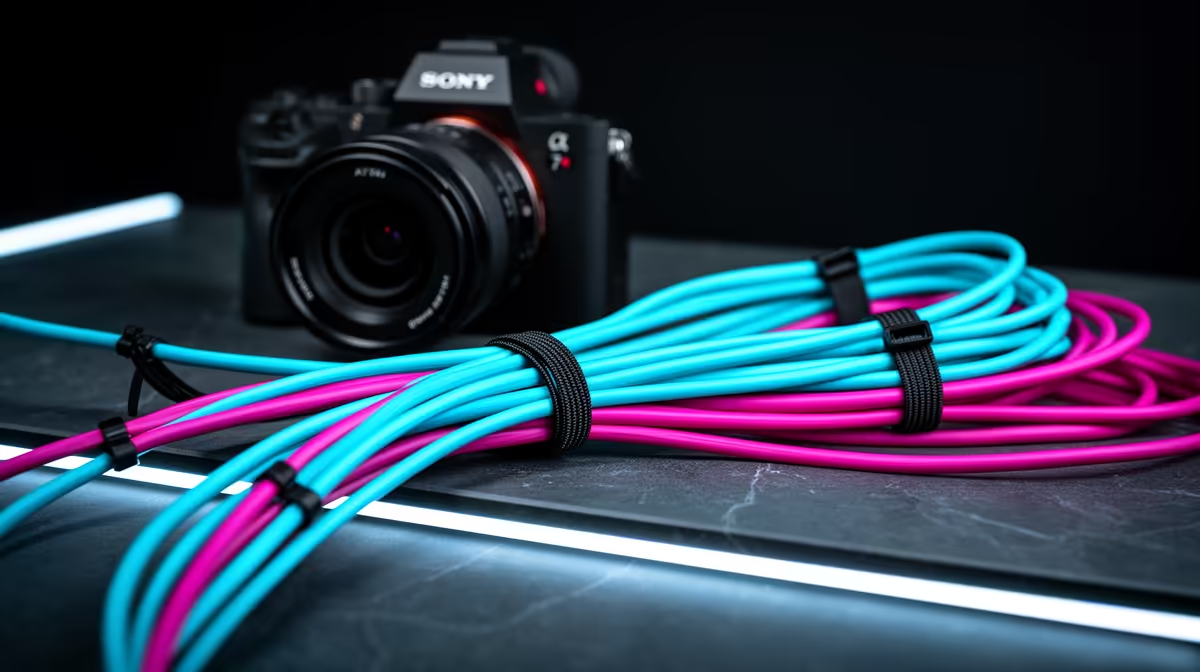
While you can get by with the ties that come with your components, having a dedicated kit is a game-changer. A combination of zip ties for permanent fixtures and reusable Velcro straps for cables you might move later is ideal. Investing in a full suite of cable solutions can make all the difference.
The Twist-Tie Trick
Got extra fan cables? Instead of letting them dangle, gently twist them together into a single, thicker 'rope'. This makes them easier to route and secure with a single zip tie. It’s a simple trick that dramatically cleans up the look.
Next-Level Tricks for a Flawless Finish
Once you've mastered the basics, a few advanced techniques can elevate your build from tidy to truly immaculate. This is where you add that custom, professional touch.
Custom Cables & Sleeving
For the ultimate aesthetic, nothing beats custom-sleeved cable extensions. They replace the often stiff and plain-looking ends of your power supply cables with flexible, vibrant alternatives. They come in almost any colour imaginable, allowing you to perfectly match your build's theme. Investing in quality options from brands like GIZZU can add that professional touch without breaking the bank.
Don't Forget Outside the Case ⚡
Your quest for perfect cable management doesn't end with the PC tower. The cables for your monitor, keyboard, mouse, and speakers can quickly create chaos on your desk. Use adhesive cable clips under your desk to guide wires, or a cable raceway that sticks to the back of your desk or wall. Many brands offer great external solutions; even established names like HP provide reliable accessories that can help neaten up your workspace. For more dedicated desktop organisation, check out Promate's range of organisers for some brilliant ideas.
Ready to Tame the Cable Monster? A clean rig is a happy rig. Stop letting tangled wires throttle your airflow and your style… grab the gear you need from our massive range of cable management solutions at Evetech and build the PC you deserve.











