

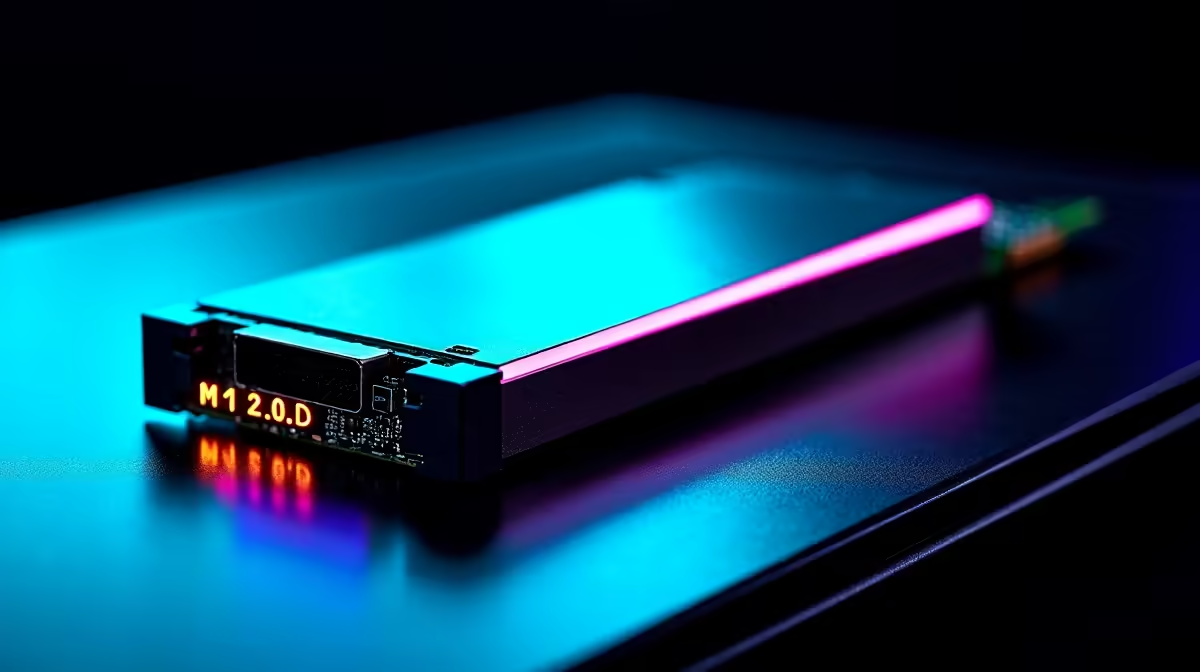
Have you ever stared at a loading screen while your squad is already looting? Or maybe your video timeline stutters right before a deadline. South African gamers and creators know the pain of slow drives. Let us explore if PCIe 5.0 and multiple M.2 slots reduce storage bottlenecks in gaming and editing PCs... and why your next build desperately needs this upgrade.
The Raw Power of PCIe 5.0 NVMe 🚀
Storage speed dictates how fast your system breathes. Older SATA drives max out around 550 megabytes per second. Even PCIe 3.0 drives cap at roughly 3,500 megabytes per second. Enter PCIe 5.0.
These modern NVMe SSDs push sequential read speeds up to a blistering 14,000 megabytes per second. That means massive open-world textures load instantly. It also means scrubbing through 4K video files feels completely seamless. Checking for compatible motherboards in our latest custom gaming PC deals is a brilliant future-proofing move. You save thousands of ZAR later by meeting next-generation software demands today.
Why One Drive Is Never Enough
Speed is only half the battle. How you distribute your data matters just as much. Using one massive drive for Windows, games, and raw video creates a huge data traffic jam.
This is where having multiple M.2 slots becomes vital. Modern motherboards often feature three or four dedicated NVMe slots. You can assign one drive purely for Windows and background applications. A second drive can hold your massive Steam library. A third drive serves as a high-speed scratch disk for Adobe Premiere or DaVinci Resolve.
Storage Optimisation Tip 🔧
Keep your operating system on a separate drive from your heavy games and video scratch files. This ensures background Windows updates never throttle your frame rates or render times... a simple trick that saves hours of frustration.
By splitting the workload across multiple M.2 slots, your processor never waits for data. You can often find great storage upgrades by keeping an eye on our daily PC component specials.
Real-World Impact for Creators and Gamers 🎬
Can PCIe 5.0 and multiple M.2 slots reduce storage bottlenecks in gaming and editing PCs? Absolutely.
For gamers, technologies like Microsoft DirectStorage allow games to bypass the CPU entirely. Data flows directly from your NVMe SSD to your graphics card. This eliminates stuttering in massive open-world titles.
For video editors, rendering high-resolution footage requires constant reading and writing of massive temporary files. A dedicated PCIe 5.0 scratch disk prevents your editing software from freezing during complex effects processing. Even mobile creators can benefit... many high-performance laptops now feature dual M.2 slots to help you edit smoothly on the go.
Investing in the right storage architecture transforms your entire computing experience. Your system boots faster, applications launch instantly, and large file transfers finish in seconds.
Ready to Eliminate Loading Screens? Storage bottlenecks are frustrating, but finding the right hardware in South Africa is easy. Explore our massive range of PC components and find the perfect NVMe SSDs and motherboards to conquer your world.











