

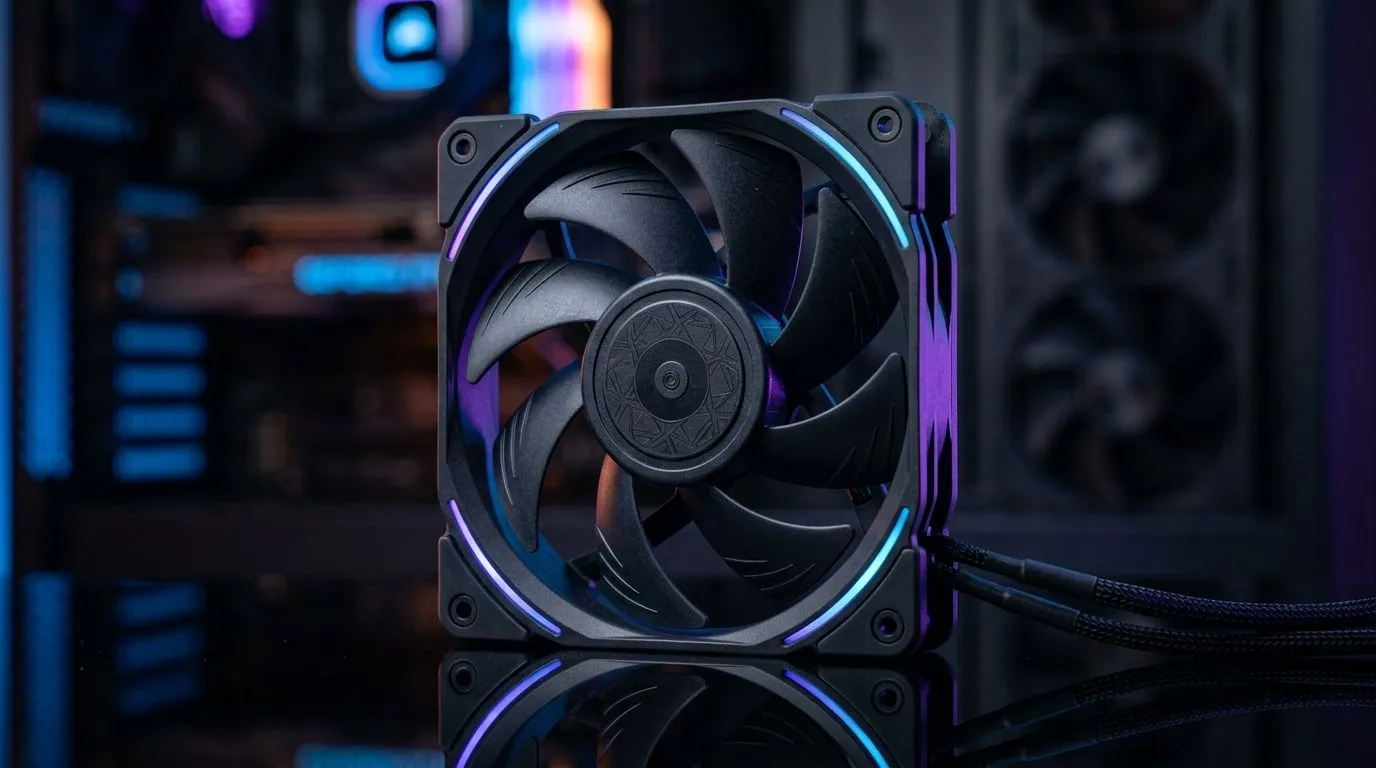
Case Fan Airflow vs Static Pressure: When Each Matters (and How to Choose the Right One) 🔧
If you’ve ever built a PC in South Africa’s dustier months and wondered why temps climb… this is for you. Maybe your front intake is “spinning,” but your GPU still runs hot during Tarkov raids or Warzone matches. The culprit is often the wrong fan type for the job: airflow vs static pressure.
This guide breaks down Case Fan Airflow vs Static Pressure: When Each Matters in plain English, then helps you pick fans that actually move heat, not just air.
Understanding airflow vs static pressure (in gamer terms) ⚡
Airflow is how much overall air a fan can push through open space. Think of it like a breeze in a room. If your case front is mostly mesh with little blockage, airflow fans tend to shine.
Static pressure is how well a fan pushes air through restrictions. That includes:
- Dense dust filters
- Narrow radiator fins
- Foam insulation
- Tight cable runs near the front intake
In real builds, the “restriction” part is what makes static pressure matter. A fan can spin fast, but if it can’t overcome resistance, it won’t move meaningful heat.
Quick decision rule for most SA builds
- Mostly open mesh front / top → prioritise airflow
- Radiator in front/top, thick filters, restrictive intake → prioritise static pressure
If you’re unsure, check how your case handles intake. Is it a perforated mesh wall, or a tight surface with filters and baffles?
Static pressure fans: the radiator and filter specialists 🚀
Radiators behave like tiny obstacles. Their fins are close together, so fans need force to keep air moving through the surface. That’s why static pressure is the common recommendation for radiator mounting, especially when you run high dust loads.
A practical example: if you’re running an AIO with a thick 280/360 mm radiator and your intake front also has a fine dust filter, your system faces multiple “resistance layers.” In those cases, static pressure helps keep coolant temps under control.
Need to browse options? Start with case fan basics and narrow down from there:
- Shop all case fans here: Case fans on Evetech
Airflow fans: the clean-air movers for open intakes ✨
Airflow fans are great when you have less resistance between the fan and the outside air. Typical examples include:
- Open mesh front panels
- Vent-heavy cases with good front-to-back circulation
- Builds where radiators are mounted with fewer obstructions
When airflow is the goal, you’re trying to exchange warm case air quickly. That’s often enough for mid-range CPUs and single-GPU gaming rigs where the heat path is fairly direct.
If you’re leaning toward a known brand lineup, you can compare styles here:
Picking fan size and placement: 120mm vs 140mm 🎮
Fan size affects how you distribute air. Bigger fans can often move air at lower RPM, which can feel quieter while still performing. In a case with open intake, that can be a sweet spot.
Use size like this:
- 120mm: common for tight mounts, lots of compatible models
- 140mm: often ideal for better low-RPM airflow in larger mounts
Browse by size to match your case layout:
If you’re building around a brand you trust, you might also like:
RGB vs non-RGB: does it affect cooling? (mostly, no)
RGB is mostly cosmetic. The cooling performance comes from the fan blade design, motor quality, and whether it’s built for static pressure or airflow.
Still, if you want a clean look without extra lights, you can filter by:
And if your rig is living-room showpiece style:
Productivity Pro Tip 🔧
your BIOS, set a fan curve that responds to temperature, not just a fixed RPM. For example: keep case fans low during desktop use, then ramp based on CPU or GPU temps during gaming. This reduces noise and keeps airflow steady when your frame rate spikes.
Real-world “why my temps are high” checklist ✅
Before you buy new fans, check the boring stuff… it matters:
- Fan direction: arrows must point the right way. Intake pulls fresh air in, exhaust pushes hot air out.
- Cable clutter: even a small cable wall near the front intake can increase restriction.
- Dust filter cleanliness: a clogged filter turns airflow into a static-pressure test you didn’t sign up for.
- Fan curve: if fans barely ramp under load, temps will rise no matter what.
If you’re chasing improvement, remember the principle: airflow for open paths, static pressure for restricted paths. Once you match fan behaviour to the case layout, your temps usually stabilise quickly.
Case Fan Airflow vs Static Pressure: When Each Matters (final pick guidance) 🧠
- Use airflow for open mesh cases and general ventilation.
- Use static pressure for radiators, fine filters, foam panels, and dense front panels.
- Choose 120mm vs 140mm based on available mounting space and your noise tolerance.
- Confirm your fan orientation and keep filters clean for consistent performance.
When you get it right, your PC feels calmer under load… and you spend less time troubleshooting.
Ready to Find Your Perfect Match? The Mac vs Windows debate is complex, but for maximum power, choice, and value in South Africa, Windows is hard to beat. Explore our massive range of laptop specials and find the perfect machine to conquer your world.











