

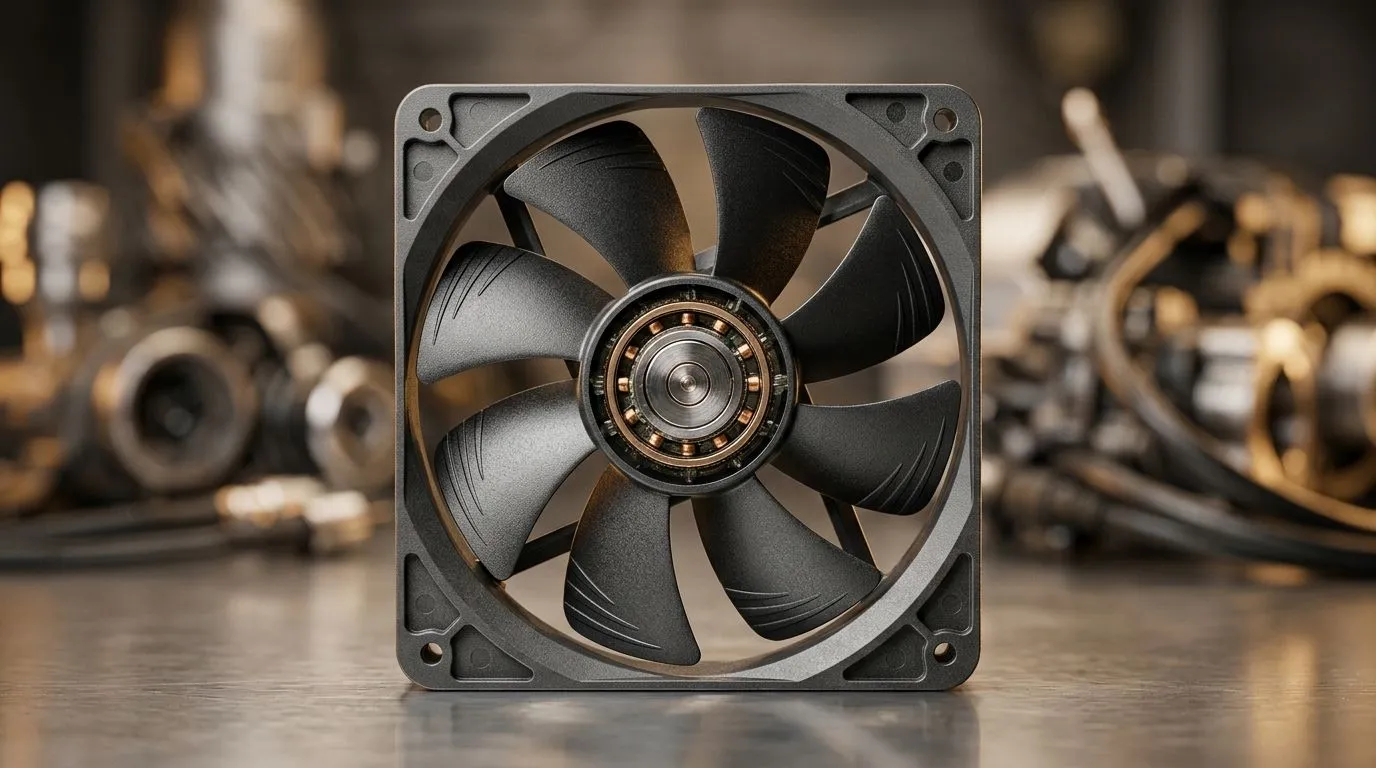
Case Fan Bearings Guide: Sleeve to Hydraulic Noise and Lifespan
When your PC fans sound like a jet warming up, you don’t need guesswork. You need the right bearing type, correct airflow, and smart mounting… especially if you game in South Africa’s load-shedding season where every degree and RPM matters. 🔧
This guide walks you through the Case Fan Bearings Guide: Sleeve to Hydraulic Noise and Lifespan. We’ll also show you how to avoid premature wear, cut annoying vibration, and pick a fan size that fits your case without killing performance.
Why bearings matter for case fan noise and lifespan
A case fan is basically a motor with an axle and bearings. The bearing controls friction, wobble, and how long the fan keeps spinning smoothly. Over time, poor bearings can cause:
- Higher noise (a rasping or clicking sound)
- Slower spin response
- More vibration that can travel into the chassis
In practical terms for gamers: you want stable airflow and quiet operation, so your CPU and GPU stay cooler without you constantly hearing the PC. ✨
Hydraulic-style bearings are often chosen for quieter operation compared to cheaper sleeve setups, which can be more sensitive to positioning and dust. Still, actual lifespan depends on dust control, airflow path, and whether the fan is mounted correctly.
Sleeve vs “hydraulic” style: what to expect
Here’s the general pattern you’ll see across many fan lines:
- Sleeve bearings: typically affordable, but often more affected by heat and orientation, and can wear faster if neglected.
- Hydraulic bearings: usually built for smoother long-term performance and better noise stability.
Because manufacturers vary labels, always check product details on the specific fan model you’re buying. When you’re ready to browse options, start with Evetech’s case fans selection here: Case fans (all options)
Case Fan Bearings Guide: matching bearing type to your setup
Your PC environment is the real “boss fight” for bearings. Gaming setups collect dust. Dust changes blade balance and increases load on the motor, which can shorten bearing life.
Consider these factors before you pick a fan:
- Case position: If a fan sits in a vertical orientation for long periods, sleeve bearings can be more prone to accelerated wear in some designs.
- Cooling strategy: If your system is always hot, the fan runs harder. That heat stress increases wear.
- Maintenance: A fan that gets cleaned regularly will generally last longer than one that’s ignored.
For RGB builds, the bearing type still matters. An attractive fan that fails early is just expensive decoration. If you’re going for colour, browse Evetech’s RGB options: RGB case fans
Prefer understated builds? Here’s the non-RGB filter: Non-RGB case fans
Case Fan Bearings Guide: install tips that reduce noise fast
You can cut noise without replacing hardware. Many loud “bearing” sounds are actually vibration or airflow turbulence.
Mounting and airflow checks (the quick wins) 🔧
- Ensure the fan sits flat against the mount.
- Don’t overtighten screws (this can deform the frame).
- Use rubber fan mounts if your case allows it.
- Keep cables from brushing the blades.
Evetech’s case fan listings make it easy to match sizes to your chassis openings. For compact builds, start here: 120mm case fans
For more breathing room and often quieter operation at lower RPM, many gamers prefer larger blades: 140mm case fans
TipBox title:"Productivity Pro Tip ⚡" , On Windows, use the PowerToys FancyZones utility to create custom snap layouts for your windows. It's a lifesaver for managing multiple apps on an ultrawide monitor, letting you organise your timeline, preview window, and asset folders perfectly for video editing. "
Brand filters that help you shop faster 🚀
If you already trust a brand’s fan lineup, filtering saves time and avoids mismatches. For example: CORSAIR case fans and if you’re exploring budget-friendly but capable options: Deepcool case fans
Case Fan Bearings Guide: a simple lifespan checklist before you buy
Before checkout, ask:
- Is the bearing type clear in the product specs? If it’s vague, treat it as a higher risk purchase.
- Does the fan size match your case mounts? A perfect fit helps airflow and reduces resonance.
- Do you have dust plans? Even the best bearing hates clogged blades.
If you want fewer surprises, buy based on a combination of bearing type, correct size, and your actual airflow plan. Then you’ll hear silence more often than scratching sounds. ✨
Ready to Find Your Perfect Match? Case fans aren’t just “something to cool your PC”… they’re long-term comfort for your gaming rig in South Africa. Shop smarter, choose the right bearing style, and build a quieter system. Explore our massive range of laptop specials and find the perfect machine to conquer your world.











