

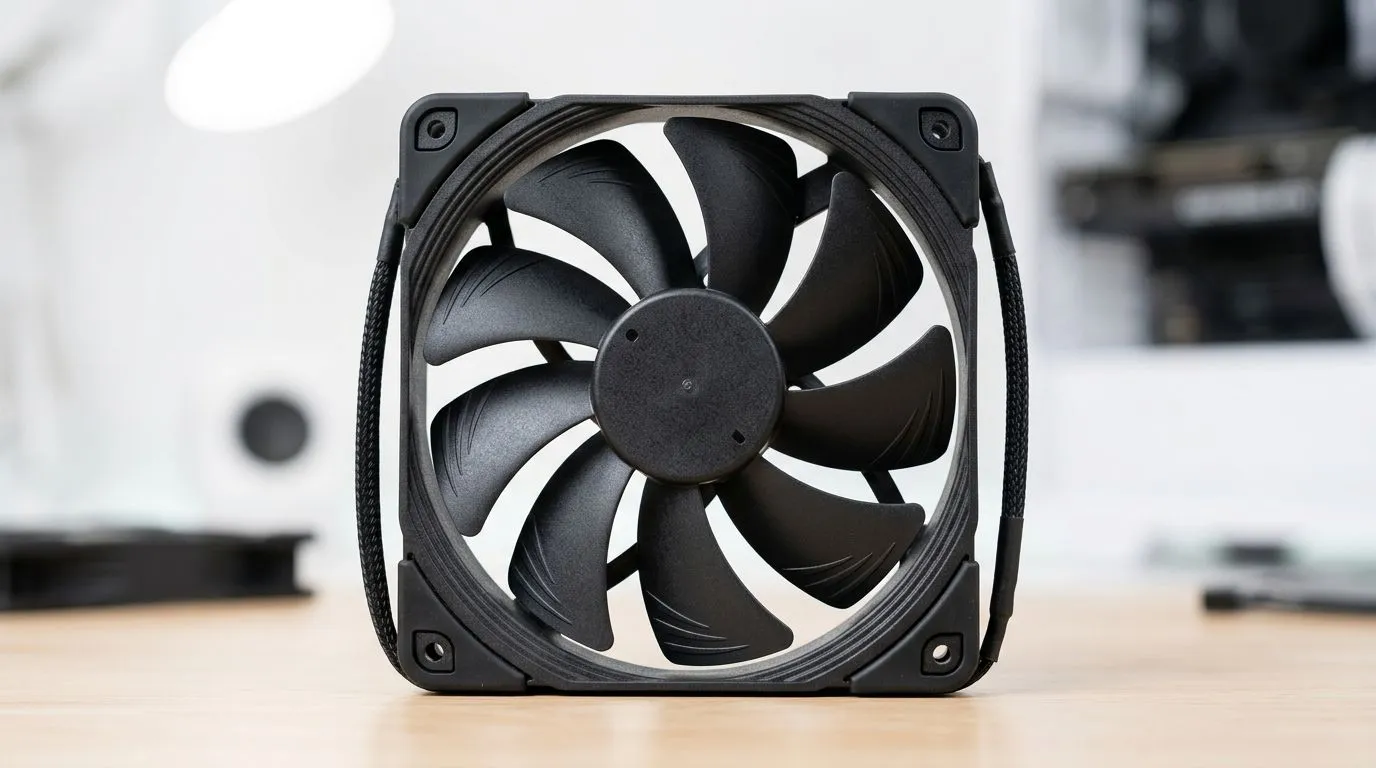
Every Case Fan Spec Explained: CFM, RPM, Static Pressure (South African PC buyers guide)
If your PC sounds like a taxi rank at peak hour, it’s usually not the CPU… it’s the fans. Choosing case fans in South Africa can be confusing too. CFM sounds good, RPM sounds powerful, and “static pressure” sounds technical for no reason. But it’s exactly what separates a quiet, cool build from a dusty, underperforming one. Let’s decode Every Case Fan Spec Explained: CFM, RPM, Static Pressure so you can buy with confidence. 🔧
CFM (Airflow): what actually moves heat out
CFM stands for cubic feet per minute, and it’s a measure of airflow. In plain terms, higher CFM usually means more air pushed through open spaces. That’s great for front-to-back airflow, especially when your case has mesh panels and not too many restrictive parts.
But here’s the catch… CFM alone doesn’t tell the full story. A fan can “move lots of air” on paper while struggling through tight obstacles like dust filters, radiators, or dense grills. That’s where other specs matter.
To browse a wide range of options, start with Evetech’s case fan selection: Shop case fans at Evetech ✨
RPM (Fan speed): how fast, and how loud?
RPM is rotations per minute. Higher RPM generally equals stronger airflow and better cooling potential, but it can also mean more noise. Most real-world builds balance RPM with temperature and noise through fan curves in your motherboard software (or a fan controller).
So what should you prioritise? If your case has a mesh front and minimal restriction, you can often run moderate RPM fans lower and still get good cooling. If you’re mounting fans behind a radiator or through a dense filter, RPM helps… but static pressure becomes the deciding factor.
Static Pressure: the “secret sauce” for filters and radiators
Static pressure is the fan’s ability to push air through resistance. Radiators, thick dust filters, and tight front panels create resistance. Fans with stronger static pressure keep airflow effective where it counts.
This is why “high CFM” fans can disappoint on radiators. They may spin fast, but not push air through the restriction. Look for static pressure as your primary buying guide if you plan radiators or heavy filtration. 🚀
When to prioritise each spec
- Mesh front, open airflow: prioritise CFM and acceptable RPM for quiet operation.
- Radiator duty (AIO/airflow through fins): prioritise Static Pressure first, then CFM, then RPM.
- Dust filters + restrictive grills: static pressure wins, otherwise airflow drops dramatically.
RGB, 120mm and 140mm: picking the right physical fit
Fan size is practical. Your case supports a certain diameter, and clearance matters for cables and radiator thickness. Common choices include 120mm and 140mm fans.
Evetech makes it easy to filter by size:
If you care about looks, RGB is a separate consideration. Lighting should never replace cooling quality, but it can help you match your build theme:
And if you’re brand loyal, here are popular options to compare:
Productivity Pro Tip 🔧
Productivity Pro Tip 🔧
you’re building on Windows, set a clear fan testing routine: install your motherboard fan control software, then log temps for 10 minutes under your usual game. After that, tweak one variable at a time (RPM target or curve). This avoids “I think it’s better” guessing and helps you match airflow specs to real results.
Quick buying checklist before you checkout
Before you hit “add to cart”, ask yourself:
- Where will the fan go? Front intake, top exhaust, or radiator mount?
- How restricted is the path? Dust filters and radiators increase resistance.
- Do you value quiet? Higher RPM can cost you noise unless your curve is smart.
- Is your fan size correct? 120mm vs 140mm affects pressure and efficiency at lower RPM.
If you’re unsure, use this rule of thumb: for radiators and restrictive panels, static pressure is the spec that most consistently predicts performance. For open airflow, CFM and a reasonable RPM usually cover you.
CALLTOACTION
Ready to Find Your Perfect Match? Want a cooler PC without the guesswork? Use the specs you learned here, then let us help you pick the right case fans for your build. Check out our selection and choose fans that fit your case, your noise comfort, and your cooling needs. Shop all case fans on Evetech for your next upgrade.











