

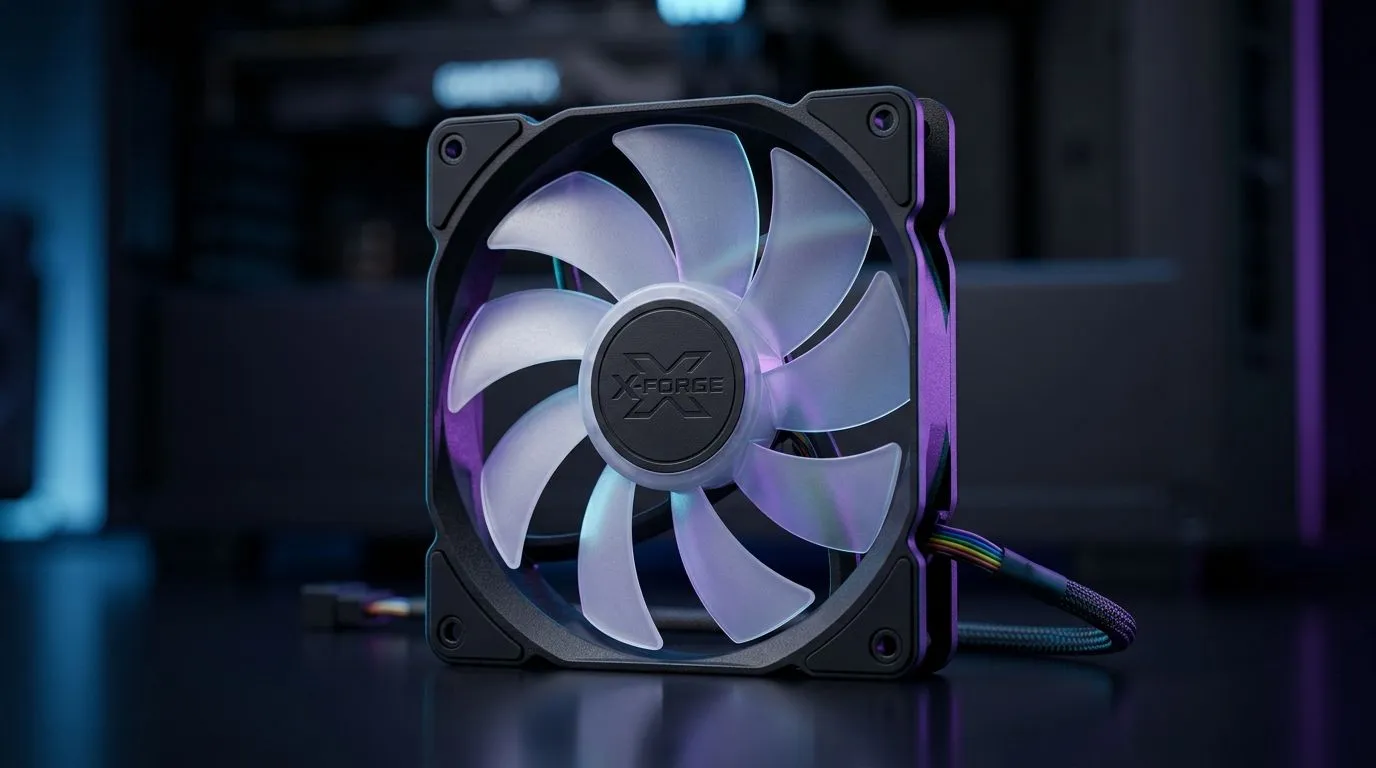
Case Fan Specs Explained: RPM, CFM, PWM and What They Do (and why SA gamers should care) 🎮
Your GPU and CPU can be monsters… but a loud, weak case fan will still bottleneck your cooling. If you’ve ever wondered why one fan “feels” stronger while another spins faster, you’re not imagining it. The answer is in the numbers: RPM, CFM, and PWM. Add a little RGB and you’ve got the kind of buying confusion that makes even steady PC builders pause.
So let’s decode what each spec means, how it affects airflow and noise, and how to pick fans for your setup in South Africa. 🔧
Case Fan Specs Explained: RPM (Revolutions Per Minute) 🔁
RPM tells you how fast a fan’s blades spin. Higher RPM usually means more airflow potential, but not always. Fan design (blade shape and static pressure) matters too. In real builds, the target is simple: enough RPM to move air through your case, radiator, and filters… without turning your PC into a jet.
What to look for in practice
- If your case has a restrictive front (dust filters, mesh, tight gaps), focus on overall performance and consider static-pressure friendly designs.
- If it’s open airflow (larger vents, less restriction), airflow tends to track more closely with RPM.
RPM is only half the story. To understand cooling, you need airflow.
Case Fan Specs Explained: CFM (Cubic Feet per Minute) 🌬️
CFM measures how much air a fan can move. It’s an airflow volume metric, not a speed metric. Two fans can have similar RPM, but different blade efficiency, so one might push more air per minute.
How to use CFM when buying
- Higher CFM generally helps with heat removal, especially in cases with multiple intake and exhaust points.
- CFM claims should be considered alongside fan size and the actual mounting location (front intake vs top exhaust vs radiator).
For many builders, CFM is the “feel it in benchmarks” spec… but it becomes most useful when paired with PWM control.
Case Fan Specs Explained: PWM (Pulse Width Modulation) ⚡
PWM is the control method. PWM fans can be adjusted by your motherboard so they don’t run at full speed all the time. The result is less noise during light loads and more cooling during gaming sessions or rendering.
Typical behaviour:
- At idle, PWM ramps down.
- Under load, PWM ramps up to protect temperatures.
If you want consistent tuning through your motherboard’s fan curves, PWM is usually the best route.
Productivity Pro Tip ⚡
On a hot summer day in Gauteng or Durban, take 10 minutes to set a basic fan curve in your BIOS. Start with quieter behaviour at idle, then add a faster ramp at higher CPU GPU temperatures. You’ll often cut noise immediately without sacrificing stability during sessions.
Case Fan Specs Explained: matching RPM, CFM, PWM to your case size (120mm vs 140mm) ✨
Fan size changes what you can realistically fit and how efficiently you can move air.
- 120mm fans are common and easy to source, often fitting many mid-tower cases and radiators.
- 140mm fans can move air more efficiently at lower RPM because they have more blade area… which can mean lower noise for similar cooling.
If you’re browsing Evetech’s catalogue, start with size filters: Shop 120mm case fans on Evetech and compare with 140mm case fans for airflow efficiency.
Need RGB too? That’s a separate feature, and it’s good to decide early so it doesn’t distract from cooling performance.
Case Fan Specs Explained: RGB and brand filters (what to prioritise) 🎛️
RGB is mostly about aesthetics. It can be tempting to buy for looks first, but cooling comes first, especially if you’re running a demanding CPU or GPU.
If you’re filtering by lighting effects, Evetech makes it straightforward: Explore RGB case fans or go for No lighting effects for a cleaner build.
You can also narrow by brand to match your existing ecosystem. For example: CORSAIR case fans and Deepcool case fans.
And if you just want to compare the full range in one place, browse: Evetech’s case fans selection. 🚀
Case Fan Specs Explained: quick buying checklist for South African gamers ✅
Before you click “add to cart”, run this fast checklist:
- Decide role: intake, exhaust, or radiator. (Radiators benefit from appropriate fan behaviour.)
- Prefer PWM if you want quieter gaming and proper control.
- Use CFM as your airflow anchor, not RPM alone.
- Match size to your case: 140mm for quieter efficiency, 120mm when space is tight.
- RGB is optional. Don’t let it replace thermal priorities.
Once you understand how RPM, CFM, and PWM work together, choosing fans stops feeling like guesswork… and starts feeling like tuning your own personal cooling profile.
Ready to Find Your Perfect Match? The Mac vs Windows debate is complex, but for maximum power, choice, and value in South Africa, Windows is hard to beat. Explore our massive range of laptop specials and find the perfect machine to conquer your world.











