

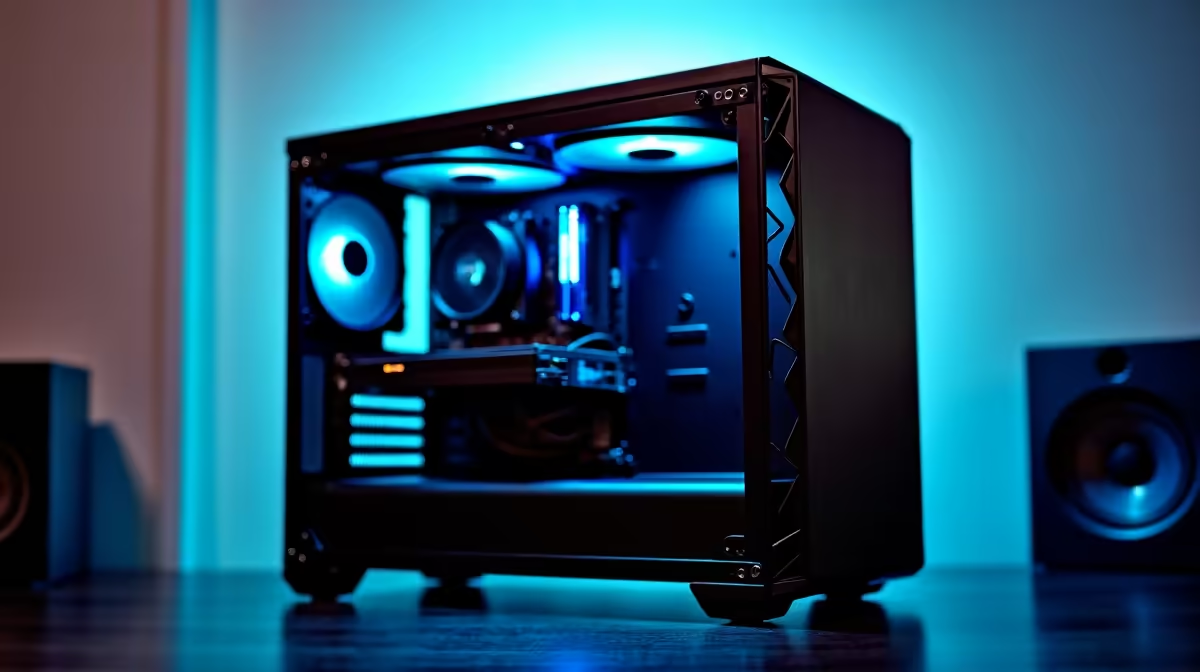
Tired of your PC crackling and crashing right when musical genius strikes? That dreaded latency, the stuttering playback, the plugin limit... it's the ultimate creativity killer. For South African producers, the right machine isn't just hardware; it's the silent partner in your studio. This case study isn't just about specs; it's a deep dive into building a professional music production PC that keeps up with your workflow, letting you focus purely on the music. 🎧
The Core Components of a Flawless Music Production PC
Unlike a pure gaming rig where the GPU is king, a music production PC has a different set of priorities. The goal is real-time audio processing with zero latency. This means handling dozens of virtual instruments (VSTs), complex effects chains, and massive multi-track projects without breaking a sweat. While many powerful gaming PCs offer a fantastic foundation, optimising for audio requires a specific focus on the CPU, RAM, and storage speed above all else.
Case Study: Building a Pro Studio Rig for a Local Producer
We recently worked with a DJ from Jozi whose aging laptop couldn't handle his increasingly complex Ableton Live sessions. The mission: build a powerful, quiet, and reliable pro studio rig that could serve as the heart of his new studio. We called it "Project Silence."
The Brains: CPU Dominance
For Digital Audio Workstations (DAWs), both high clock speeds and multiple cores are crucial. High single-core speed ensures individual tracks with heavy effects run smoothly, while a high core count lets you run more plugins and virtual instruments simultaneously.
We weighed up the options and found that both powerful Intel PCs with their strong single-thread performance and the latest AMD Ryzen systems with their impressive multi-core value were excellent candidates. For this build, the producer's workflow leaned heavily on multi-threaded VSTs, making a Ryzen 9 the perfect choice. Starting from one of our pre-built PC deals can be a great way to get a balanced core system you can then customise.
RAM & Storage: The Speed You Can Hear
When you're loading massive orchestral sample libraries or recording high-resolution audio, RAM and storage speed are non-negotiable.
- RAM: 16GB is the absolute minimum, but 32GB is the sweet spot for serious producers. For "Project Silence," we went with 64GB to ensure it was future-proof.
- Item
This setup eliminates bottlenecks, meaning samples load instantly and projects open in seconds. 🚀
The Graphics Card: A Surprising Priority?
You don't need a top-tier GPU for audio alone. However, many modern plugins now use GPU acceleration to reduce the load on the CPU. Furthermore, if you're running two or three high-resolution monitors to manage your timeline and mixers, a decent dedicated graphics card is essential for a smooth visual experience. Whether you're looking at NVIDIA GeForce gaming PCs or AMD Radeon gaming PCs, a mid-range card is more than enough. Even the newer Intel Arc gaming PCs provide excellent value for this kind of creative work.
Optimising Your Music Production PC for Silence and Stability
A screaming fan in your PC is the last thing you want your sensitive condenser microphone to pick up during a vocal take. This is where building a true music production PC differs from a standard desktop. We prioritised:
- A Sound-Dampened Case: Cases with foam padding on the panels make a huge difference.
- Quiet Cooling: A large air cooler or a quality All-in-One (AIO) liquid cooler keeps the CPU temps low without needing high-speed, noisy fans.
- Fan Curves: We tuned the case fan speeds in the BIOS to run at a whisper-quiet RPM until the system is under heavy, sustained load.
This focus on acoustics and reliability is why many producers opt for custom workstation PCs, which are designed from the ground up for this kind of demanding, professional environment.
Studio Pro Tip 🔧
For rock-solid audio performance on Windows, go to Power Options and select the 'High performance' plan. This prevents the CPU from throttling down, which can cause audio dropouts and clicks. Also, consider using a tool like LatencyMon to identify any drivers that might be causing latency issues.
Can You Build a Music Production PC on a Budget?
Absolutely! You don't need a monster rig to get started. The key is to spend your money where it counts most for audio. You can find excellent value in budget-friendly gaming PCs that have a solid CPU and then make smart compromises. Start with 16GB of RAM (you can always add more later), a 1TB NVMe SSD, and the integrated graphics on your CPU. This will give you a powerful core system to produce incredible music on, and you can add a dedicated GPU or more storage down the line. ✨
Ready to Build Your Dream Studio PC? From bedroom beat-makers to professional sound engineers, the right rig unleashes your creativity. Stop fighting latency and start making music. Explore our range of powerful Workstation PCs and configure the perfect machine for your studio today.











