

Understanding Signal Patterns for Maximum Coverage
Tired of lag spikes while gaming in your lounge? In South Africa, our thick brick walls are the ultimate boss fight for WiFi signals. Choosing between Ceiling vs Wall Mount WiFi can make or break your home network's performance. Whether you are streaming 4K content or climbing the ranks in Valorant, placement is everything for maximum coverage.
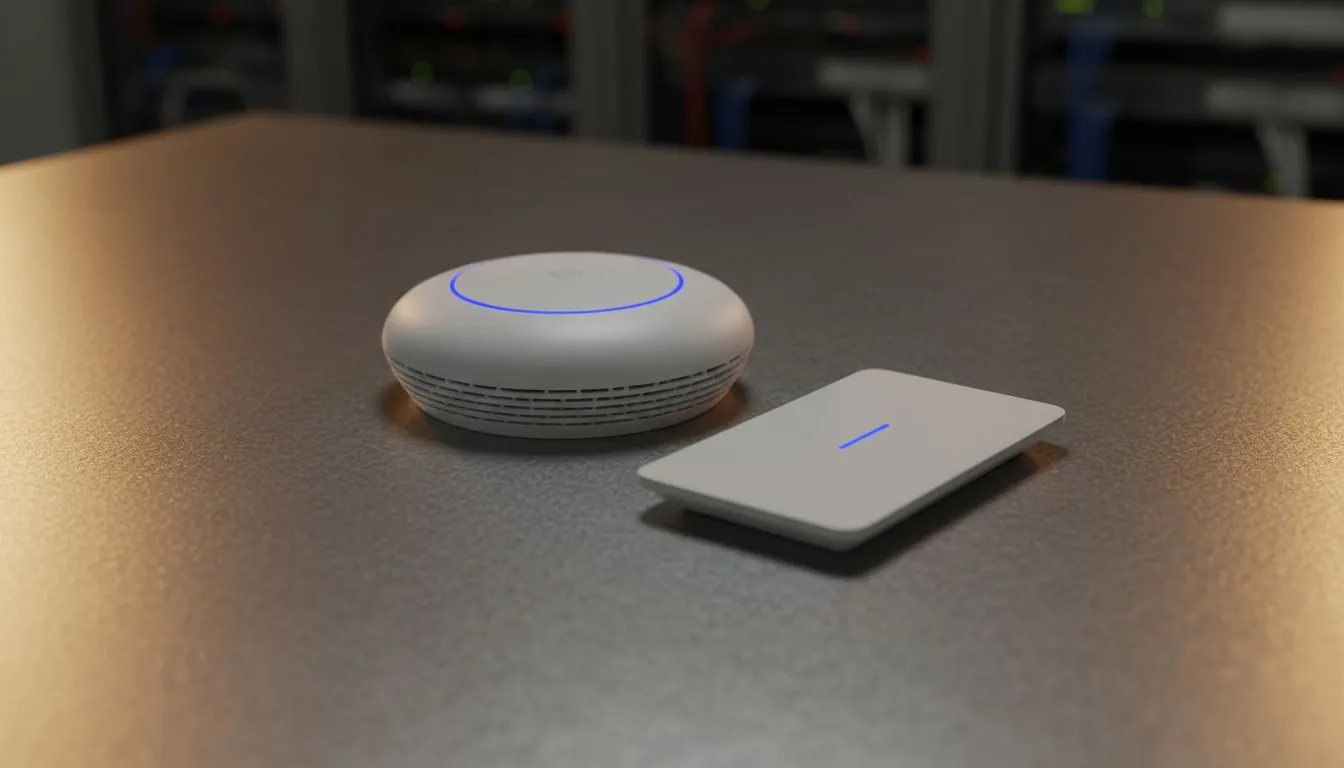
WiFi antennas usually broadcast in a "donut" shape. When you mount an Access Point (AP) on the ceiling, that signal radiates downwards and outwards. This is often the gold standard for large, open-plan South African homes. It minimises interference from furniture or appliances. If you are starting from scratch, browsing the latest wireless networking gear is your first step toward a stable connection. 🔧
Why Ceiling Mounting Wins for Open Spaces
Ceiling mounts offer a clear line of sight to most devices. Since the signal travels down, it faces fewer obstacles like couches or desks. This setup is ideal if you have high-end wireless routers acting as your central hub. It ensures that every corner of the room gets a slice of that high-speed fibre connection. ⚡
The Fresnel Zone Factor ⚡
Avoid placing your router or AP inside a cupboard or behind a TV. Even if it is wall-mounted, metal objects and thick cables can reflect signals... causing "dead zones" where you least want them. Always aim for a clear line of sight to your most important devices.
When Wall Mounting Makes More Sense
Sometimes, drilling into a ceiling isn't an option... especially in older rentals or double-storey homes. Wall mounting is great for "beaming" signal across a specific floor or into a narrow hallway. However, be careful with signal bleed. A wall-mounted unit sends a lot of its energy into the room behind it.
If you find your signal dropping off in the far bedroom, adding wireless range extenders can bridge those difficult gaps without extra cabling. This is a cost-effective way to ensure your signal reaches the patio for those weekend braais. 🚀
Pro Tips for South African Homes
Our homes often use heavy brick and mortar. These materials eat WiFi signals for breakfast. If your PC is tucked away in a study, even the best mount might struggle. In these cases, upgrading to high-gain wireless adapters for your desktop can provide the extra sensitivity needed to maintain a solid link.
Remember to centralise your equipment. A router placed in the far corner of the house wastes half its signal on the garden. By choosing the right height and orientation, you can finally say goodbye to buffering and hello to seamless connectivity. ✨
Ready to Find Your Perfect Match? Getting your WiFi coverage right is essential for a lag-free experience. For maximum power, choice, and value in South Africa, our networking gear is hard to beat. Explore our massive range of wireless routers and find the perfect hardware to conquer your home network.











