

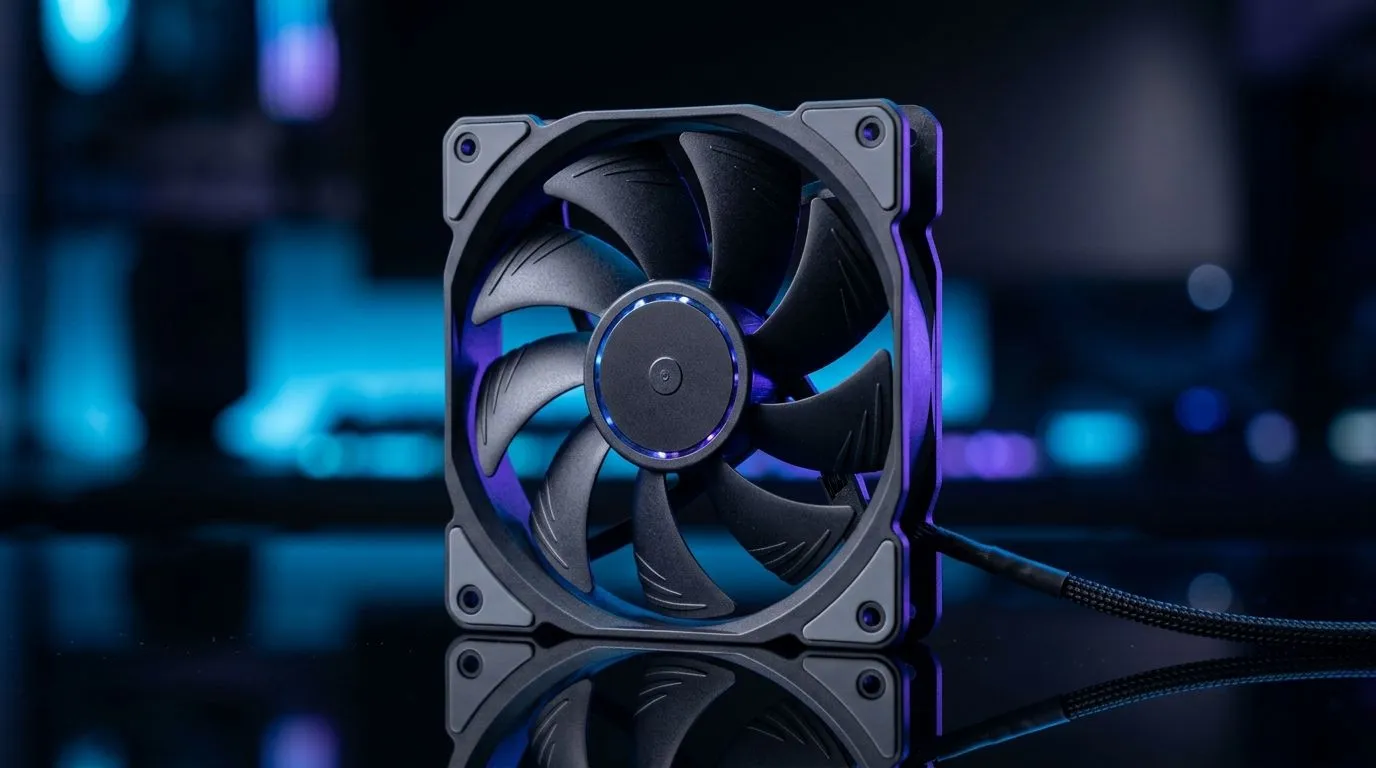
CFM and Static Pressure: Choose the Right PC Fans (and Stop Guessing) 💨
If your PC feels “loud but not cool”, you’re not alone. South African gamers push frames hard, then wonder why temps creep up during ranked sessions. The answer often isn’t your GPU… it’s the fans. But fan shopping is confusing: CFM sounds important, yet static pressure matters just as much. The good news? Once you understand CFM vs static pressure, choosing the right PC fans gets simple, fast, and way more accurate. 🔧
CFM and Static Pressure: Choose the Right PC Fans for Your Build 💡
- CFM (cubic feet per minute) tells you how much air a fan moves in open space.
- Static pressure tells you how well a fan pushes air through resistance like radiator fins, dust filters, and dense case mesh.
In real builds, airflow is rarely “open space”. A front intake behind a fine dust filter? Resistance. A radiator packed with fins? Resistance. In those cases, fans with higher static pressure usually perform better than high-CFM-only models. That’s why two fans with the same size can behave very differently.
Where each rating makes sense
Use a CFM-leaning fan when your path is mostly open (side vents, open exhaust grills). Use a static-pressure-leaning fan when your airflow path is blocked (radiators, filters, tight front panels).
CFM vs Static Pressure: Pick Fans by Location in Your PC 🚀
Think of your case like routes for air. Each route has “traffic”.
Front intake (usually filtered)
Front fans fight filters and sometimes restrictive mesh. Static pressure helps them keep moving air even when the path is tight.
Linking this to the fans we stock, browse our options here: Case fans across sizes and filters on Evetech
Radiator mounts (the resistance king)
Radiators are basically dense fin stacks. Static pressure tends to matter more than raw CFM.
If you’re exploring premium options: Shop Corsair case fans on Evetech
Value-focused builds (airflow-first)
DeepCool is a popular go-to for practical cooling upgrades that don’t wreck your budget. Check DeepCool case fans
CFM and Static Pressure: Choose the Right PC Fans for Noise and Thermals 🔇
More airflow isn’t always better if the fans ramp too aggressively. In most cases:
- Match fan RPM to your target noise level.
- Don’t overpopulate the case with low-quality fans. Poor static pressure can waste your extra RPM.
Also, remember: dust filters gradually increase resistance. Static pressure can protect performance over time, which matters if you game often and clean less frequently.
Productivity Pro Tip ⚡
On Windows, after you install or change fan profiles, use the Windows built-in Performance Monitor (perfmon) to track CPU temperature trends during a 10–15 minute gaming run. This helps you confirm whether your airflow changes actually reduce heat soak, instead of relying on “feels cooler” guessing.
RGB vs performance: Keep your priorities straight ✨
RGB is fun, sure. But if you’re using a radiator or a filtered front panel, performance still wins. If you’re shopping for aesthetics, filter intelligently: RGB case fans on Evetech
Prefer a clean, no-nonsense look? Non-RGB (no lighting effects) case fans on Evetech
CFM and Static Pressure: Choose the Right PC Fans by Size (120mm vs 140mm) 🧠
Size affects both sound and how easily you can hit decent airflow:
- 140mm fans often move more air at lower RPM.
- 120mm fans are common, easier to fit, and still great with the right static pressure.
If you’re deciding between mainstream sizes: 120mm case fans on Evetech 140mm case fans on Evetech
CFM and Static Pressure: Choose the Right PC Fans (Quick Checklist) ✅
Before you buy, run this mini-check:
- Is the fan pushing through a radiator or filter? Lean static pressure.
- Is the airflow mostly open? CFM matters more.
- Do you want quieter gaming sessions? Consider larger fans and sensible RPM.
- Check the fan size and mount layout so it fits properly.
Get it right and your PC feels smoother under load… with fewer random temperature spikes during long gaming nights.
Ready to Find Your Perfect Match? The Mac vs Windows debate is complex, but for maximum power, choice, and value in South Africa, Windows is hard to beat. Explore our massive range of laptop specials and find the perfect machine to conquer your world.











