

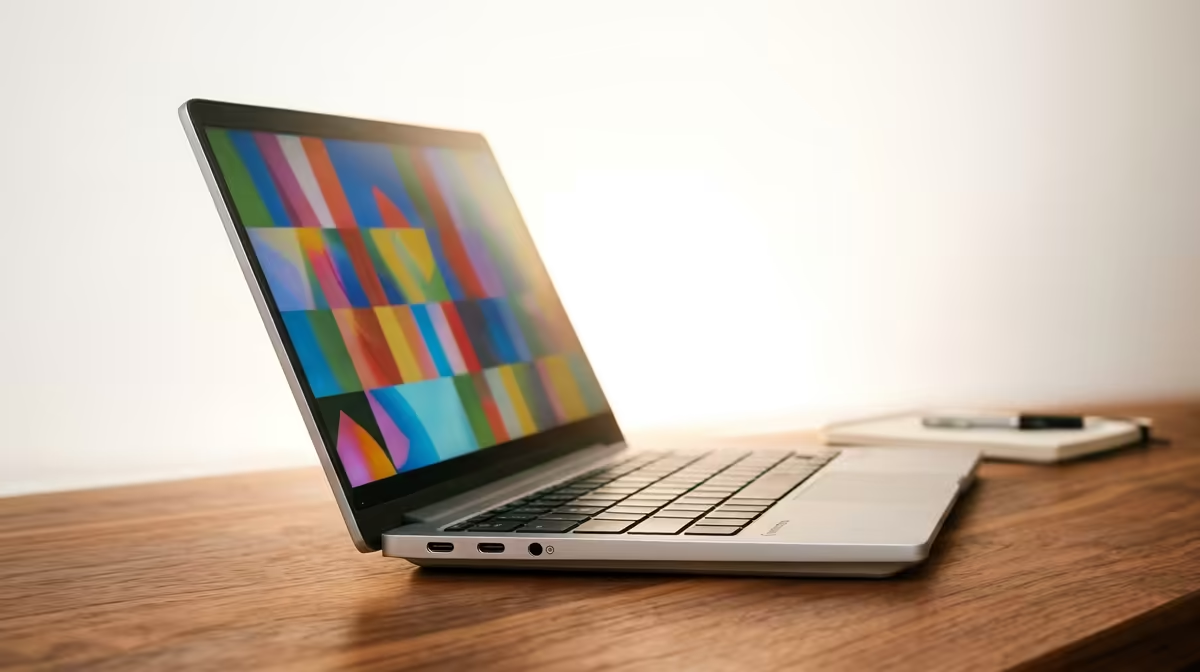
Finding Your Perfect Study Partner: A Guide to Student Laptops
Starting varsity or heading back to school in South Africa? The hunt for a reliable laptop that won’t drain your student budget is on. You need something fast, secure, and with a battery that can survive load-shedding. Enter the Chromebook. These lean, cloud-based machines are some of the best budget-friendly options available, making them a top contender when looking for cheap Chromebooks for SA students. Let's dive into why they might be your ideal campus companion. 🎓
Why Chromebooks Are a Smart Choice for Students
Unlike traditional laptops, Chromebooks run on Google's ChromeOS. Think of it as a supercharged web browser. It boots up in seconds, updates automatically in the background, and has built-in virus protection. This simplicity is its superpower.
For most students, daily tasks involve writing essays in Google Docs, researching online, streaming lectures, and collaborating on projects. A Chromebook handles all of this flawlessly. Because everything is optimised for the web, they offer incredible battery life—often lasting a full day of classes on a single charge. 🔋 This makes them one of the most practical and affordable Chromebooks South Africa has to offer for on-the-go learning. While they are built for online work, many apps now have excellent offline capabilities too.
Check Your App Compatibility
Before you buy, make sure the Chromebook you’re eyeing supports the Google Play Store. This gives you access to thousands of Android apps, from Microsoft Office to your favourite note-taking tools, massively boosting your device's versatility.
What to Look for in a Cheap Chromebook
Not all student laptops are created equal. When you’re browsing for a deal, keep these specs in mind:
- Processor (CPU): An Intel Celeron or MediaTek processor is perfect for basic note-taking and web browsing. If you’re a heavy multitasker with dozens of tabs open, look for a model with an Intel Core i3. You can explore a wide variety of Intel laptops on special to compare performance.
- RAM: 4GB is the minimum for a smooth experience. If your budget allows, pushing for 8GB is a wise investment for future-proofing.
- Storage: Chromebooks typically come with smaller storage (like 32GB or 64GB eMMC) because they rely on the cloud. You get 100GB of Google Drive storage free for a year, which is usually more than enough for all your assignments and notes.
- Display: A Full HD (1920x1080) screen will make long study sessions much easier on the eyes compared to a standard HD display.
Are Chromebooks Right for Every SA Student?
Here's the honest truth: while they are fantastic for most, they aren't for everyone. If your course requires specialised software like Adobe Premiere Pro, complex CAD programs, or high-end coding environments, a Chromebook might not have the raw power or software compatibility you need.
In that case, you'd be better off exploring more powerful machines. The good news is that there are still plenty of budget-friendly options. Laptops powered by AMD's Ryzen processors, for instance, offer incredible performance for their price. Checking out the latest AMD laptops on special could reveal the perfect powerhouse for your specific degree. And for those who want a device that works hard and plays hard, browsing the best gaming laptop deals can uncover a versatile machine that crushes both assignments and after-hours raids. ✨
Find Your Perfect Student Laptop Today Whether it's a lightweight Chromebook or a powerful workhorse, the right device is waiting for you. Explore our full range of laptop specials for sale in South Africa and find a deal that fits your budget and your degree.











