

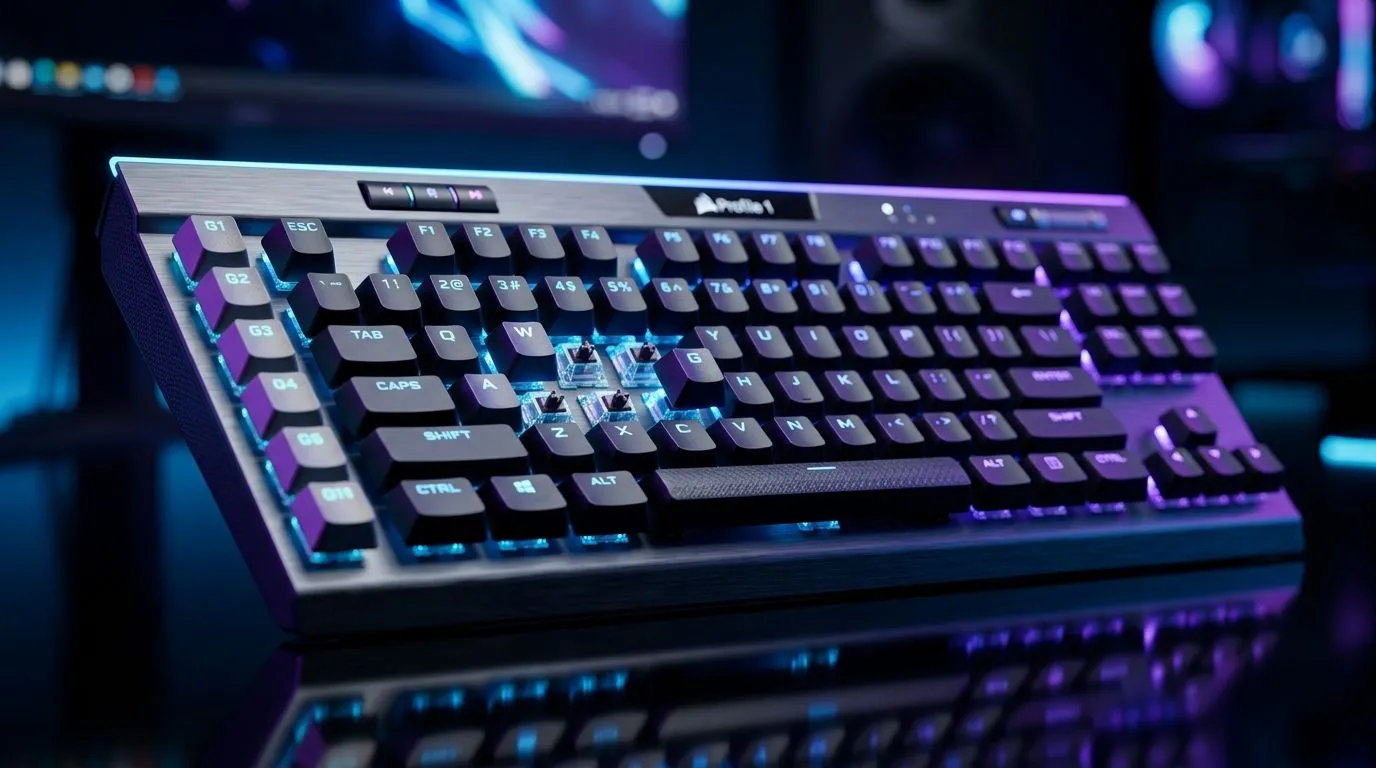
RGB vs On-Board Profiles vs Macros Keyboard: quick guide for SA gamers
Choosing a keyboard should feel fun… not confusing. RGB looks great in your setup, but it’s not the whole story. In South Africa’s build-and-budget reality, you also need reliability, fast switching, and keybinds that actually improve your aim and workflow. 🔧
If you’ve ever wondered whether to go RGB, on-board profiles, or a macros keyboard, this deep dive breaks it down in plain terms. We’ll help you match the features to what you play and how you use your PC, before you spend your hard-earned ZAR.
RGB vs On-Board Profiles vs Macros Keyboard: what each feature really does
RGB (lighting) is mostly about aesthetics and distraction control. Some keyboards let you sync effects with software… others keep it basic and let you focus.
On-board profiles are the “you don’t always need software” option. The keyboard stores settings like lighting modes and key behaviours internally. That means you can plug in at work, at a friend’s place, or after a Windows reinstall and still have your layout ready. ✅
Macros are about speed and consistency. A macro keyboard records or assigns sequences (like “press then press then hold”) to one key. This can help with repetitive tasks and certain in-game actions. But it’s not automatically “better” for competitive play.
RGB: pick it for visibility and control, not just looks ✨
RGB matters most when it helps you read key legends in low light. If you’re gaming with a dim room (common in LAN cafés and home setups), per-key backlighting is useful. But if you’re prone to over-stimulation, focus on keyboards with brightness limits and solid mode options.
On-board profiles: the underrated portability win 🚀
On-board profiles shine when you game on multiple PCs or you travel. The keyboard becomes its own little “settings vault”. If you swap between a desktop and laptop, this can save time every single day.
Macros: use them thoughtfully, especially for competitive titles ⚡
Macros can be great for tools and utility actions. For competitive games, you still want one thing above all: consistent inputs. If a macro turns a precise mechanic into a spam button, it may hurt more than it helps. When in doubt, map simple actions first.
Productivity Pro Tip ⚡
Windows, create a backup plan for your keybinds: keep a short text file that lists your important keyboard macros and profiles. If software or drivers ever fail after updates, you can rebuild your layout fast without guessing, especially when you rely on on-board profiles for consistency across PCs.
RGB vs On-Board Profiles vs Macros Keyboard: which one should you buy?
Choose for your main use case
- Mostly FPS and competitive: prioritise stable key feel, fast actuation, and consider on-board profiles for consistent binds. RGB is optional.
- Competitive with variety (MMOs, strategy): macros can help with repetitive rotations, while on-board profiles keep it ready across machines.
- Work + play: on-board profiles and a clean layout beat flashy effects you’ll disable anyway.
Wired vs wireless reality in South Africa
If your priority is minimal latency and fewer connection worries, wired is the safe bet. Wireless can be fine for many players, but you need to care about battery life and connection stability. In other words… match the keyboard to your habits.
- Looking at wired options? See Evetech’s selection here: find the best gaming keyboard (wired) deals.
- Prefer wireless? Check the cheapest gaming keyboard picks (wireless).
- Want a broader starting point (wired or wireless)? Browse keyboard deals in South Africa.
Where deals actually matter: ZAR-first buying
If you’re trying to balance RGB, profiles, and macro capability, deals can decide the difference between “nice” and “worth it.” Keep an eye on bundles and discounted stock to hit a better ZAR-per-feature value.
- Explore best gaming keyboard deals.
- If you want a smoother upgrade path with one purchase, consider a keyboard and mouse combo.
RGB vs On-Board Profiles vs Macros Keyboard: make your final decision in 60 seconds
Ask yourself:
- Do I use more than one PC? If yes, on-board profiles matter.
- Am I mapping mostly complex rotations or tools? If yes, macros can help.
- Will RGB improve readability, or just distract me? Choose accordingly.
Then buy the version that fits your real routine. That’s how you avoid “feature regret” after checkout.
Ready to Find Your Perfect Match? The Mac vs Windows debate is complex, but for maximum power, choice, and value in South Africa, Windows is hard to beat. Explore our massive range of laptop specials and find the perfect machine to conquer your world.











